
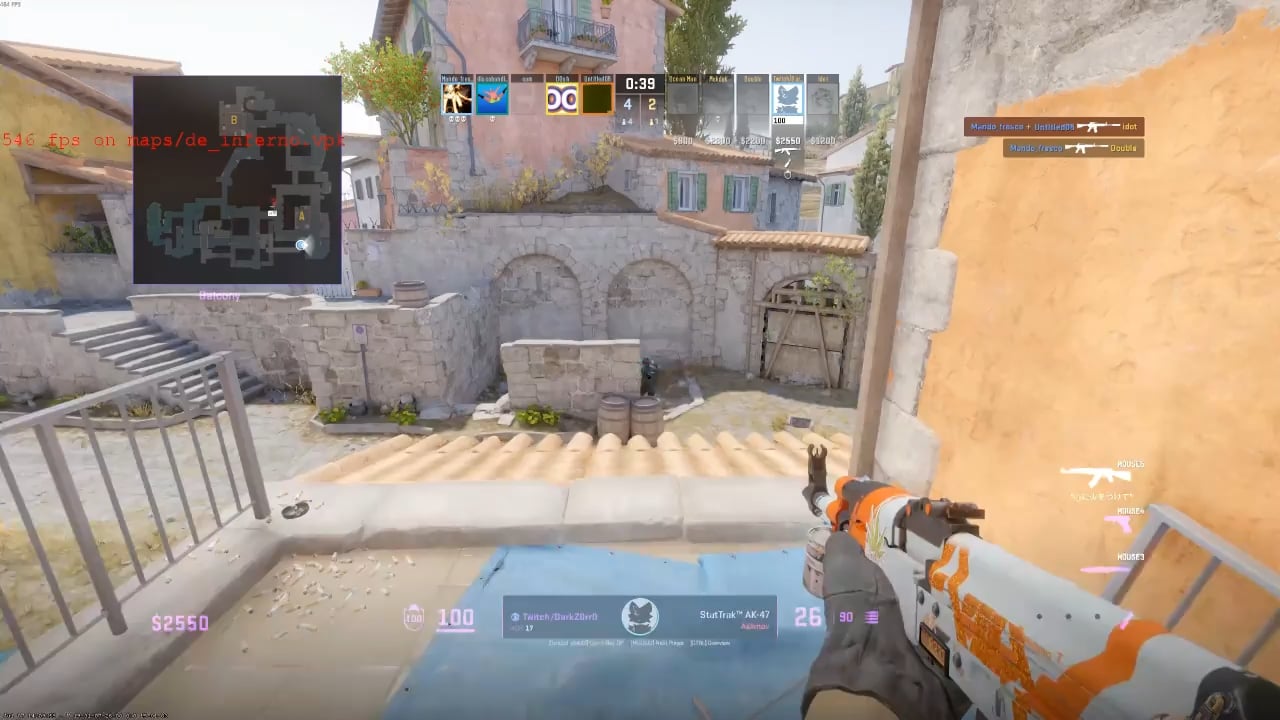
Hello, I've tried to find any sort of fix for what I am dealing with and I haven't had much luck. I attached a video as an example of what it's like for me. My game freezes and returns to normal at random. It doesn't seem to be an internet issue because my ping doesn't spike in game when this occurs. I updated my GPU drivers recently to see if this would change anything, and haven't had any luck there either. Tried verifying game files as well and that hasn't worked. I'm trying out re-downloading the entire game right now but if that doesn't fix it, then I don't know what else I could really try. Any help or suggestions would be greatly appreciated.
5 Comments
I am having this too issue too. Only started after the last couple patches, what are your specs?
I’m running this:
RX5700XT
AMD Ryzen 7 5800X3D
32GB RAM
Game is installed on my NVME.
Gigabit fiber network.
If I restart it fixes it temporarily but sometimes can start stuttering after 1 or 2 rounds again. Its pretty unplayable tbh.
> ping doesn’t spike in game when this occurs
As far as I know the scoreboard shows your average. If you want your actual current ping you have to turn on telemetry in the settings. It will show you packet loss, jitter, and ping.
If nobody else in the match is experiencing these issues (It doesn’t appear like the person you are spectating has these issues) then its *almost* guaranteed to be a you issue.
I can’t identify what the numbers in the bottom left are saying due to the video quality but they seem to be changing a lot, which indicates bad network quality.
Turn on Telemetry to Always in the game menu.
Looks like maybe frame timings are spiking?
I was getting this at an eternet cafe the other week, had to restart and it was fine.
However I don’t experience it myself on my home system (I just have terrible internet at home, hence the cafe for when I want to try push premier)
Ooof where to start.
Go through your Event Viewer, look under Application Event Log, see if you can find anything there. You are looking for either Warning, Error, or Critical events.
Then go through the other event logs to see if anything severe is occurrng.
Then in game, open the Dev console, and see what it shows while the game is running. I recall getting a very weird error and something similar happening to me. I think I actually reverted the graphics drivers to fix it.
But, this could be 1 of many issues. It could be RAM, hard drive, cache not efficient/fast enough, drivers, memory leak, OS interrupting the hardware from being used… Who knows at this stage.
Do some troubleshooting and let us know 🙂
Yup I’ve been experiencing this on and off for the past week or 2. I’ve turned on the network graph and it shows 40-50% packet loss. For some reason changing my resolution fixes it? But yeah it’s been annoying as fuck.