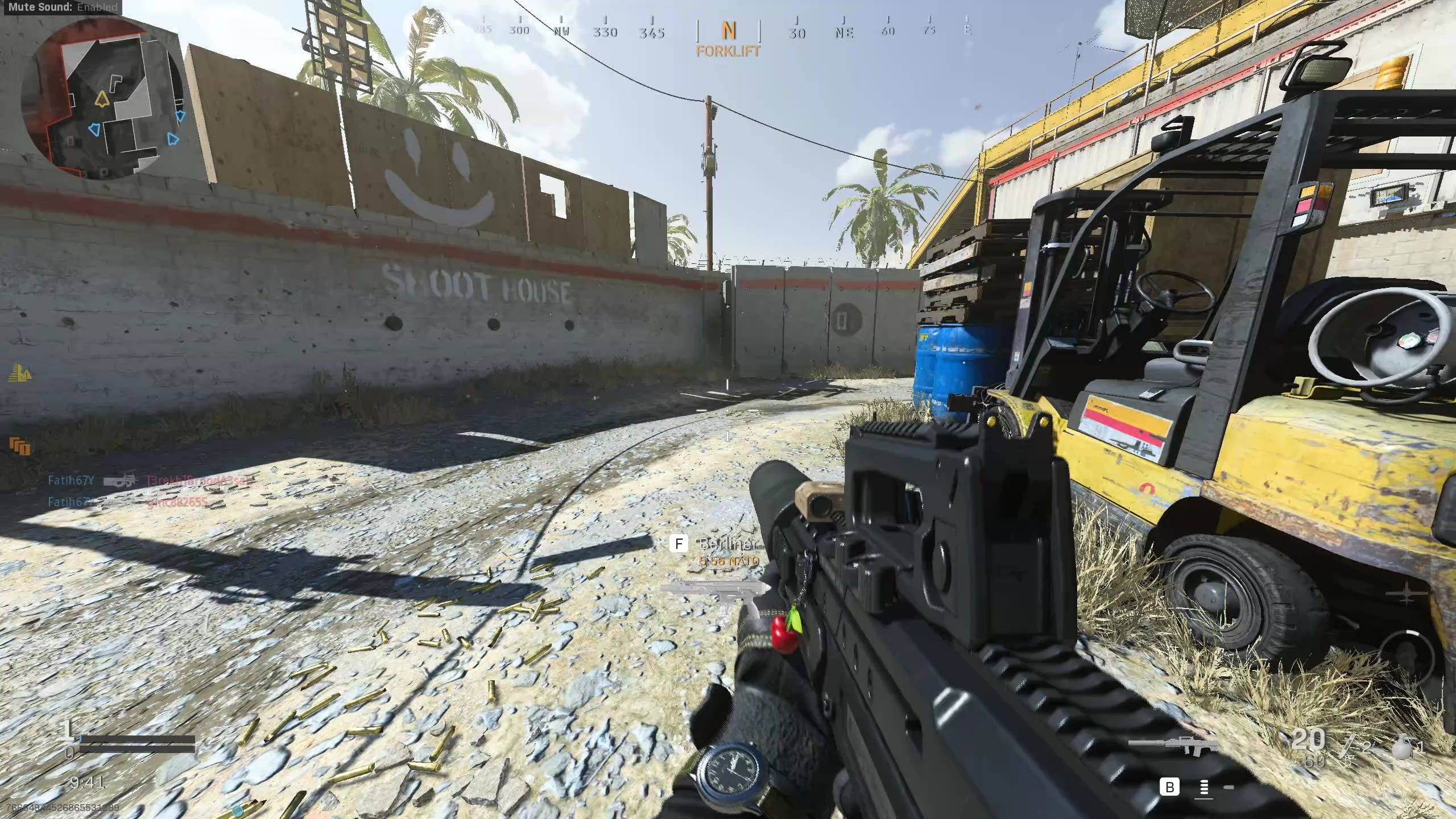
I don't remember when this started, but the game has been stuttering and lagging constantly. My internet is fine, NAT type is open. PC is good too, runs BOCW, MWIII completly fine. Any help is appreciated

I don't remember when this started, but the game has been stuttering and lagging constantly. My internet is fine, NAT type is open. PC is good too, runs BOCW, MWIII completly fine. Any help is appreciated
2 Comments
I had an issue similar recently. My issue was my router was fucked. I got a new one and problem is 98% gone. Still get lag sometimes, not like before though
Please list your PC specs.
The packet burst icon seems to be the most prominent (the three orange squares) and is described as the following by the game itself:
*”Connection issue caused by network congestion or a CPU bottleneck. Check your internet connection and lower your graphic settings.”*
Judging by the entire game freezing, it could be CPU bottleneck.
To check for a CPU bottleneck while you are playing the game, open Task Manager (or any hardware montitoring software of your choice) and keep an eye on the CPU’s usage while you are playing. If it is consistently reaching over 90% usage, you almost certainly have a CPU bottleneck. You will have to lower some graphics options to counter it in this case.
If it isn’t a CPU bottleneck, it could indeed be your internet connection.
To check your connection while you are playing the game, run a Command Prompt as an Administrator and enter the following command:
*ping -t* [*8.8.8.8*](http://8.8.8.8)
This command will ping Google’s servers every second, and will display the ping in ‘time=<ms>’.
Keep an eye on this ping while you are playing the game. It should remain fairly consistent. If the ping is spiking (by 50ms or more) while you are playing the game, you probably have internet issues.