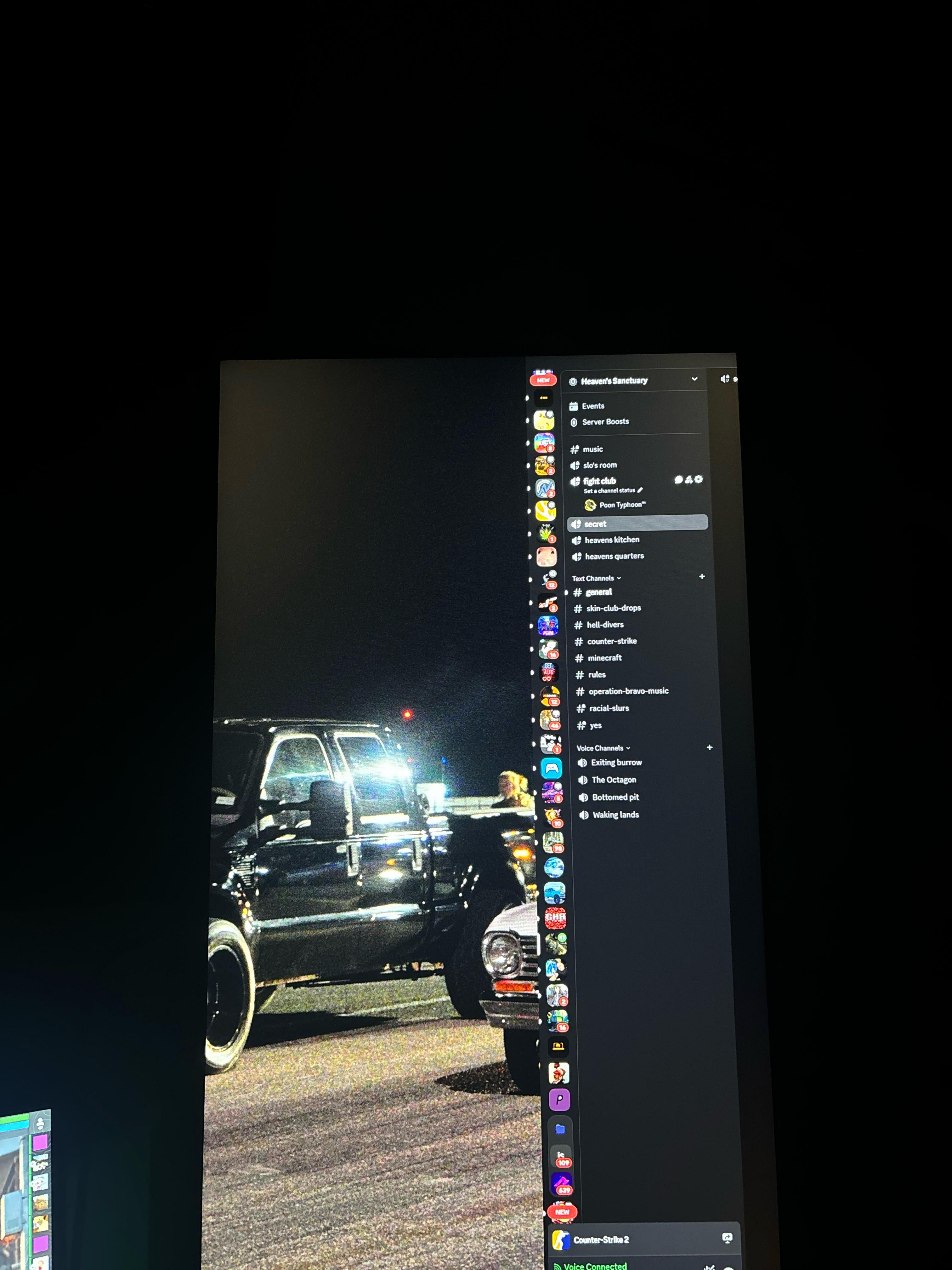
I hope this is the right place to ask this but everytime I launch a game it always cuts the second screen application in half and my first screen wallpaper goes onto it aswell I’m curious if anyone else had this issue and if so how do I fix it ?

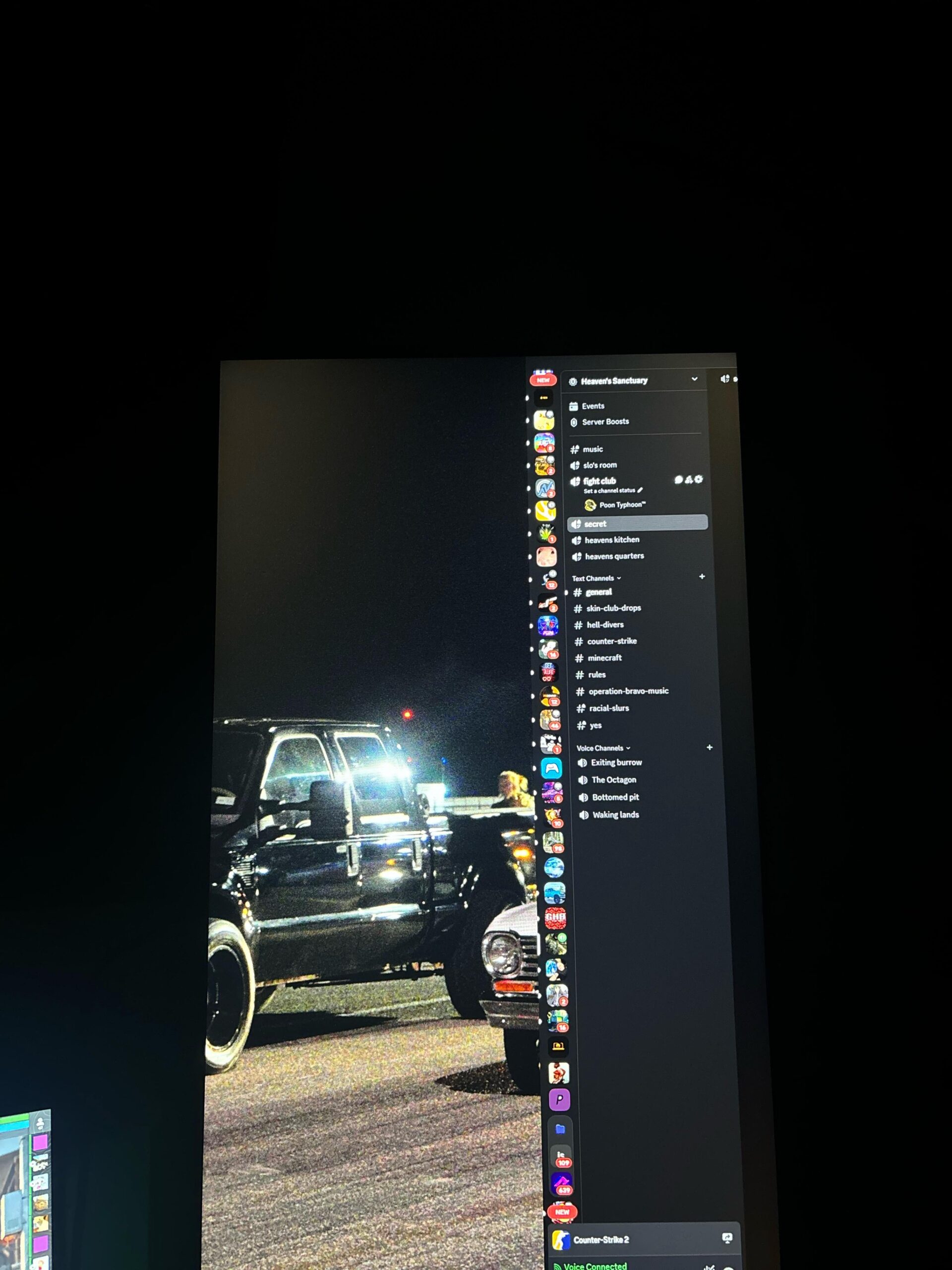
I hope this is the right place to ask this but everytime I launch a game it always cuts the second screen application in half and my first screen wallpaper goes onto it aswell I’m curious if anyone else had this issue and if so how do I fix it ?
5 Comments
Hello Poontyphoon_, and thank you for your submission to Gaming PC! If you are new please check out our rules over at the wiki [here](https://www.reddit.com/r/gamingpc/wiki/rules)!
We have recently added the useful feature of Title Flair! You can set this manually by clicking Flair under your post once you have submitted your post, but if you missed it in the rules there is a much better way that will automatically flair your post!
To do this simply add what your post is about in brackets before your title. For example for a Build Log you can type [Build Log] before your post so that it looks like this; [Build Log]My new awesome build!, and the bot will automatically set your flair to Build Log! This works for Build Log, Build Showcase, News, Hardware News, Hardware Release, Discussion, and Miscellaneous!
Also remember that this is a place for discussing and sharing our love of Gaming Computers! This is NOT the place for help building or determining what parts you should buy, that is better suited for /r/buildapc. Troubleshooting questions should be directed to /r/techsupport. Thank you again!
*I am a bot, and this action was performed automatically. Please [contact the moderators of this subreddit](/message/compose/?to=/r/gamingpc) if you have any questions or concerns.*
That’s likely to happen if the game is launching in a different resolution than your monitors default setting. Check the in game resolution and see if it’s on the right setting.
Yes, I had this issue and it was because I have a 4k monitor I gamed on and a 1080p monitor I keep discord/browser on. Flipping between fullscreen and borderless fullscreen worked for me. You can also open discord fully on your monitor, then close it. Launch your game and then open discord.
Let me know if you have the same monitor set up as me resolution wise and we can go deeper
It was because my game resolution was not the same as my monitors haha I didn’t realize it but utahguy69 up top pointed it out and it fixed it!
Be that street racing in the background? 😜