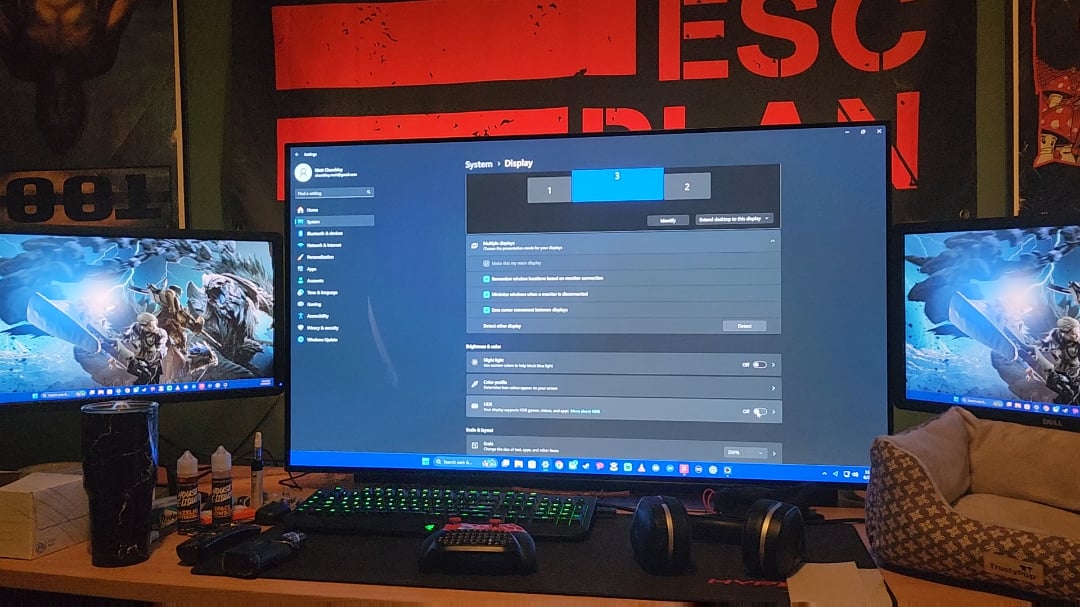
Never had this problem before today. When I turn on HDR everything turns green on my main monitor. With HDR off everything looks normal. My GPU drivers and Windows 11 are up to date.
Radeon 7800XT
LG C2 OLED

Never had this problem before today. When I turn on HDR everything turns green on my main monitor. With HDR off everything looks normal. My GPU drivers and Windows 11 are up to date.
Radeon 7800XT
LG C2 OLED
19 Comments
A solid reason. It’s time to touch grass!
Jokes aside, have no clue about this issue.
I have this issue too but it turns blue, no idea. Someone’s gotta have an answer tho right?
I currently have this issue with my LG OLED TV, but not my LG monitor. Still haven’t figured out the fix
I can’t explain it or help fixing it but I know it often is related to Dolby vision
I have this issue on Windows 10 but instead of the main HDR monitor it happens on one of my side monitors that doesn’t have HDR and only affects certain apps, mostly chromium it seems.
Never found anything about it online. I would have expected this to be fixed with Win 11’s superior HDR support.
Do you have RTX HDR on as well?
Im also having this issue but my entire display is completely green. Seems to be a dolby vision issue. My concern is that it started randomly. Is anything broken? Im confused
Hdr on windows never worked right. Leave it off
Hey, I don’t have a solution to your problem. I just wanted to say: Nice poster!
Fixed by turning Dolby Vision off in windows settings. You will have to manually turn it off after every restart though because windows turns it back on by default. Muting this thread since I can’t figure out how to edit the post as solved. Thanks everyone!
It’s a bug when enabling HDR, it can happen sometimes when your monitor ‘restarts’ to use HDR. It can happen even without Dolby Vision, Dolby Vision just makes it worse.
windows after 40 years of development….
I had this issue happen to me after a recent update to my LG OLED. As you’ve discovered, turning off Dolby Vision in the settings (in Windows, not on the TV) fixed it for me. Sometimes Windows resets and I need to go back in and turn it off (or toggle it). Posting as a top level comment as when I first encountered it I couldn’t find too many answers about it. Must be something about the handshake between Windows and the TV.
Is there a way to get Dolby vision working properly?
Out of spec cable. Get a better one.
Dolby Vision is super green!

It would be really funny if is related to your RGB setup.😁
I prefer green anyways. Looks good 🤣
https://preview.redd.it/tsg0mkftvw9f1.jpeg?width=260&format=pjpg&auto=webp&s=23c489735169df05aa8d733125cc36b90e150c6a