
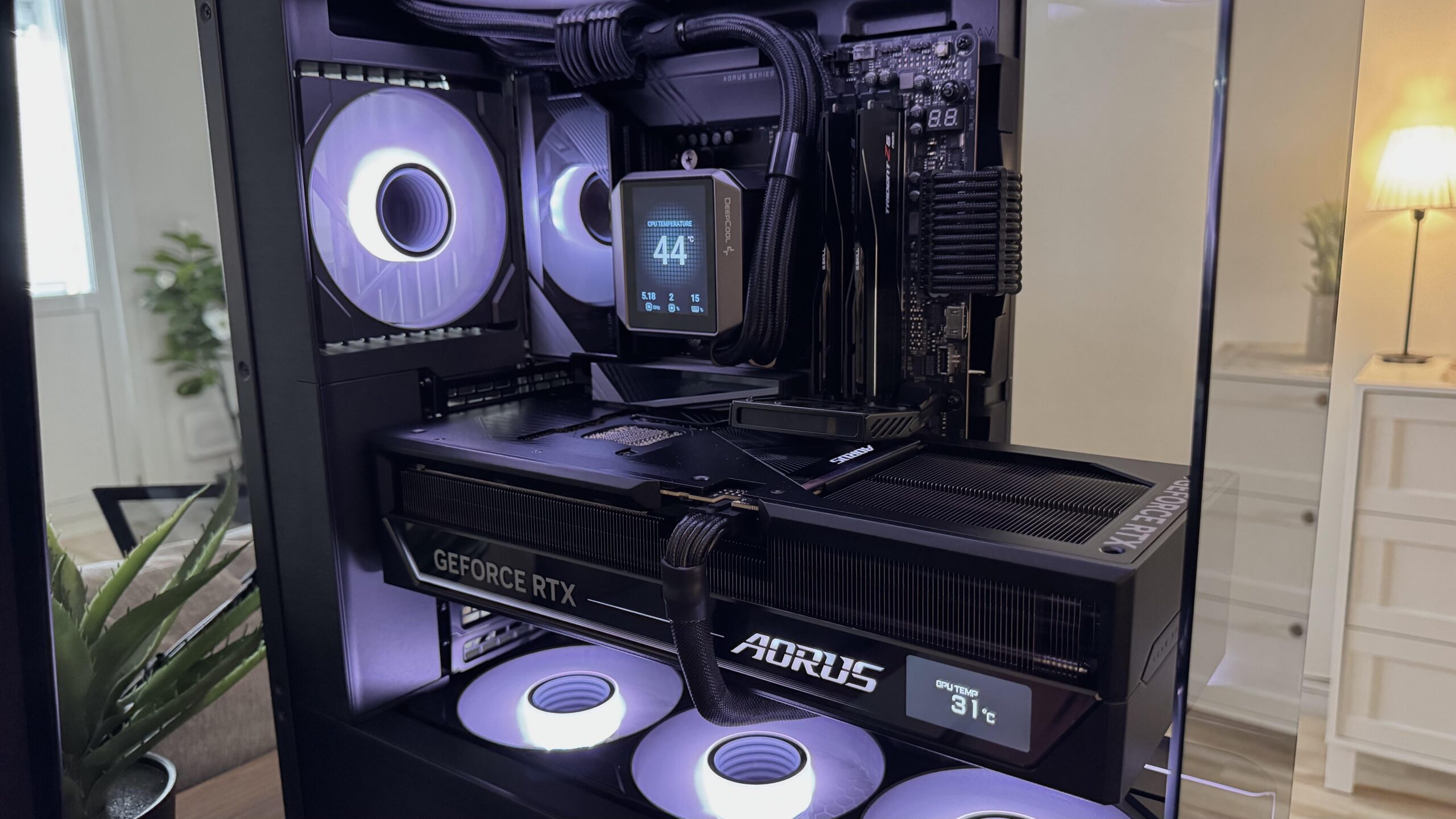
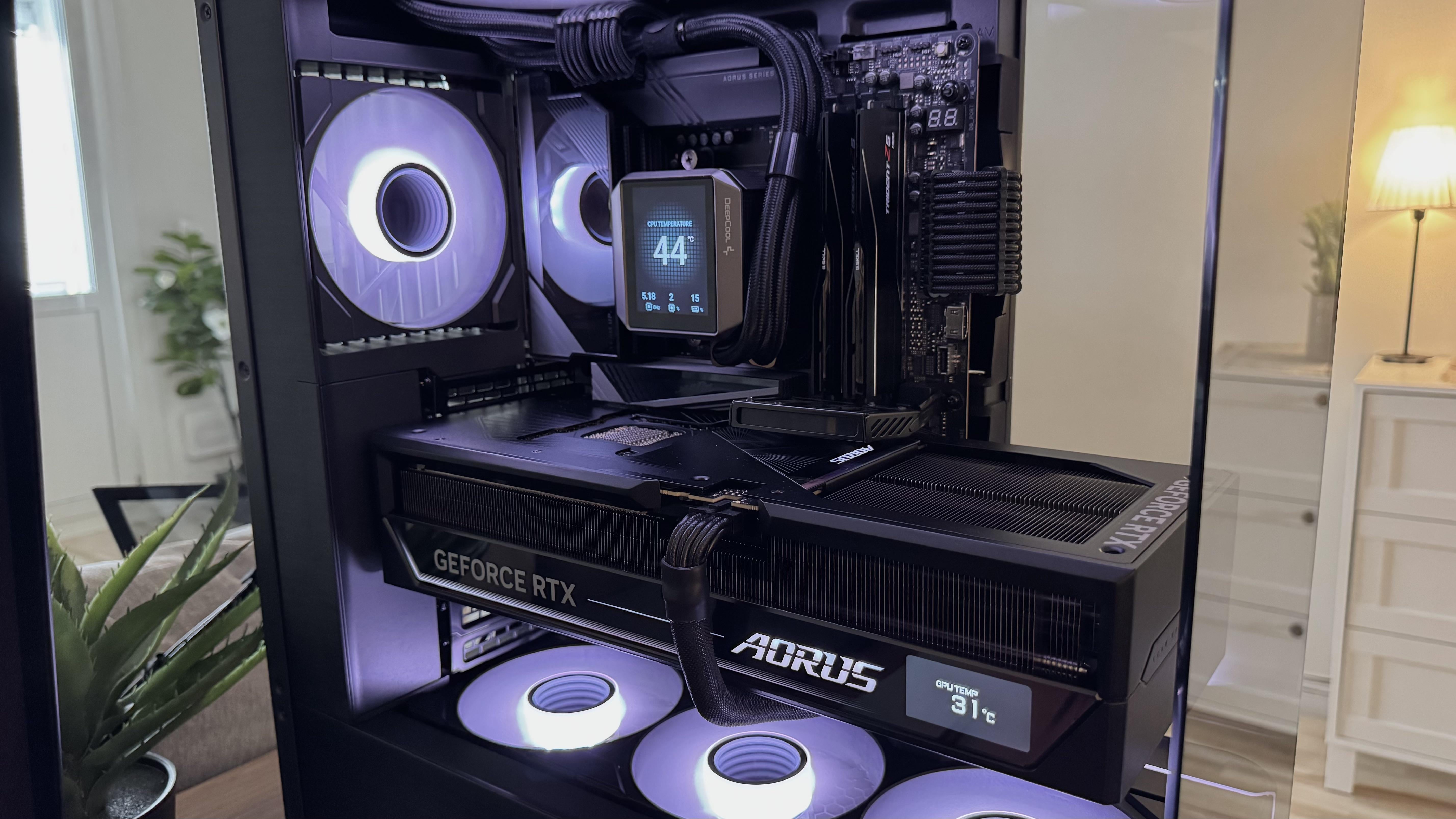
Specs:
X870E Aorus Master BIOS F7
9800X3D with 360 AIO
G.skill 2X24 GB at 8000MTs
Aorus Master 5090 with driver 576.80
Asus ROG 1200W ATX3.1 with “IVS”
Crucial T705 GEN 5 2TB
I built a new system a few months ago and it’s never been stable. The first few weeks I used my old 4090 while waiting for the 5090 to arrive.
First it was the drivers for the 4090, any 5XX driver would cause all never game to not work at all. Using DDU ans staying on driver 566 fixed those issues.
Then it was the RAM, I used 4X16 GB sticks and tried to run them with EXPO (6400 CL30) which didn’t work at all so I tried lover the MTs to 6000 with CL30 and I still got BSOD with memory errors.
I replaced the CPU and after that I managed to run the four sticks at 6200 CL30. But I decided to swap them out for a 2X24 GB kit with EXPO profiles of 8000MTs CL40. That fixed the CPU/ memory instability.
With the new CPU and the 4X24 kit I was able to tweak the timings (with the help of this subreddit) and ended up with 8000 CL36 and I was able to undervolt and overclock the CPU. PBO with + 200 MHz and undervolt from -15 to -30 on the different cores. This passes 12h (was still running when I turned it off) of AIDA64 (CPU/ FPU/ cashe and memory) and Prime95 (blend).
With all that done the system still isn’t stable, when playing any newer game the system restarts with no warning after 1-3h (sometimes sooner) of gaming. Screen goes black and the RGB resets and the system restarts and boots in to windows just fine and I’m good to go again. No ”click” form the power supply. The temps are fine, CPU at max 85C (limit set by me) and the GPU never goes over 80C and usually stays around 74-76C. It seen to often happen at more ”demanding” parts of the games.
The driver issues showed the “nvlddmkm 153” error before the kernel-power 42.
The CPU/ memory issues showed the “volmgr 162” before the kernel-power 42.
But these restarts doesn’t show any critical errors before the kernel error.
It happens faster if I overclock the GPU (sometimes almost right after launching the game) and if I underclock the GPU it usually takes longer until it inevitably restarts. The GPU with no manual overclock boosts to over 2900MHz and sometimes ever over 3000MHz.
I always use Raytracing and DLAA with 1X Framegen when possible.
I used DDU when installing the GPU driver.
I don’t have the Nvidia app.
I have updated the BIOS.
Windows and the chipset driver are up to date.
I run sfc/ scannow regularly.
The 12V 2×6 is not melted.
I have 2 monitors. The main one is a 4k 240hz QD-oled which i run with G-sync and HDR enabled. The second one is a 4k VA panel which I run of the IGPU with HDMI at 120hz, it’s turned off most of the time and it doesn’t seem to make a difference regarding the restarts.
I have a wireless 8k pulling rate mouse if that makes a difference, I’m just trying to give as much information as possible.
How do I diagnose this? Does anyone have know what might cascading this? Anyone else suffering from the same symptoms?
Im thinking it’s either the Nvidia driver or something with the hardware, faulty PSU, GPU or MB?
Hope this is ok to post here, if not let me know and I’ll remove the post.
Im so tired of this computer..
7 Comments
These sound like some heavy overclocks on both your CPU and RAM. It’s obviously not stable. You have to start small, with one thing at a time and test stability. Here’s a good ‘general’ video explaining the process.
[https://www.youtube.com/watch?v=N60M36PRHsY&t=1392s](https://www.youtube.com/watch?v=N60M36PRHsY&t=1392s)
1. For Rams – Test Karhu for your rams. After hours of pass on ramtest86 and testmem, Karhu is able to catch errors within first two hours.
2. GPU- i understand you had issues with 4090, however were the issues similar to recent ones with 5090. Can you also monitor GPU ram temps as i observe 15-20 degrees delta with the gpu temps upwards. If you gpu rams consistently go over 85, they might be causing the issue. I’d highly recommend to undervolt 5090 as you gain massive temp headroom which also effects cou temps as the gpu hot air goes to cpu. You will see no performance loss, watts max at 450 and temps around 60s with 3d mark
3. I suspect the problem is your GPU or powersupply. I have 9800x3d + 5090 with 32gb ram sticks.
4. And use your mouse at 4000 polling. 8000 gets heavy on the cpu, although shouldnt be a problem with your setup, 4000 to 8000 has zero benefits imo
Lower your cpu and ram overclock a bit and test again. You will get there.
4x24gb at 8000MT/s is probably why. 4 channel Ddr5 for Ryzen 9000 is only guaranteed to work at 3600. I’m not saying it won’t work above that, but when it is at 8000, it explains a lot.
This also has the side effect of slowly corrupting a lot of OS files in the background, so that’s fun.
remove CO and test again, if still crashing, run 2×24 and see if still crashing. if it still crashes, run JEDEC
honestly wouldnt be surprised if you run like -25 or -30 all core CO
Pbo -10, expo 6000 and play test gsmes
Restore to defaults with no overclock or undervolt then do testing with games. This will rule out any hardware related issues. Then start one ov at a time