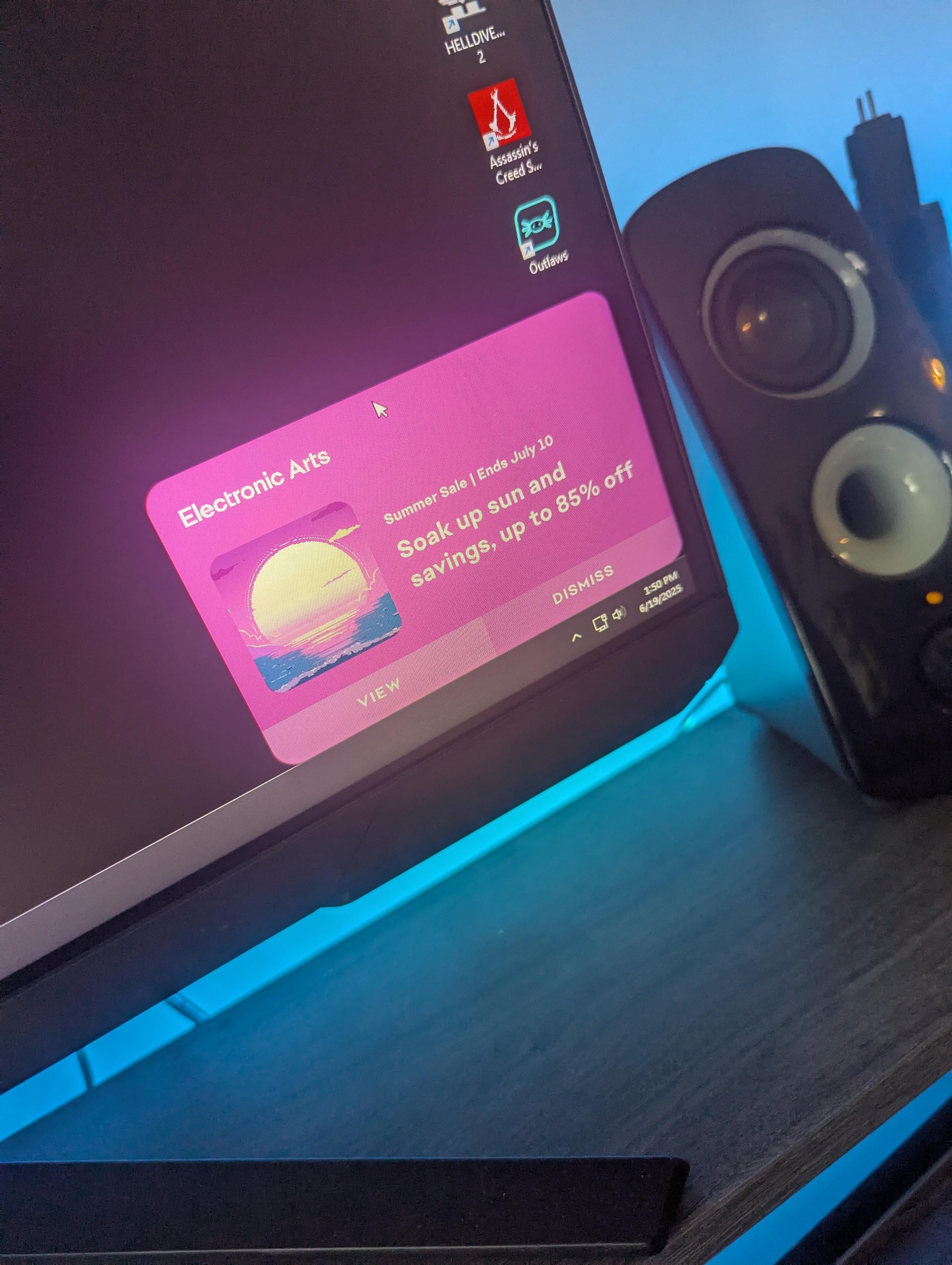
It’s to the point I won’t buy EA titles, and I don’t play the ones I already own. I hate their launcher
thatfordboy429
Dont have the EA app open…
SorryNotReallySorry5
You turn it off in Windows
Blenderhead36
Install Oh Fuck Go Back.
No_Artichoke_7797
Ea Sports – Ads in the pc
eaatest
Ya there is u noob. Settings > Application > Notifications. Uncheck Sales, promotions, & game news. Still annoying tho, I agree
Tweakjones420
you allowed it lol
DiskLow1903
They should only appear when origin/ea app/whatever they call their trash launcher these days is running. I modified my startup so origin doesn’t launch on boot, no more ads.
TheWrenchyFrench
Fr I had to delete it completely
Hattix
Sure there is.
Settings > Apps > EA Shitware > Uninstall
Mysterious-Wall-901
Turn of notifications for EA
pugger-champ
Would exiting the EA app work?
DaveKaii
stop the background service / auto launch ?
SuspiciousWasabi3665
To disable notifications from specific apps in Windows 11, navigate to Settings > System > Notifications. Then, under “Notifications from apps and other senders,” find the app you want to silence and toggle its notification setting to off.
Somebody_160
Uninstall and start sailing the seas
TNSchnettler
You might be able to block notifications via windows itself
Hidden-Turtle
Just close the app?
Napamasta
notifications can harm performance anyways you should turn them off all together
Danielsan_2
“Why does my EA app push EA related push notifications that I agreed upon installing the app?”
Gee, I wonder why that would happen. It’s like it’s in the ToS or something people sign without reading…
YamatosBurner
Why do you have that virus downloaded if you’re gonna complain??????
gdbeverley
If it wasn’t for Mass Effect, I wouldn’t even have their hot piece of garbage installed.
some_other_thyme
You can disable this in settings. No different than steams popups.
Steel-Tempered
At least it doesn’t put a Christmas banner on your desktop like the Asus Armory did last year lol. Everyone thought it was a virus.
TomTomXD1234
Its called a notification. They can be toggled
FormulaLiftr
Do you say the same thing when steam opens and pops up with their daily sales?
Like what’s the point of this post other than “EA bad”
Absolutely nothing on my computer is allowed to give me a notification
RuneHearth
Summer sale ads steam: 😍
Summer sale ads ea: 🤬
Irunts
I bet you don’t have any problems GOG doing it
perfectevasion
You’re being an absolute baby over a nothing burger
Grow up
Raegnarr
My son really wanted to play battlefront 2 so I installed EA… these ads are so annoying; I close the app whenever hes not playing.
ziplock9000
You sure it’s not the EA app you have running?
MasterBeaterr
Look I fucking hate EA… Like unabomber hate EA. BUT THERE’S LITERALLY AN OPTION TO TURN THIS OFF. Like you can go to the notifications tab and turn this off. That’s basic stuff right there, man. Come o.
PunkAssKidz
I just remembered, I stopped buying EA games 4 or 5 years ago because of all their shi7. Looks like they are still up to the same ol’ shi7, different year.
SgtFury
Your zero effort post to get updoots is pretty low effort. But like moth’s to a flame, people just can’t help themselves.

42 Comments
It’s to the point I won’t buy EA titles, and I don’t play the ones I already own. I hate their launcher
Dont have the EA app open…
You turn it off in Windows
Install Oh Fuck Go Back.
Ea Sports – Ads in the pc
Ya there is u noob. Settings > Application > Notifications. Uncheck Sales, promotions, & game news. Still annoying tho, I agree
you allowed it lol
They should only appear when origin/ea app/whatever they call their trash launcher these days is running. I modified my startup so origin doesn’t launch on boot, no more ads.
Fr I had to delete it completely
Sure there is.
Settings > Apps > EA Shitware > Uninstall
Turn of notifications for EA
Would exiting the EA app work?
stop the background service / auto launch ?
To disable notifications from specific apps in Windows 11, navigate to Settings > System > Notifications. Then, under “Notifications from apps and other senders,” find the app you want to silence and toggle its notification setting to off.
Uninstall and start sailing the seas
You might be able to block notifications via windows itself
Just close the app?
notifications can harm performance anyways you should turn them off all together
“Why does my EA app push EA related push notifications that I agreed upon installing the app?”
Gee, I wonder why that would happen. It’s like it’s in the ToS or something people sign without reading…
Why do you have that virus downloaded if you’re gonna complain??????
If it wasn’t for Mass Effect, I wouldn’t even have their hot piece of garbage installed.
You can disable this in settings. No different than steams popups.
At least it doesn’t put a Christmas banner on your desktop like the Asus Armory did last year lol. Everyone thought it was a virus.
Its called a notification. They can be toggled
Do you say the same thing when steam opens and pops up with their daily sales?
Like what’s the point of this post other than “EA bad”
You can also disable those notifications lmao.
/uninstall
https://preview.redd.it/vdwlpxzrqx7f1.png?width=524&format=png&auto=webp&s=e356da15dc624e8bbea66b3406ee539d187cb7e0
Absolutely nothing on my computer is allowed to give me a notification
Summer sale ads steam: 😍
Summer sale ads ea: 🤬
I bet you don’t have any problems GOG doing it
You’re being an absolute baby over a nothing burger
Grow up
My son really wanted to play battlefront 2 so I installed EA… these ads are so annoying; I close the app whenever hes not playing.
You sure it’s not the EA app you have running?
Look I fucking hate EA… Like unabomber hate EA. BUT THERE’S LITERALLY AN OPTION TO TURN THIS OFF. Like you can go to the notifications tab and turn this off. That’s basic stuff right there, man. Come o.
I just remembered, I stopped buying EA games 4 or 5 years ago because of all their shi7. Looks like they are still up to the same ol’ shi7, different year.
Your zero effort post to get updoots is pretty low effort. But like moth’s to a flame, people just can’t help themselves.
**>>>> Settings > Application > Notifications. Uncheck Sales, Promotions, & game news**
of course you could have just done a web search, but noooooooo, let’s bitch on reddit. (yeah, I get it, I’m bitching too))
Steam will do this too you know. I’ll let you figure it out, you are a smart person right?
Not in Linux….
I hate EA too, but this isn’t just an EA thing. I constantly get notifications like this when Game Pass or Epic Games Store launch on my PC too.
https://preview.redd.it/mijyipdu0y7f1.png?width=1142&format=png&auto=webp&s=4b588de2b9009cfd3282f0a4e5f4476c80db7655
whats this? 🤔
Anything with ads is uninstalled. So sick of ads in EVERYTHING
EA= Exploiting Aggressively
Windows and epic games also do this