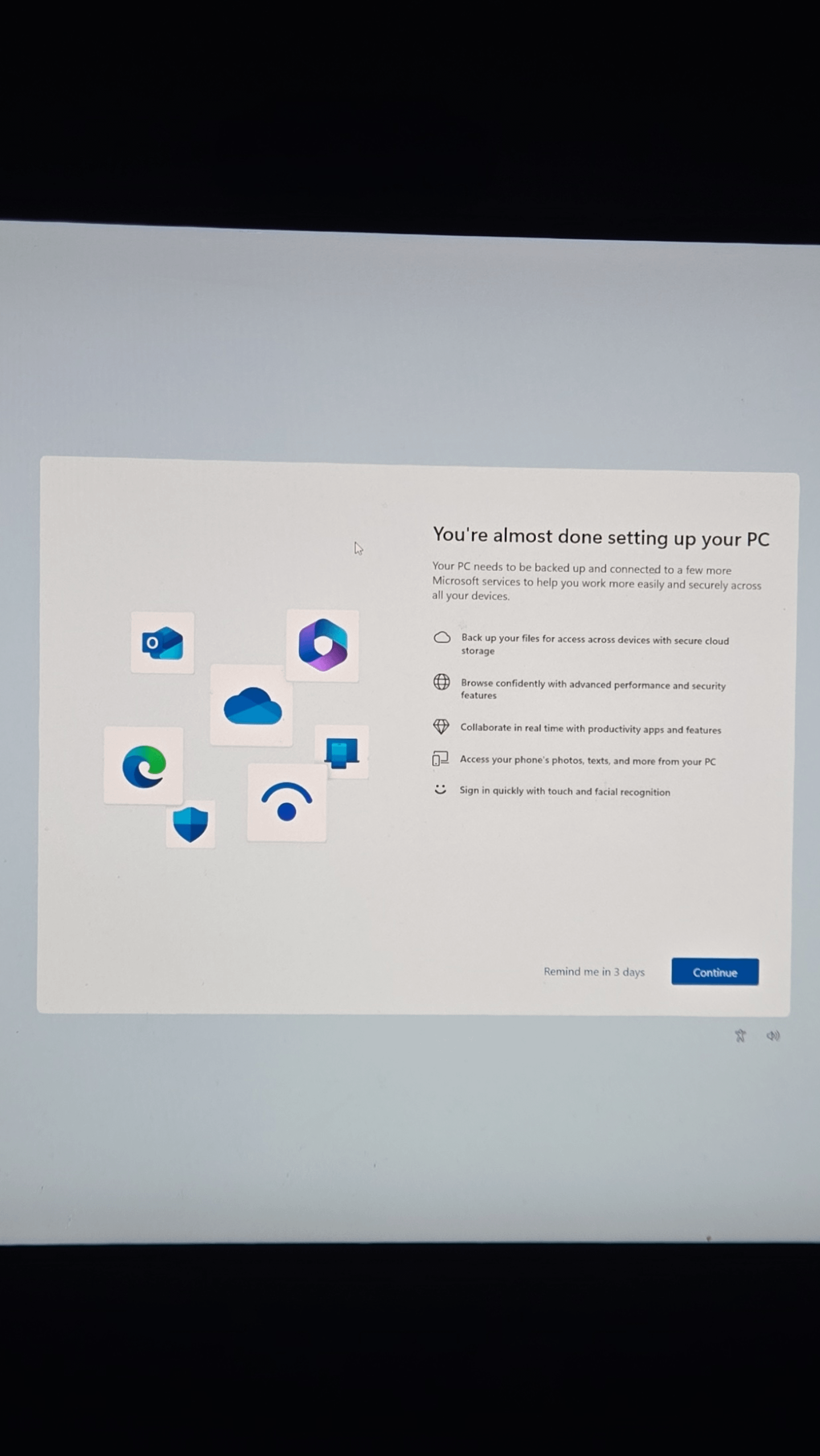
Recently updated to windows 11 and has been fine for the last month or so till this showed up today.
How do I never see this again without downloading a bunch of bs

Recently updated to windows 11 and has been fine for the last month or so till this showed up today.
How do I never see this again without downloading a bunch of bs
21 Comments
[deleted]
Windows 11 LTSC
Linux
Throw your computer out
I’ve never seen this screen on any Linux distro I’ve used…
There is actually an option in settings that turns this off, google it
I normally create the installer with Rufus and tick the option to skip that BS.
But as you’ve already done the install, just click through it?
Settings > System > Notifications > Additional Settings > untick – Show the Windows welcome experience after updates… and Suggest ways to get the most out of Windows and finish setting up this device.
https://preview.redd.it/08lb1snq4n6f1.png?width=881&format=png&auto=webp&s=b231b7deb1887fd41234fa889eacbe666e9adf5d
Switch to Ubuntu
My switching to a mac or Linux. Lol
Well, MS keeps making it harder to bypass such screens. One way is to pause windows updates and perform them manually once a month.
Switch to Linux.
Hold on guys, i got this one. Click continue and follow the prompts. BOOM
W
you install linux (not that i have switched either but whatever)
You finish setting up your PC, duh
Install Linux?
Here comes that comment, be ready for it…
By installing a Linux distro.
Linux
Nah on a serious note Disable Feature Windows Updates
Even as a windows hater, good to see linux astroturfers getting downvoted once in a while
Holy Linux dick riders.
Install steamOS
Inb4 “install Linux and you’ll never see that again”
Penguin