
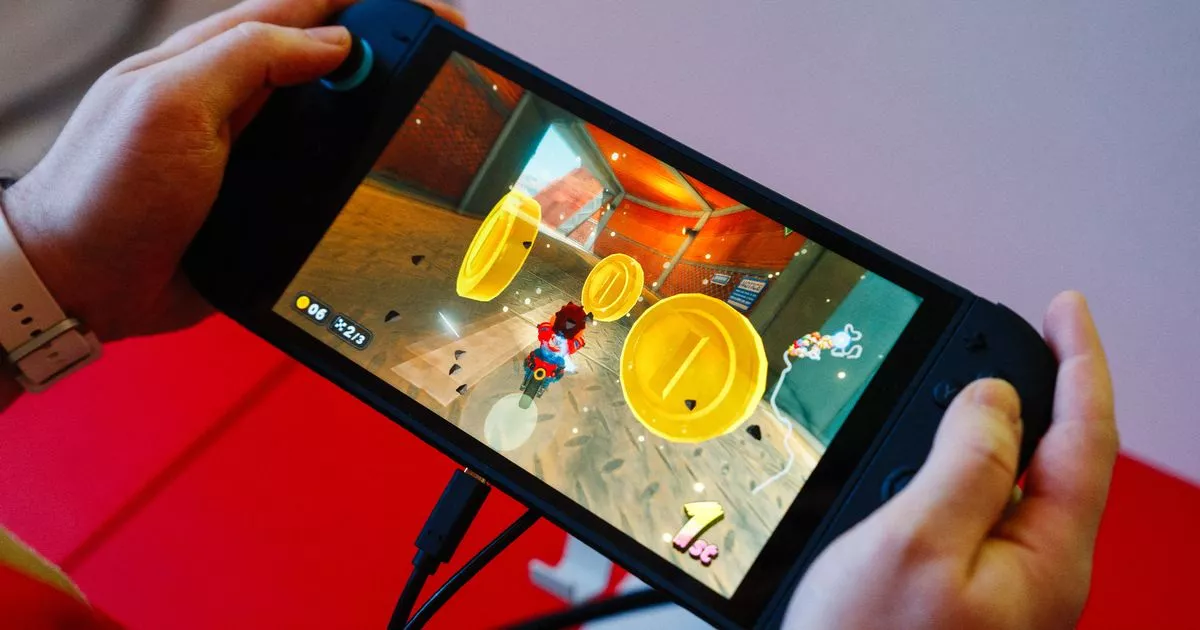
Nintendo Switch 2 users may have noticed some of the games they play don’t always look the best on the new console – but there’s an easy way to fix that in the settings Some Nintendo Switch 2 games will run better with this setting applied(Image: AFP via Getty Images)
The Nintendo Switch 2 launched a week ago and it has already become the fastest-selling Nintendo game system ever, shifting more than 3.5 million units worldwide in the first four days. The upgraded version of 2017’s Nintendo Switch comes with some serious upgrades over its original counterpart, including a bigger screen with a better refresh rate, more storage, and new accessibility features.
The Switch 2 also boasts access to new games that are not available on the Switch 1, including the newly released Mario Kart World and third-party titles like Cyberpunk 2077 and the Final Fantasy VII remake. But gamers who already own a Nintendo Switch 2 are being urged to make one tweak to their system in order to help some games run smoothly.
In a video shared on TikTok by a Twitch streamer named Mudskip, he shared that if you want to play some older games on the new console, there is a setting you need to change to help them run properly.
You can play almost all Switch 1 games on the Switch 2, but you might find that some titles, especially those that are older games that got ported to the original Switch, don’t run well on the Switch 2. This is most likely because you have a setting turned on that forces the game to try and run at a higher resolution and framerate than it is capable of.
To fix the issue, go to your Switch 2’s display settings, find the HDR Output setting, and make sure it’s set to the mode titled “Compatible software only”.
Warning: The below video contains strong language.
Content cannot be displayed without consent
Mudskip said: “[This] will stop the Switch 2 trying to give a ‘fake’ HDR for unsupported games, making them look ugly.”
HDR stands for High Dynamic Range, and it is a technology that improves the brightness, richness, and clarity of the colours on screen. This can be great for games that were made with the technology in mind, but older titles that were made before HDR was standard can look bizarre and can leave you feeling as though there’s something wrong with your game.
In his video, Mudskip changed his settings and then attempted to launch Xenoblade Chronicles, a game that was first launched in 2010 and was later ported to the original Switch and is now playable on the Switch 2.
He claimed launching the game before changing the setting had been a disaster, and the title had been “unplayable”. But after changing his settings, he was thrilled to discover the game looked normal and ran smoothly.
He said: “Oh my god, it runs smoothly! Holy s***. It took one fix. I’m going to spend 15 hours this weekend playing nothing but Xenoblade Chronicles.”
Commenters on the video were baffled by how simple the fix was. Many said they were confused as to why the console would have the HDR setting turned on for all games by default.
One person said: “Why would they randomly throw HDR on games that don’t support it?”
Another added: “So we had to turn off a setting on a 2025 console to play a 2020 game that’s really a 2010 game.”
The Nintendo Switch 2 is out now and costs $449.99.