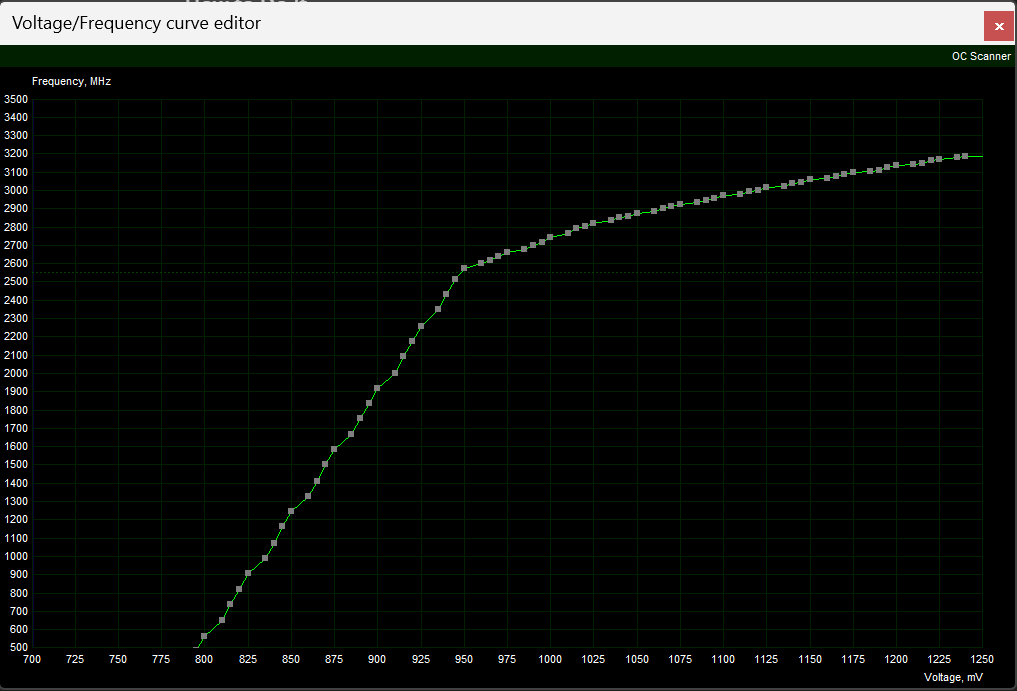
Could someone show me how to pan the graph? I've tried everything, but I can't move the graph to see the lower frequencies. (Right click, middle click, ctrl + scroll wheel, etc) Help would be much appreciated!

Could someone show me how to pan the graph? I've tried everything, but I can't move the graph to see the lower frequencies. (Right click, middle click, ctrl + scroll wheel, etc) Help would be much appreciated!
1 Comment
* Go to C:\Program Files (x86)\MSI Afterburner (or where ever you’ve installed msi afterburner)
* Right click on *MSIAfterburner.cfg* and open with notepad (you probably want to untick “always use this app to open”)
* Look for the line *VFCurveEditorMinFrequency=*
* Change the value to whatever frequency you want to be at the bottom of the y axis
* Save and close the .cfg file
* Restart afterburner