
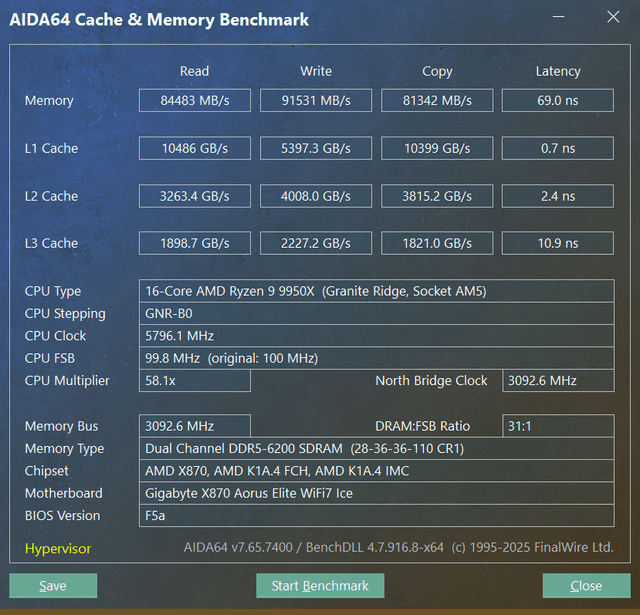
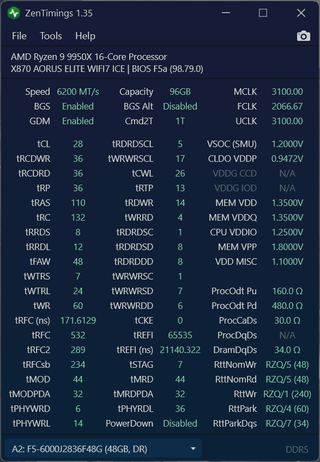
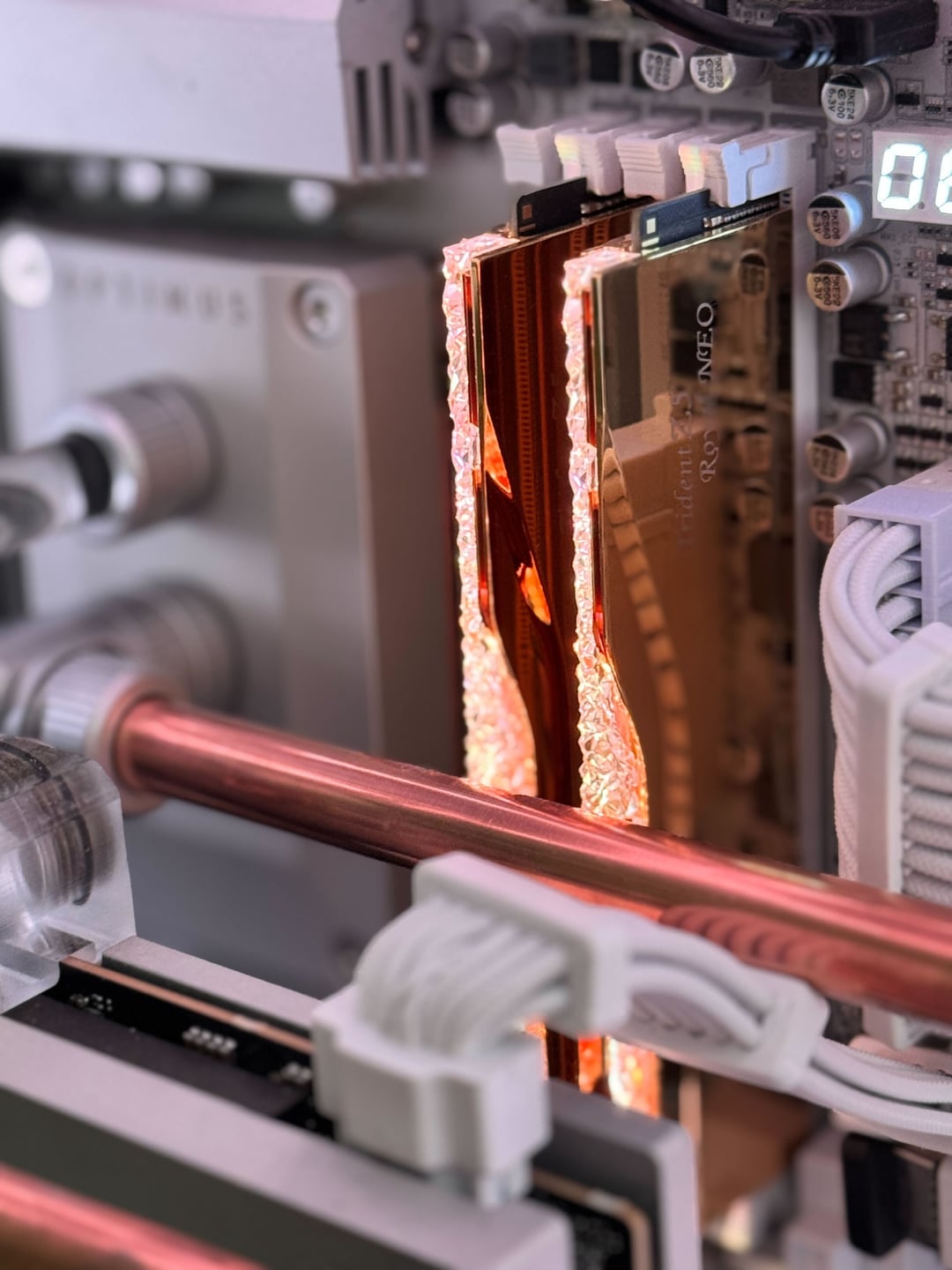
Still really new to tinkering with memory timings and recently scooped up the G. Skill 96GB (2×48) CL28 Expo (Hynix M) 1.35V kit for my 9950X. They're very sparkly, that's for sure.
Haven't tried pushing it to 6400MT but it's pretty rock solid at 6200 CL28. RAM temps are around 35C idle, and highest I've seen them get during long stress testing is about 49.8C.
The system is custom water cooled, RAM has a fan blowing directly on it to keep them cool. This system is mainly used for video editing but also gaming due to working in game development. So faster rendering times > FPS increase during gaming in this particular instance.
Couldn't find much info if anyone's delved into this kit, so this is a bit of educated guessing and a bit of seeing what sticks. I wasn't sure if the approach to smaller kits (16/32GB) was the same as higher capacity ones.
Just seeing if anything looks off or could use some tightening/loosening to either improve efficiency or performance.
4 Comments
OC with hypervisor on says what
It’s more or less the same for large vs small, 12bit vs 8bit and sr vs dr. Large kits tend to generate more heat, but if you can keep them cool it’s fine. There are some optimisations when it comes to 12bit vs 8bit but they are very small, same with dr vs sr.
Only big thing is sd’s and dd’s which are irrelevant to sr as you likely already know.
You face more difficulties when trying to stabilise 2dpc vs 1dpc though. Far more than big vs small.
To answer your question on improvements you can try:
Tras = Trcd+trtp+4 (can also try +0 or +8 instead of +4, bench to see what works best)
Trc = tRAS + trp (or tras+trp+2, bench)
Twr set to 48
Trrds-trrdl-tfaw-twtrs-twtrl set to 8-12-32-4-24, 8-8-32-4-24 or 8-8-32-4-16 (bench)
Trdwr-twrrd try 15-1 optimal for 1dcp (can also try 16-2, 16-4, bench)
SCL’s look good. 5-17 tend to perform better in gaming but 5-5 get you higher bandwidth and see gain in typical memory benchmarks like aida64, y-cruncher pi, pyprime
If your mobo allows it, you can set trcdwr to a value between 16-20 for free performance. Does not cause instability. I’ve personally set this to 18 as that’s what got me the most performance. Too tight see regression (but not instability)
A lot of these differ from kit to kit and system to system which is why I recommend benching them, but they’re all more or less optimal values.
I have a very similar kit, same chips and also pushing low voltages albeit at 3200 MCLK.
*You could probably also lower your tRDRDSD to 6 for a slight bump and DD (not used) to 6.*
Seems also I could tighten some of mine a little more too.
These are my timings:
vSOC 1.245
MEM VDD 1.31
MEM VDDQ 1.23
CPU VDDIO 1.17
96GB 6400 MT/s 1T GDM On
32-[16-38]-34-30
tRC: 64
tRRDS: 8
tRRDL: 10
tFAW: 32
tWTRS: 4
tWTRL: 14
tWR: 4
tRFC: 528 (165 ns)
tREFI: 49152
tRDRDSCL: 5
tWRWRSCL: 2
tRTP: 12
tRDWR: 16
tWRRD: 4
tRDRDSC: 1
tRDRDSD: 6
tWRWRSC: 1
tWRWRSD: 8
[https://www.ocbase.com/stabilityCertificate/68400861db51af752218f105](https://www.ocbase.com/stabilityCertificate/68400861db51af752218f105)
That looks to be exactly what you should be getting, I’m running a similar CL 28 6000 1.4v EXPO kit that I have set to 1.5v and dropped the tRAS/RC and secondary timings and set to 6400 and I’m getting 93.5k read and 66.3ns latency on a 9950x3d.