Try to take (C)artoonCMOS battery out wait for 30 seconds take it back in, if it doesn’t work than replace it with another (C)artoonCMOS should solve your problem.
Green-Contract-3554
Have you tried turning it off and back on again?
Resident-Channel-548
im pretty sure you plugged hdmi to motherboard.
Dazzling_Ability_709
Maybe theres a problem in the psu
SilentSnooper
Your corrugation is going the wrong way. Lack of proper airflow can make a system overheat and cause issues.
Misher_Masher
It’s missing the card drive.
Ok-Dealer5046
I wonder why
New-Minimum-5177
i dont think the front io is plugged in
Evening_Voice6255
Check if there is a power supply unit under the shroud!
ChocolateDonut36
u forgot to turn on the PSU
aliusman111
Oh this guy again –
Trajan_pt
The fact that someone took the time to make this….
Mercinator-87
Have tried putting the boot in the computer?
0HollowShade0
Check the PSU switch to see if it’s on or not… If the problem persists try removing all the components and putting them back in one by one…
fmd07
Are you using any sort of cable extensions that might cause a problem?
Anders_Birkdal
Might be the RAM. Have you tried downloading some extra?
Austin12509
The problem is the 3050, they’re garbage…
ithorc
Have you tried turning it off and on again?
IgnoringHisAge
I mean the first two words of the POST acronym are “power on”. I suspect you need to have a look at that PSU and do some troubleshooting. Maybe replace it. Then you can start diagnosing other components if it still won’t boot.
reeefur
I need case specs and manufacturer please. Every case looks the same nowadays, I NEED this 😭
GruntledApathy
Your cpu power cables are unplugged. Edit: No theyre not, I’m just blind. No idea what the issue is then
PhaseIndependent5855
you are missing a power button
Ender7313
you need to be in the Bendy and The Ink Machine universe for it to work.
Worried_Pound_9907
Turn on the psu, if doesn’t work try swaping the components or CMOS
JamesLahey08
10/10
samiamyammy
I have a similar problem, can’t boot anymore.
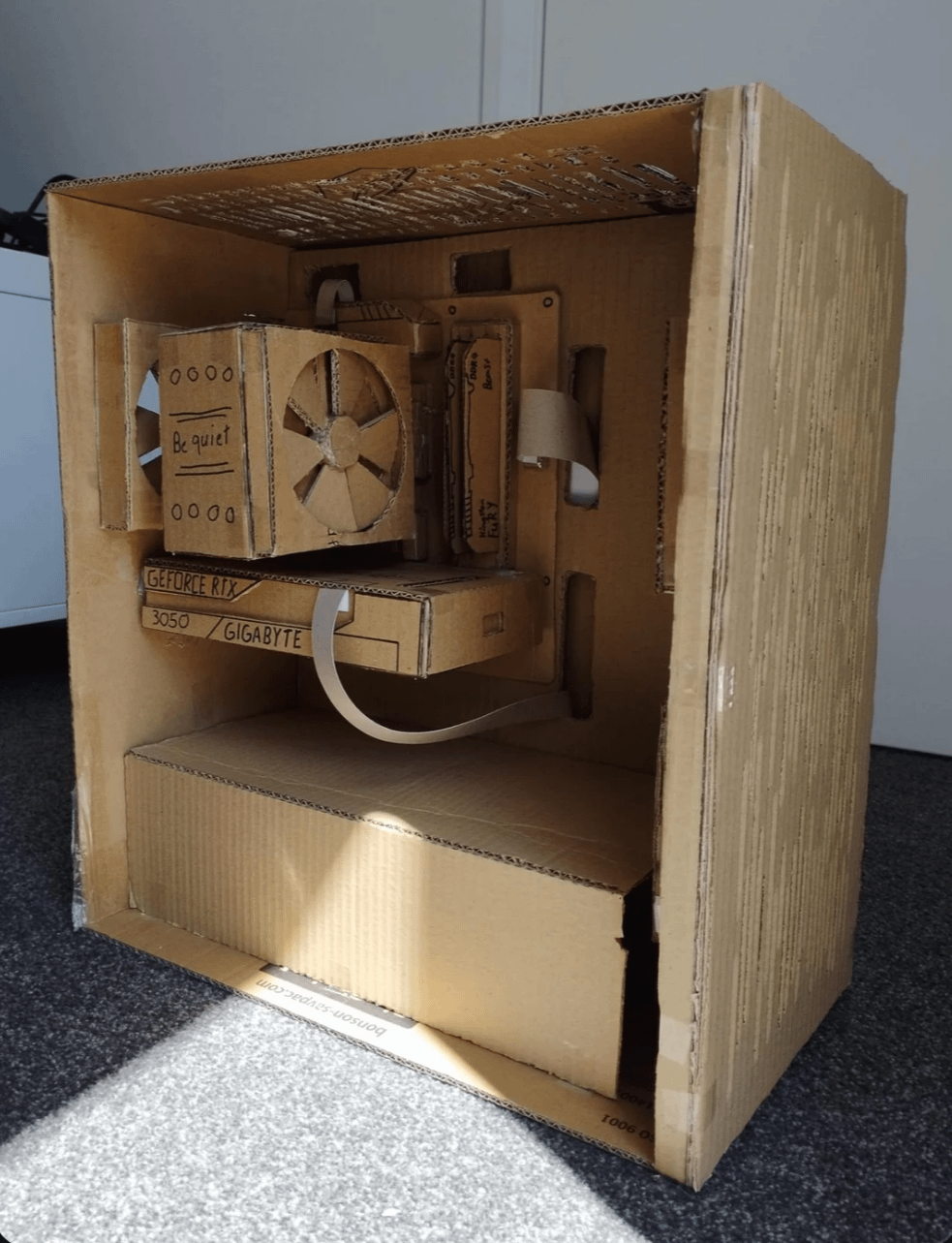
My AIO wasn’t cooling my new CPU well enough, instead of upgrading I just added water. But then I had enough water in the “fish tank” case, so I decided I would also add fish..

49 Comments
Dude you forgot to plug it in.
No RGB = PC won’t start!
Try to take (C)artoonCMOS battery out wait for 30 seconds take it back in, if it doesn’t work than replace it with another (C)artoonCMOS should solve your problem.
Have you tried turning it off and back on again?
im pretty sure you plugged hdmi to motherboard.
Maybe theres a problem in the psu
Your corrugation is going the wrong way. Lack of proper airflow can make a system overheat and cause issues.
It’s missing the card drive.
I wonder why
i dont think the front io is plugged in
Check if there is a power supply unit under the shroud!
u forgot to turn on the PSU
Oh this guy again –
The fact that someone took the time to make this….
Have tried putting the boot in the computer?
Check the PSU switch to see if it’s on or not… If the problem persists try removing all the components and putting them back in one by one…
Are you using any sort of cable extensions that might cause a problem?
Might be the RAM. Have you tried downloading some extra?
The problem is the 3050, they’re garbage…
Have you tried turning it off and on again?
I mean the first two words of the POST acronym are “power on”. I suspect you need to have a look at that PSU and do some troubleshooting. Maybe replace it. Then you can start diagnosing other components if it still won’t boot.
I need case specs and manufacturer please. Every case looks the same nowadays, I NEED this 😭
Your cpu power cables are unplugged. Edit: No theyre not, I’m just blind. No idea what the issue is then
you are missing a power button
you need to be in the Bendy and The Ink Machine universe for it to work.
Turn on the psu, if doesn’t work try swaping the components or CMOS
10/10
I have a similar problem, can’t boot anymore.
My AIO wasn’t cooling my new CPU well enough, instead of upgrading I just added water. But then I had enough water in the “fish tank” case, so I decided I would also add fish..
[https://drive.google.com/file/d/1D87YGXJmkg_C54nk6XbRzchVKcD_XbTx/view?usp=sharing](https://drive.google.com/file/d/1D87YGXJmkg_C54nk6XbRzchVKcD_XbTx/view?usp=sharing)
I know what’s wrong with it. It ain’t got no gas in it.
It’s not plugged in 🙄
That video card is too old
If you are going to make a fake GPU, why wouldn’t you at least make a fake 5090? 😂
Bro is using a 12VHPWR in cardboard.
Asking for a fire. 🔥🔥
Early pc design lol
That brown coating that you use for the whole thing was probably destroying your motherboard. Probably conductive and caused short circuit
Put it in the rice
I’m not seeing the cpu fan connector?
Other than that, maybe double check your cpu, gpu and memory are properly seated
😁😁
Have you tried sacrificing a goat to the cardboard gods? It worked for my IKEA router.
Bro it’s simple your pc is not connected to the switch board
I see the problem, no I/O shield!
Visualization is a great power ✊
it looks like you only have 1 8 pin connected to the board up top, it looks like a beefy board, so i’d plug in a 2nd.
even in the dream it is 3050
Plug in the front panel headers.
It’s a Gigabyte GPU, of course it won’t power on.
Did you fill the coolant tank for the fans
Not a potato.
You need to install water cooling because I said so
You need more fans. Is overheating