
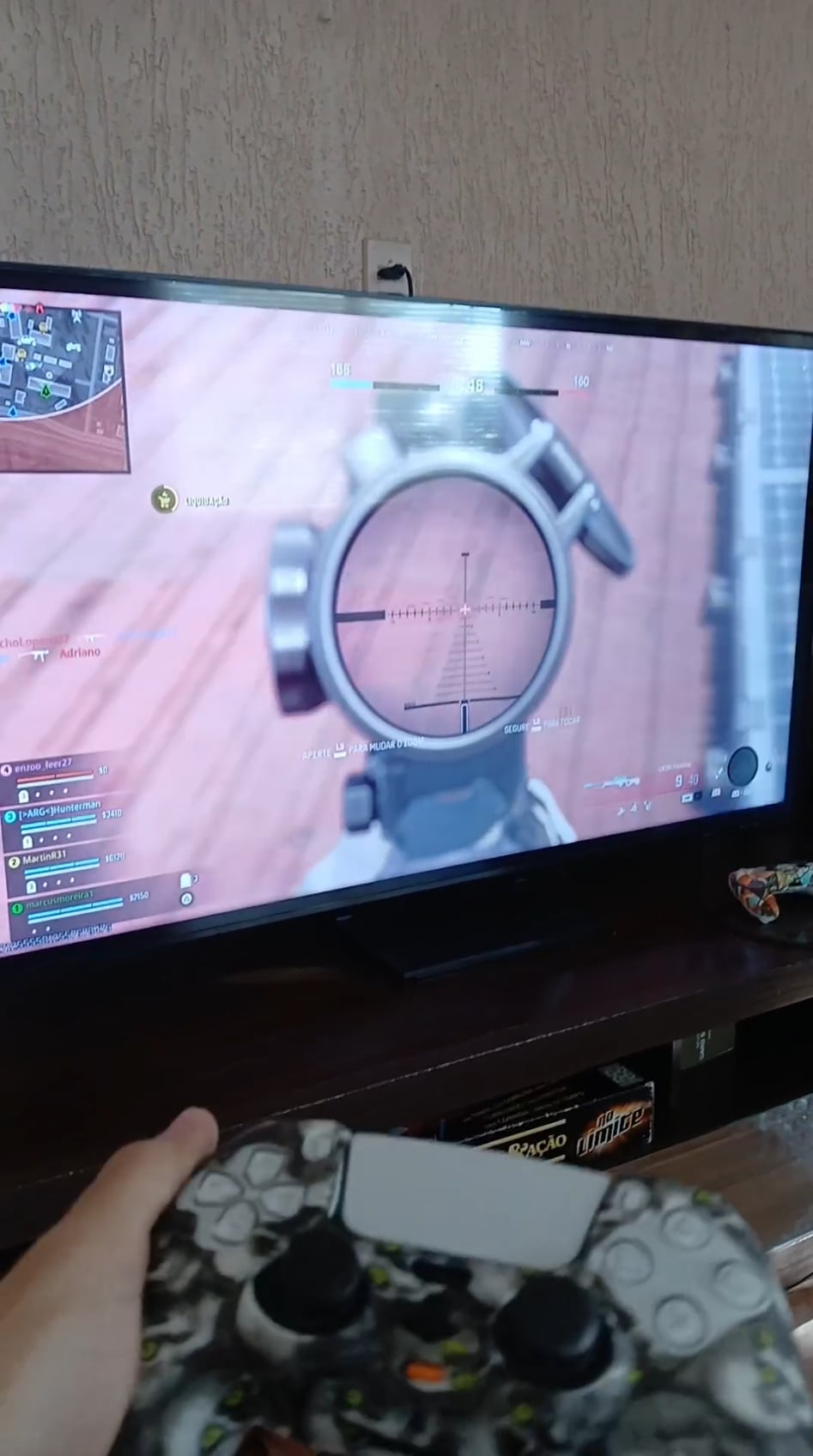
My dad was messing with the aim configurations, and now I noticed my aim moves according to the position I hold my controller. I tried searching it up online but I only got results on "how to aim like a pro".
Could a kind soul help me through the settings and what do I need to select/deselect?
5 Comments
This is Gyroscopic Aiming. Just disable it, should be somewhere under Controls in the Settings.
yo bro i got the spiderman ´´skin´´ like yours,but after washing it it still feels bit greasy. are you having the same issue
This reminds me of when my dad would play games with me back in the 80’s. I have never seen a NES controller thrown around in the air so much in my life as those times.
Gyroscopic aim
Settings > Controller > Aiming > Motion Sensor Behavior