
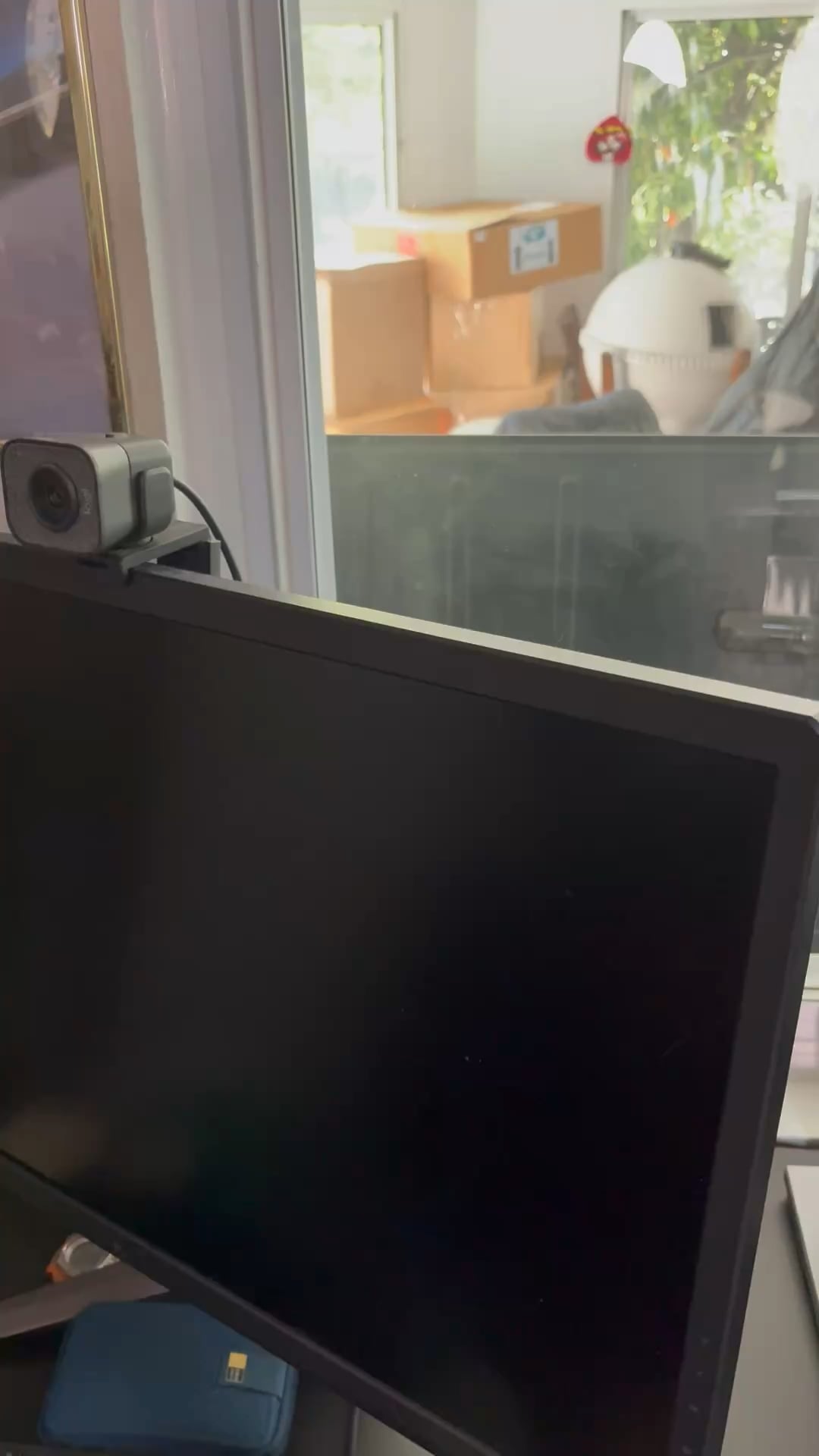
I had left my computer on and it was sitting at the screensaver for a few hours and when I came back I shook the mouse awake and notice the right side of the screen is darker then the left. I unplugged the power cable from the monitor and plugged it back it. The screen flashed the asus symbol then went black and stayed black. I unplugged the monitor and plugged it back it. That’s when I stared to notice a Burt smell and smoke rising from the top. I quickly unplugged the monitor and removed the backplate to see if I can see anything. Once I pluged it in, it again started smoking and I immediately unplugged it.
32 Comments
I’m not a fireman or anything but plugging in electronics that are smoking seems like a good way to start a fire
Stop plugging it in; ESPECIALLY while on flammable things like your rug. Dear lord.
Should’ve put a no smoking warning in your room.
Time delay fuse. Warranty period + 6 months.
You let the magic smoke out, it’s dead Jim.
That’s not healthy.🤔
Wow, it’s literally cooked.

Congrats on your new outdoor monitor
It’s warming up
Inb4 “User Error, Warranty VOID” message from Asus support

Leave it be, it’s vaping
I used to own this monitor, and I’m convinced it was never anything more than an expensive Asus prototype pushed out to the public. The first one I got ended up with stuck pixels and got RMA’d. The refurb I got back I left on all night on HDR 1000 mode and it ended up with major screen burn in.
Yea… burn in on an IPS.
I don’t think the cooling fan in the thing was ever even close to properly cooling the panel and electronics down. It was however the absolute brightest panel I’ve ever experienced though. Dump that hunk of junk and join us in r/OLED_Gaming friend.
A. Don’t plug it in again
B. It is broken
C. I assume it is out of warranty if you’ve had it since 2020 as what is saw listed a 3yr warranty
D. Your options at this point 1. Contact Asus to see about out of warranty repair / cost 2. look for electronics repair places in your area and contact them about diagnostic / repair costs? 3. (no offense but since you plugged it in again after it started smoking this option may not be for you?) try to locate what burned and see if you can find spare parts (someone parting out broken monitors on ebay for example) and try to find a spare of the faulty assembly and replace that. or find smoked components and using rework station desolder failed parts and replace them with new chips / components. (going to take a wild guess that you may not be up to speed on surface mount soldering however?)
E. if D options don’t sound like what you wanna do … ewaste monitor and buy new one basically.
Buy some nicotine fast that’s a hard habit to quit
Why would you plug somthing in again after it was smoking -_-.
Its dead Jim, send it back to ASUS and prepare yourself for an absolute joke of a RMA process. I sent this exact monitor in 4 times – it kept coming back destroyed.
Is it still under warranty? What does the smoke smell like (burnt plastic, metal, organic like a bug is being burnt?).
If it’s not under warranty and you want to keep messing with it then take it apart and find the part that burnt out. My thing is to replace the screen with a new screen and use the old one as a project to see if it’s fixable.
The last dust mite in your screen.

its on its smoke break leave it alone
Asus Motherboards are (used to be?) Legit. Have never had an issue with them. All the other products I had to get far far away from. Not sure why the brand still has such a great reputation.
You can’t put the genie back in the lamp unfortunately.
It’s a bad addiction tell him to stop before he gets worde
I’d probably stop using it
put your nose up to the exhaust vent and give it a good sniff
Nasty habit
Dont count on RMA from ASUS
You let the smoke out
Probably just a blown electrolyte capacitor in your monitor, same thing happened with my BenQ monitor, started flickering and smoking, opened it up and checked, ordered some new capacitors and my brother helped me change them out and the monitor is working as brand new again.
Bro must be having a bad time, let him smoke
If it is smoking > DO NOT PLUG IT BACK IN
If you can’t find the source once disassembling > KEEP DISASSEMBLING
Your house is not worth a monitor🙅♂️
Well – 1) Bring it to electronics recycling and then 2) buy a new monitor