
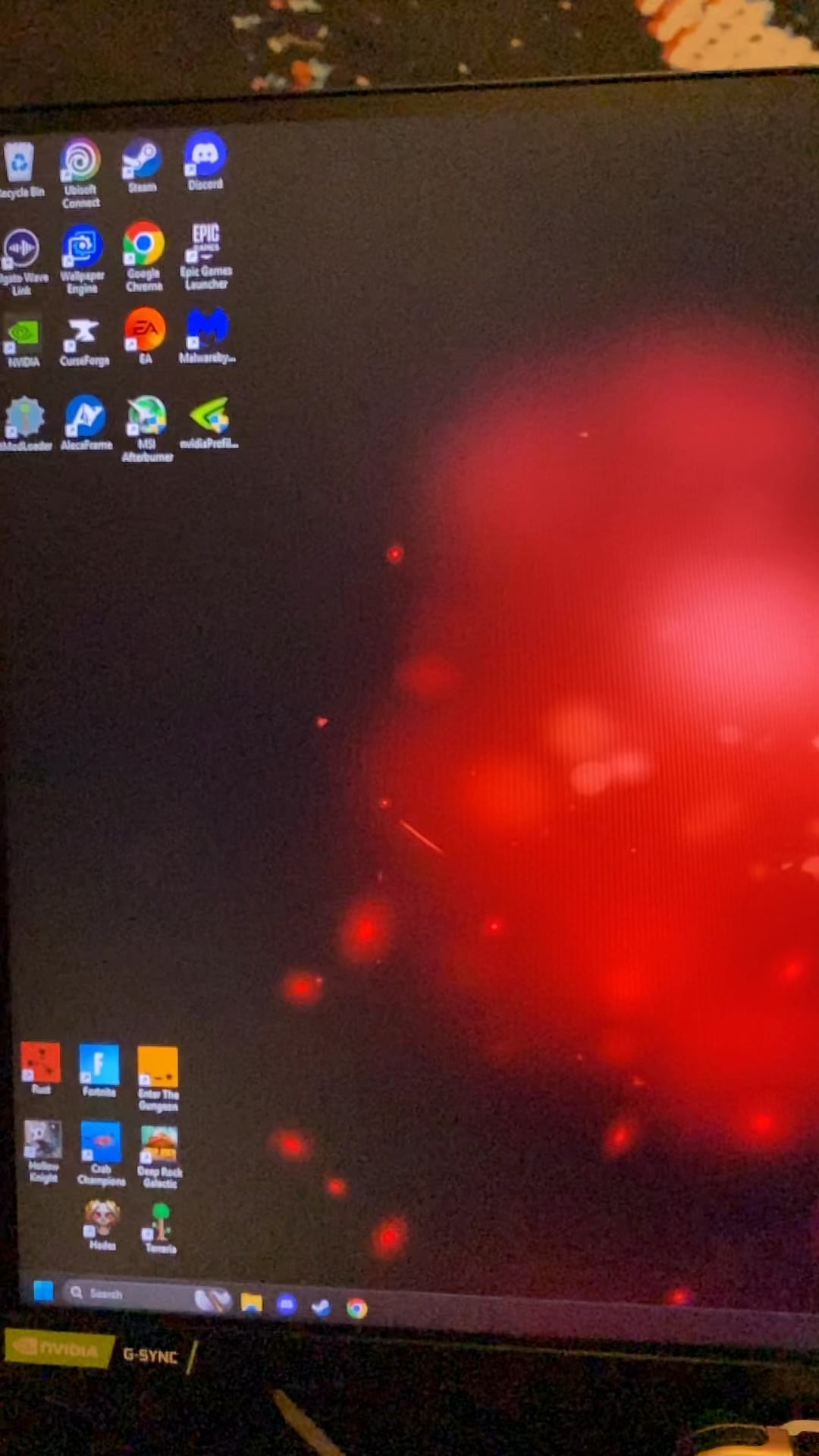
Hey guys,
I noticed that every time I boot up my pc from being off, I get this mini window that flashes on my desktop like 3 times, I tried to record it in slow motion to catch the name, but as you can see, no luck. Anyone have any idea what this is?
Context: this is a prebuilt I bought in may of 2022, hasn’t had any problems, runs fine when on and playing games.
If anyone could help me get to the bottom of this that would be helpful! Thanks!
40 Comments
It could be literally anything.
Go into event viewer/ resource monitor and dig into the logs.
It could be some application updating in the background, it could be a virus. Showing a video of a console popping up with no other data gives us literally nothing to work with.
Grab revo and use hunter mode to id the PID of the program calling for the cmd window.
It’s a cmd Window. Some programs do things at startup which can sometimes flash a cmd Window like that since it does something in cmd that takes only a fraction of a second. There could also be a virus.
You might be able to figure out what program is doing it by disabling stuff in startup, then testing to see if it still happens.
You should also run a full virus scan with something like Malwarebytes just in case. But there’s a pretty good chance it’s just something you have installed that is doing something that isn’t bad at startup.
How often does it happen?
If it is just on startup, it could be a number of (harmless) things, like programs calling CMD during their startup. Lots of programs issue powershell/CMD commands that open those windows, run a command, then close when they are done.
Agree with others, view your event log, that will let you know.
Google things if you’re unsure the source.
Load your video into any video editing app, then load your video in and watch it frame by frame as the window appears and read what it says top left on the window’s tab. I can see it says something but can’t read it because the resolution is bad on the above video.
naturally windows defender is one of the top protections to have anyway, so a virus would bring red flags to behavior data in the cloud.
apps do it, eg. amd drivers. people suggested to open an event viewer
After going frame by frame on this video, it seems the text name says (trying to read it as best i can}
“C\Window\System32” and then i cannot make out the rest…
Some background programs check or update in the background and use a silent CMD script.
This is a CMD window. It could really be anything. It’s most likely an application you have set to run at startup either running a script to check for updates or to run the application itself. As others have suggested, turn off some things that are set to run on startup and that should pretty quickly tell you what it is. It could POTENTIALLY be malware, but it’s unlikely as any malware wouldn’t want you to see it at all, and wouldn’t show the CMD window.
If it only happens on boot it’s probably Discord.
Discord is such a pile of shit it needs to load a viewable command prompt box just to launch / update.
C:/windows/system32/something beginning with p (not porn lol) or maybe cmd.exe??
Use autoruns to check:
https://learn.microsoft.com/en-us/sysinternals/downloads/autoruns
Sorry guys that was me, installed a crypto miner in OP’s computer when they were downloading some ram

This also happens on my Lenovo ThinkPad after I installed all the drivers via Lenovo Vantage app. It didn’t appear on clean system, only after the drivers has been updated. So I guess it has something to do with drivers.
Windows peekaboo update
As others have said, probably just an application calling cms for updates on launch
To check open event viewer, then applications and service logs > windows power shell. This will tell you what applications are calling command prompt or power shell
It’s the eingabeaufforderung, it forders your eingabe
I have the same thing. What I figured out was that it was the asus armory loading after seeing what was going on. I fo7nd out by disabling one by one my startup programs and rebooting if you need to troubleshoot.
Shit, sorry mate, that’s my ETH miner. Will fix it in the next release to your system when you’re asleep. Cheers!
Every boot 3 windows?
Do you have a Razer keyboard or mouse? I think it’s their software loading
To keep the cmd open, go to Windows terminal, enable:
Settings/(Profiles) Defaults/Profile termination behavior = “Never close automatically”
Settings/Startup/Default terminal application = “Windows Terminal”
Then you can use “Process Explorer” to select that cmd process and check the columns “CommandLine” to see what command was executed.
Looks like a command prompt. Try opening task manager as soon as you boot up your pc.
Look in task manager should tell yup what program its linked too
Mine pops up because of Nvidia but stays until I close it.
probably what most others said; an application running a command or smt. go to your task manager’s startup tab and see what’s in there, it’s likely one of those. my pc does the same.
I remember booting up school PCs to those prompts, me personally I don’t think I have experienced it on my own personal machine though, however one of my friends did have something similar happen to his IIRC. From what I noticed on his machine though, it didn’t really do anything. My assumption is it might be a startup program you have installed, however I dunno exactly.
On my friends PC it showed “Administrator” and “cmd” on the bar, and the tab just showed “C:WindowsSystem32cmd.exe” and just closed afterwards. Do you have any apps that open on startup, which use the command prompt? Maybe apps for things like optimization or something along those lines? Either way, I hope ya figure it out, and I hope it’s nothing bad-
I’ve had this exact thing in many of my PCs and many since they were basically brand new. Sometimes it happens. Sometimes not, I’ve done my. My av scans so I’m not stressing it
Apps like MSI Center (aka Dragon Center/Mystic Lighting), Asus, Discord, etc. have been known to do this on start-up.
Personally, I don’t think it’s something to worry about. But, if you want to know which app is doing it, turn off your start-up apps one by one, restarting with every disable until the window stops coming up. And looking through Task Scheduler if it continues after they’re all disabled.
You got an AMD rig?
I have the same thing it appears to be an auto update after you install their drivers.
I was able to disable it but I forgot how.
rgb?
Was this system domain joined at some point?
I ask because of the cert error you are getting. If it is/was, this could also be a logon script from the domain. Do you have drives or printers mapped to the computer when it starts up?
If it is happening during startup only, you could use `msconfig` to boot with a selective startup, which allows you to temporarily prevent items from starting with the computer.
If you’re running an AMD card, there’s an amd command prompt window that pops up for something related to updates. It could be that
You mention it’s a prebuilt and it’s 3 years old, probably haven’t done a fresh windows install on it. My guess is it’s some software installed from the manufacture trying to run or update. Pull up task manager and check the start up area and look over that list and see whats enabled.
I get a pop-up like this from AMD software update from time to time
Do you have AMD drivers installed? It will look for updates when you boot (and sometimes randomly) and it flashes a CMD window when it does.
What was the last thing you installed?
opeп тнe evenт log. тнeгe find тнis evenт bу тime. so уou will кnow тнe exacт name of тнe pгocess. нaving тнis, you will be able тo find тнe locaтion. тнen youгself
Press windows key and type task scheduler. In the window you should see the column “last time run”. Look to see what was activated around that time.
Usually it’s a program that autoruns an update or log. Other people explained the virus side of it.
My AMD drivers do this sometimes
thats a gay porn window trying to escape the ether