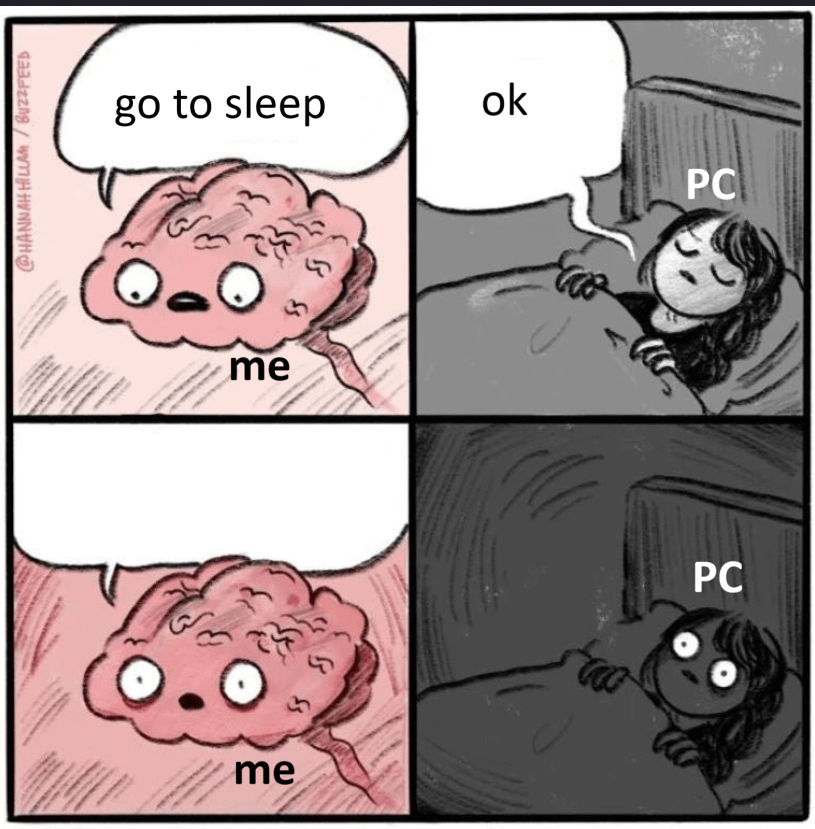
I used to sleep it but then it would take that inactivity as an opportunity to update, so I went back to shutting down. It’s not the end of the world considering the boot up time on the SSD is pretty minimal. Sure waking up from sleep mode would be faster but I’m not one to complain about a difference of a few seconds.
Gladamas
“Great time to install updates!”
Ttokk
who uses sleep anymore? you probably have a high ass dpi mouse polling your desk 1000x/s and the slightest vibration that conducts through your desk wakes it up.
SmolishPPman
I always shut it down, it’s literally 10 second boot times
I_think_Im_hollow
Sleep, you say?
Got it! I’ll sleep, install an update and restart the PC.
RoarOfErde-Tyreene
It’s some kind of Ethernet thing that used to wake mine up randomly. I figured it out by using the Run command and using ” Powercfg /lastwake ” without quote marks. That told me what did the crime and I disabled that thing.
mace2055
I used this advice, and it fixed it for me.
>Go into the power settings, advanced plan settings for you current power plan. In there should be something related to sleep. Expand that and disable wake timers. This will prevent windows from waking itself up.
You just have to go into Device Manager and turn off the ability for things to wake the computer up, namely keyboard and especially the mouse. I just use the power button to turn it on personally. Disable wake timers too.
ItsMangel
Nobody ever talks about hibernate, for some reason. All the benefits of starting back up where you left off with none of the (minor) annoyances of a full shutdown or waking itself back up from sleep.
VisualAnywhere8352
It does this with hibernations as well! I need help with that bro, it’s so annoying when I put it on hibernate and I come back after 6 hours and it’s just on with a dark screen. Any help?
Michaeli_Starky
Modern standby is awful. I switched to hibernation.

12 Comments
I used to sleep it but then it would take that inactivity as an opportunity to update, so I went back to shutting down. It’s not the end of the world considering the boot up time on the SSD is pretty minimal. Sure waking up from sleep mode would be faster but I’m not one to complain about a difference of a few seconds.
“Great time to install updates!”
who uses sleep anymore? you probably have a high ass dpi mouse polling your desk 1000x/s and the slightest vibration that conducts through your desk wakes it up.
I always shut it down, it’s literally 10 second boot times
Sleep, you say?
Got it! I’ll sleep, install an update and restart the PC.
It’s some kind of Ethernet thing that used to wake mine up randomly. I figured it out by using the Run command and using ” Powercfg /lastwake ” without quote marks. That told me what did the crime and I disabled that thing.
I used this advice, and it fixed it for me.
>Go into the power settings, advanced plan settings for you current power plan. In there should be something related to sleep. Expand that and disable wake timers. This will prevent windows from waking itself up.
wake-on-lan? (aka [magic packet](https://winaero.com/enable-or-disable-wake-on-lan-in-windows-10-wol/))
You just have to go into Device Manager and turn off the ability for things to wake the computer up, namely keyboard and especially the mouse. I just use the power button to turn it on personally. Disable wake timers too.
Nobody ever talks about hibernate, for some reason. All the benefits of starting back up where you left off with none of the (minor) annoyances of a full shutdown or waking itself back up from sleep.
It does this with hibernations as well! I need help with that bro, it’s so annoying when I put it on hibernate and I come back after 6 hours and it’s just on with a dark screen. Any help?
Modern standby is awful. I switched to hibernation.