
I've got a bit of a problem. First, I think I got the single worst binned 9950x3D, motherboard, AND DDR5. TL;DR, I had finally dialed in my system to a stable place using slightly modified Buildzoid's DDR5 timings (6000 42-42-42-76 1:1) and a simple CS undervolt (-27 med and low, -20 high, -15 max, +200, 10x, etc.). It was absolutely stable and 100% rock solid. Multiple overnight tests across CPU, memory, both, etc.
But I got greedy, and dug too deep. I tried to improve my undervolt using the new CoreCycler auto mode. Weirdly, it was also rock solid at -40 all-core. After thought and conversations with sp00n, we figured it was the core shaper, which prevents any real changes from taking place. So into BIOS I went, thinking I would just set all the undervolt stuff back to default and things would be great.
Except that since then, absolutely nothing except the motherboard default will post. The best I can get is setting UCLK=MCLK. If I so much as look at a voltage setting, think about EXPO, or basically touch anything, I can't get a clean post. One of the following happens:
-
It'll hang in voltage training mode for basically hours without doing anything.
-
It'll do voltage training for a minute or two, status light turns red, the whole motherboard shuts off and restarts, and this repeats forever.
-
It'll hang in voltage training for a bit, restart, post in safe mode, and keep doing that even if I reset all BIOS settings to default.
-
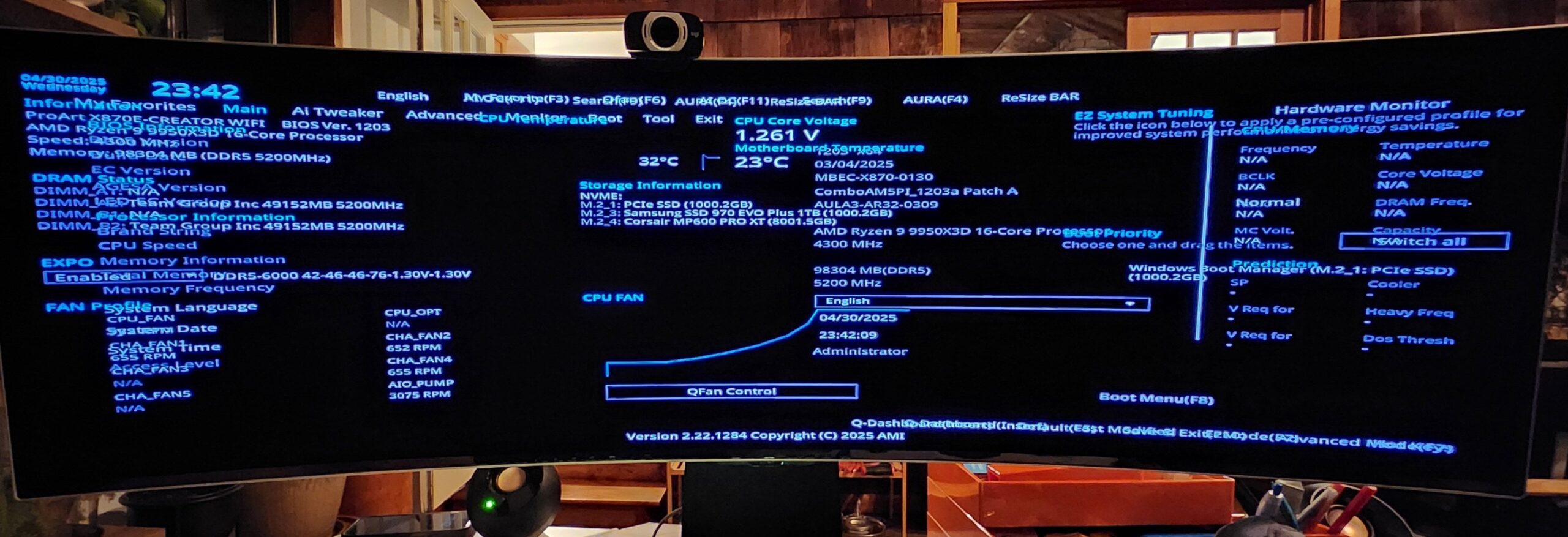
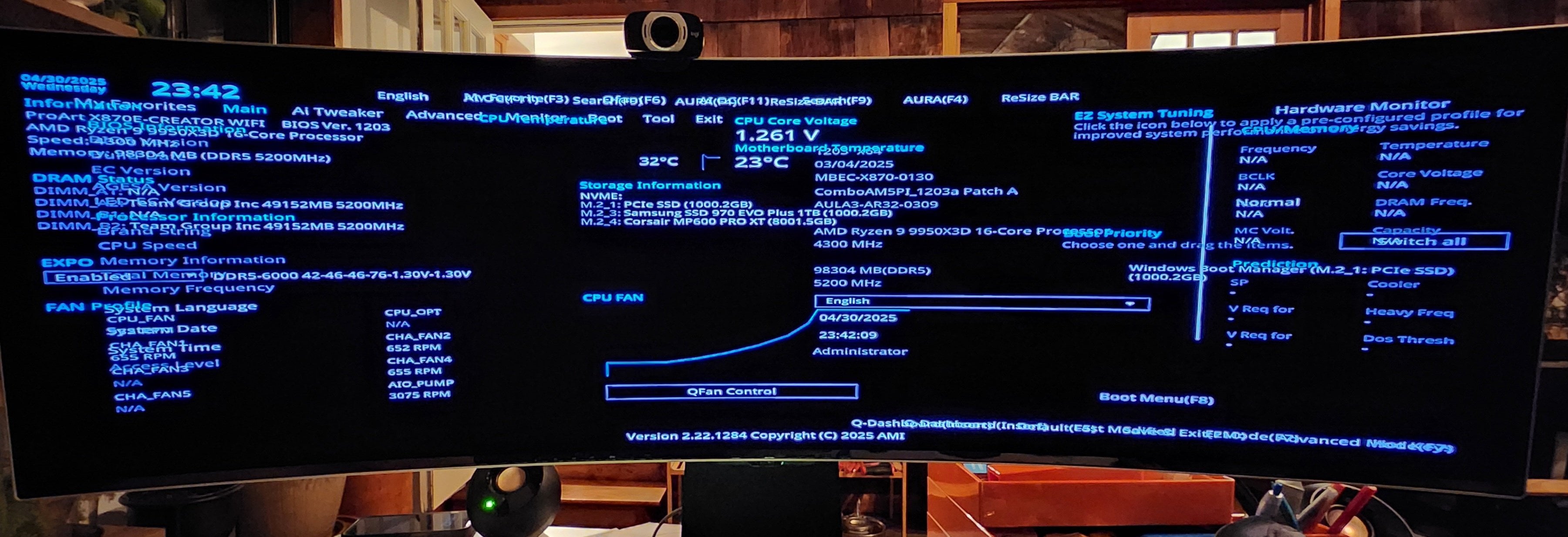
It'll post but in a weird, corrupted way (either the BIOS will be trying to show multiple overlays at the same time, or it'll start loading Windows and hang).
-
It'll do voltage training, then fail to post with a red light.
It's an Asus x870e Creator WiFi, 9950x3D, Teamgroup T-Create Expert 2×48 6400 32. Which one of these did I break, and what's the best way to fix it?
UPDATE: Pulled CMOS, reflashed BIOS, no dice. Still getting the same symptoms. This is one of the weird BIOS posts I'm getting. The truly odd thing is that everything works when it's like that, it's just a pain in the ass to navigate.
5 Comments
That is super weird. The only thing I can think of is it is trying to reset your corecycler settings when you boot. I had once used asus Ai overclocking on a 9900k and it got stuck trying to change the overclock setting every boot. Try physically removing the cmos battery to reset and maybe also try disconnecting your boot drive to see if it still acts up with your original settings. If it is fine without the boot drive then reinstall windows
Update: Just so y’all can feel my pain, [here’s the ZenTimings screenshot](https://imgur.com/a/uCMi9GK)
1. Reset CMOS
2. Update BIOS
PUT IT IN RICE 😂
Bad joke aside, FIRST you could try Rolling back BIOS, and clear CMOS, checking if you still have the problem. Then you can update again.
SECOND, reseating CPU and RAM can help in some weird situations like yours.
I feel like ever since they introduced the IO die the zen processors have all been very finicky when it comes stability. I also experienced something similar on a 9950X3D where 6400MHz was rock solid stabile and then out of nowhere it becomes unstable and I’ve had to back off to 6200MHz. Just standard stress testing, voltages and temperatures were well within safe ranges so really unlikely to be degradation from the typical causes.
I’ve reset CMOS, reflashed bios from flashback and via the EZ flash ui, done the same with beta bioses, re seated CPU and cooler and DIMMs as well. Entirely reset any PBO curve optimizer or curve shaper settings in case it was an unstable undervolt and all the same result so I’ve just accepted 6200MHz.
You can try one of the beta bioses and see if it makes any difference for you.
https://docs.google.com/spreadsheets/d/12zg6yT_H7H-W1voyw1ZoIrj0GSE7WI4Ug-uLlv-Asa8/edit?usp=drivesdk