
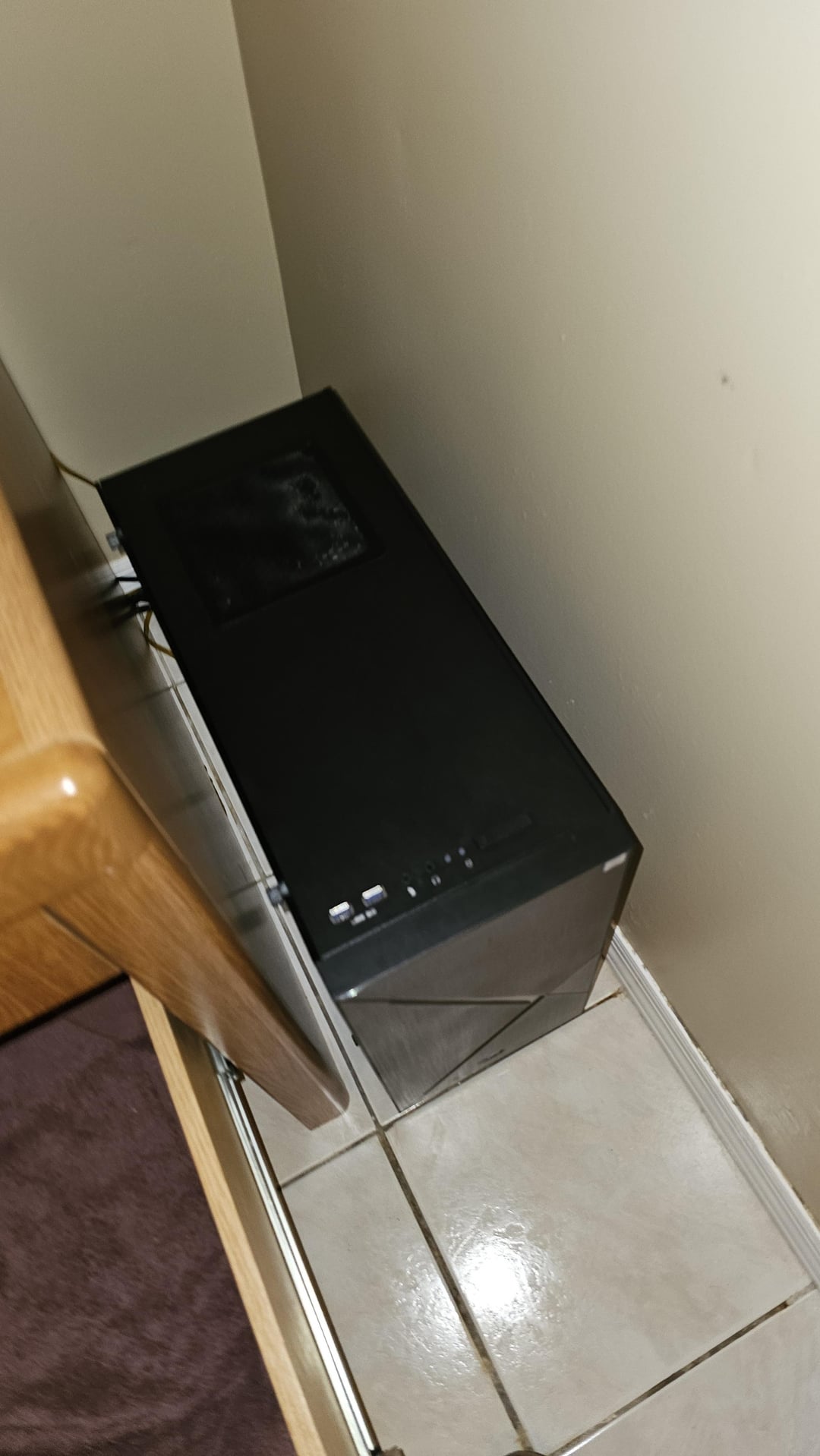
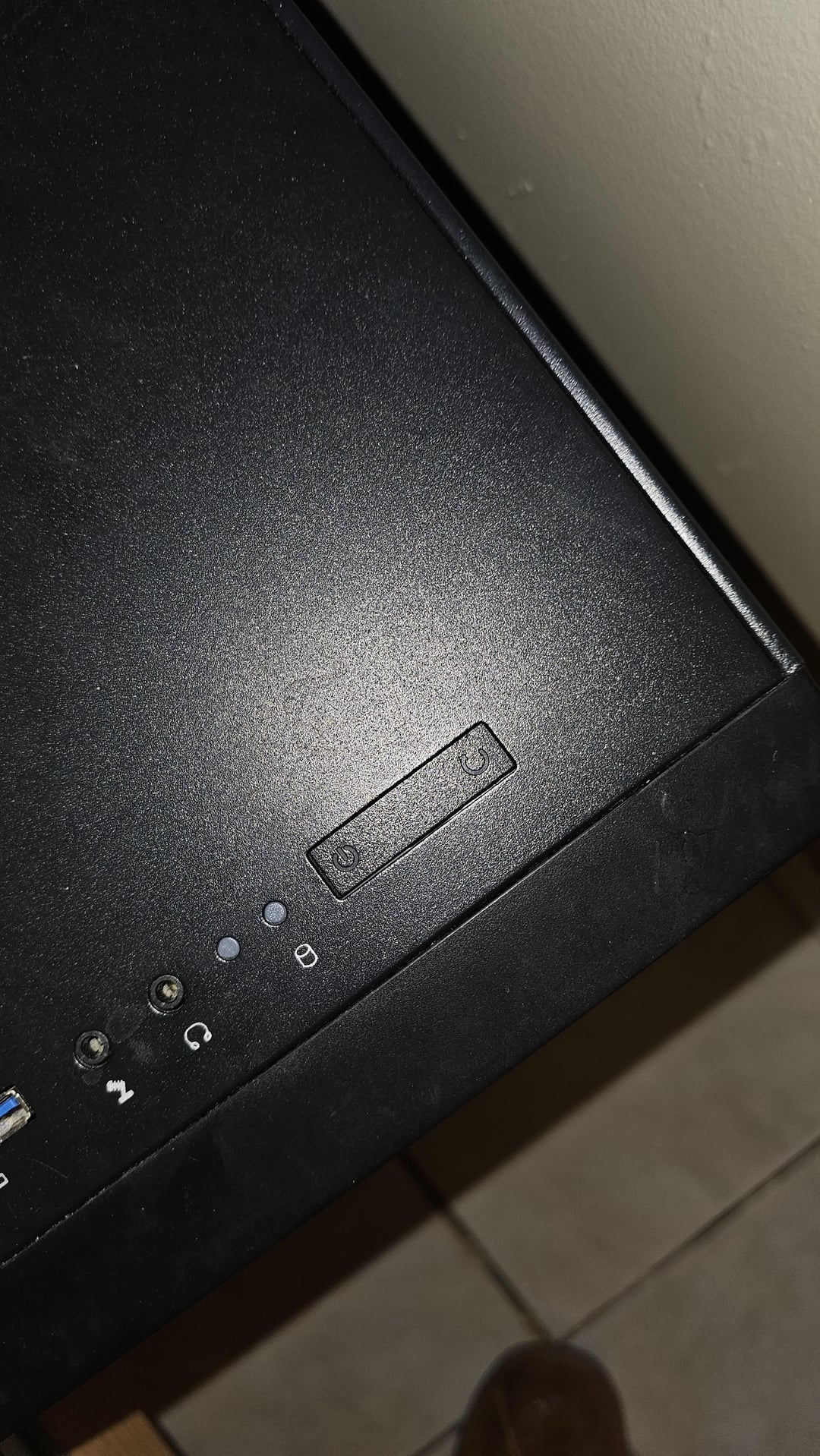
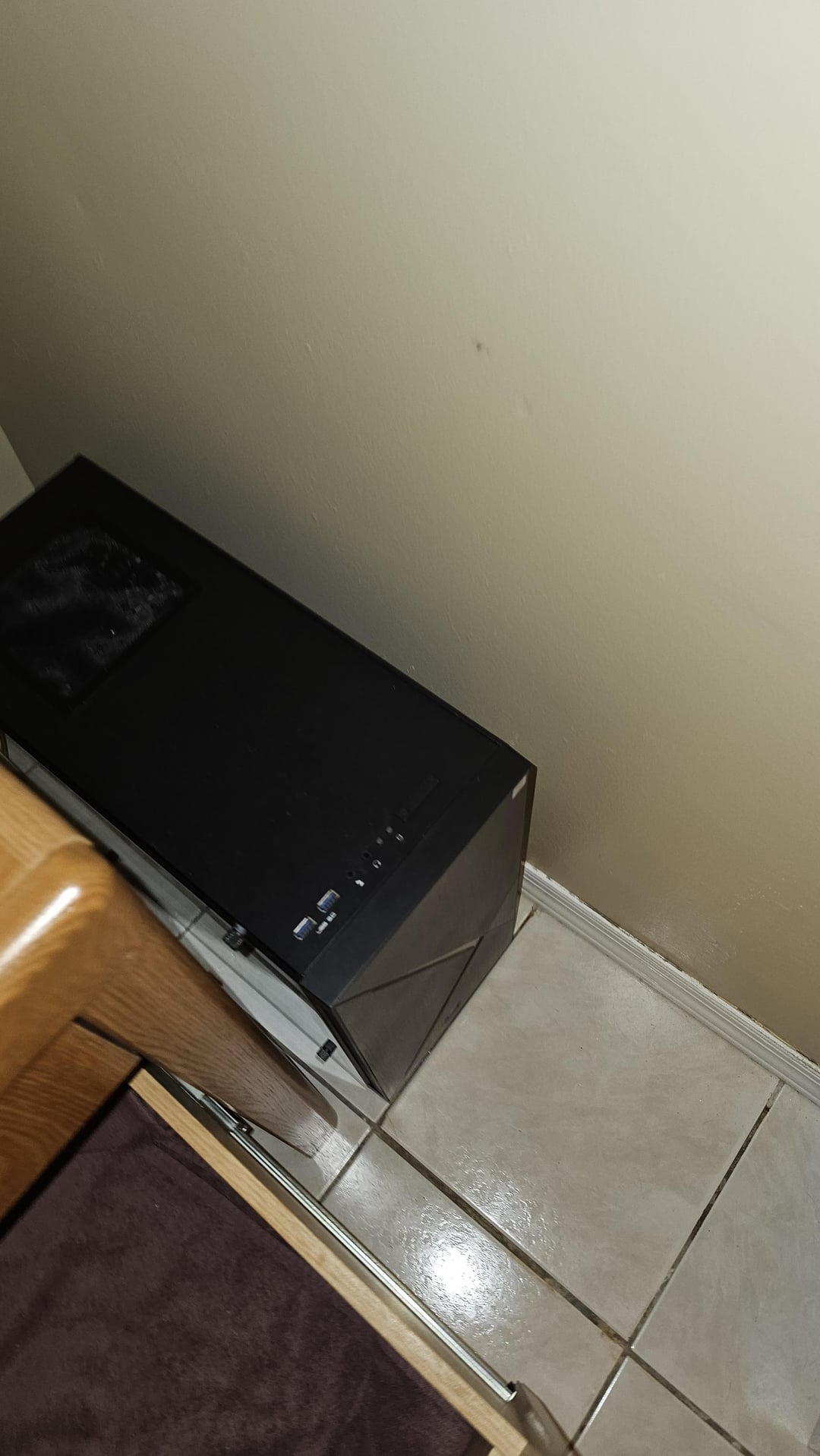
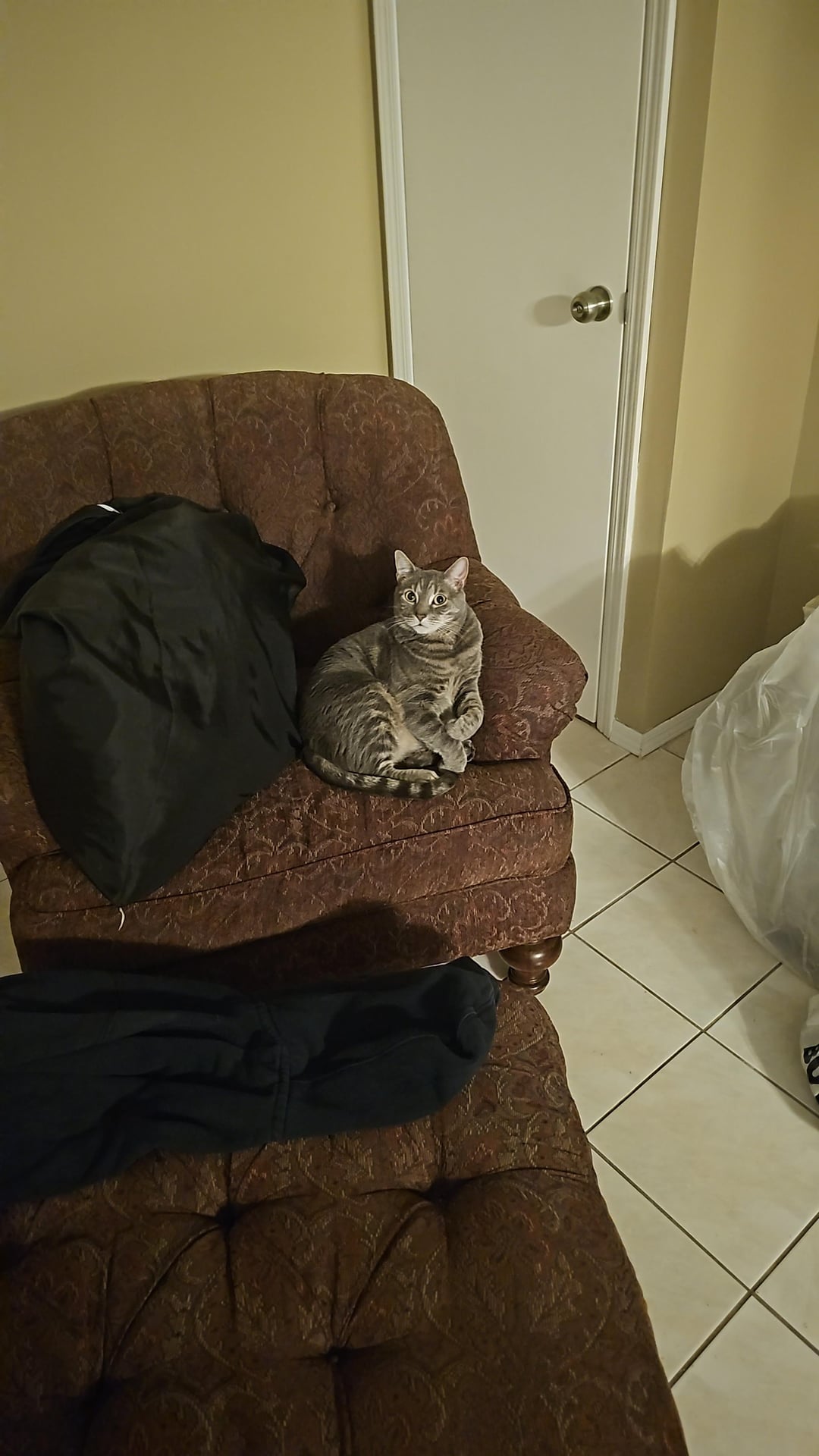
I tried to change it in windows power settings but that didn't work, I'm assuming because it's third party case.
I know I can disconnect the buttons themselves. Is there any way to change maybe how long they have to be held?
Or any ideas to lay something there? Obviously anything too big or moveable will be gone within minutes.
Thanks!
34 Comments
You could sit on the PC instead so there is no room for the cat to jump up, just be careful you don’t turn it off.
Get another cat so its too distracted to sit on the computer
https://preview.redd.it/m5jcop3snhte1.jpeg?width=1440&format=pjpg&auto=webp&s=5e61908df9ca0f7421ca1a38acf1c300d2448449
It says there is 4 comments but I’m only seeing two?
LMAO at his “I dint do it” face 😂
I put lil toy models around that area and my 2 cats cant step on that area when they do lawlessly get on top of my desk while Im sleeping.
People think I have a cool lil decoration on my PC, its literally to keep my cat off the power button hehe
wire a remote power button and place it elsewhere?
Disappoint your cat. It’s not difficult.
Put something over the button. Something flat. had this problem too, so placed an external disc drive sits on top. To cover the power button. Just slide it out of the way when i need to turn it on. I imagine something more frugal is in ur vacinity. A piece of cardboard, a game case, flat plastic thing you got at an event?
Put tin foil on it
They hate aluminum foil
Piece of metal to cover those buttons.
https://preview.redd.it/67qnf5diuhte1.jpeg?width=1500&format=pjpg&auto=webp&s=d1fac95ce45cf72409a8cfd6c9a0f610638837ce
Cat proofing
[https://www.amazon.com/dp/B0CQ6Z4S2H?ref=cm_sw_r_cso_cp_apan_dp_N5ET69X6GPCMNR167DBS&ref_=cm_sw_r_cso_cp_apan_dp_N5ET69X6GPCMNR167DBS&social_share=cm_sw_r_cso_cp_apan_dp_N5ET69X6GPCMNR167DBS](https://www.amazon.com/dp/B0CQ6Z4S2H?ref=cm_sw_r_cso_cp_apan_dp_N5ET69X6GPCMNR167DBS&ref_=cm_sw_r_cso_cp_apan_dp_N5ET69X6GPCMNR167DBS&social_share=cm_sw_r_cso_cp_apan_dp_N5ET69X6GPCMNR167DBS)
Get a dog?
Something like this is what we use:
https://www.google.com/aclk?sa=l&ai=DChcSEwiF6NnohMeMAxWFNwgFHU7dKLUYABAjGgJtZA&co=1&gclid=EAIaIQobChMIhejZ6ITHjAMVhTcIBR1O3Si1EAQYEiABEgLA-PD_BwE&sig=AOD64_1zp-R7EKu02ChvSGKCkn2sVgf0qw&ctype=5&rct=j&q=&ved=2ahUKEwjUotXohMeMAxUYhIkEHaQoMToQwg8oAHoECAQQNg&adurl=
You need to know a bit of basic PC assembly to know what to do with it, but it’s not too hard if you’re OK with opening up the case. It’s just replacing the case power button with this one where it plugs into the motherboard.
My wife used to have a power button on top of her PC and the cats turned it off constantly. Since I wired this up, they haven’t done it once. She still has easy access to the button where she sits.
https://www.amazon.com/YIUIY-Rotary-Button-Ignition-Protective/dp/B09PN9Y1QC
I turn switch on power supply off
a dog
um… put a book on top of it?
you can configure the action that happens when you press the power button
[How to Change What Power Button Does in Windows 11](https://allthings.how/how-to-change-what-power-button-does-in-windows-11/)
You could do something as simple as putting a small piece of wood or a drink coaster over it
Bro….just put a book or something on it, do you need help with that?
I bought a little adhesive flip cover from Amazon for like 8$
Glad I don’t own a cat or have a power button on the top of my case.
Put something over the button. I’ve had my cats turn my pc off quite a few times, so I put something over the button, I move it to turn on and move it back and haven’t had it happen since
Slap some double sided tape on top of the pc. In my experience cats hate it.
Unplug the reset button, set the power button to “do nothing” in Windows power settings.
https://preview.redd.it/jvejiqpqzite1.png?width=1080&format=png&auto=webp&s=a17b59c1deeddb8cda2b800fefced96ba9141069
PSSSSSSSSSSSSSSSST
Put a pillow on it or get something like this [https://www.overclockers.co.uk/silverstone-remote-control-to-power-pc-on-off-sst-es02-usb-cc-012-sv.html](https://www.overclockers.co.uk/silverstone-remote-control-to-power-pc-on-off-sst-es02-usb-cc-012-sv.html)
I have an old credit card over my PC cat magnet. Only one edge is taped to allow access.
glue a hinge to a rectangular piece of plastic (bigger than the button) and glue the other side of the hinge to the case. you can glue a latch to the other side if you want. kind of like this
https://preview.redd.it/jkqvyr0f3jte1.png?width=800&format=png&auto=webp&s=799986bd823ae82f431c14febbdd491ab12e31dd
You can find stick-on hinged button guards on Amazon or other online retailers. Just get one that’ll cover your buttons. Done this on 4 different desktops for the same issue, cats pushing buttons.
Disconnect the button, fit one somewhere else and connect that one instead.
Don’t let your cat sit on the computer. Either put a platform on the computer that’s raised or pick them up off the tower each time they jump on
You could always do a remote power button. I did that and it’s attached to the right shelf edge.
https://preview.redd.it/9fh3t4w9djte1.jpeg?width=3891&format=pjpg&auto=webp&s=650e00edc21bfe10f68af7094d9927dd509141a7