
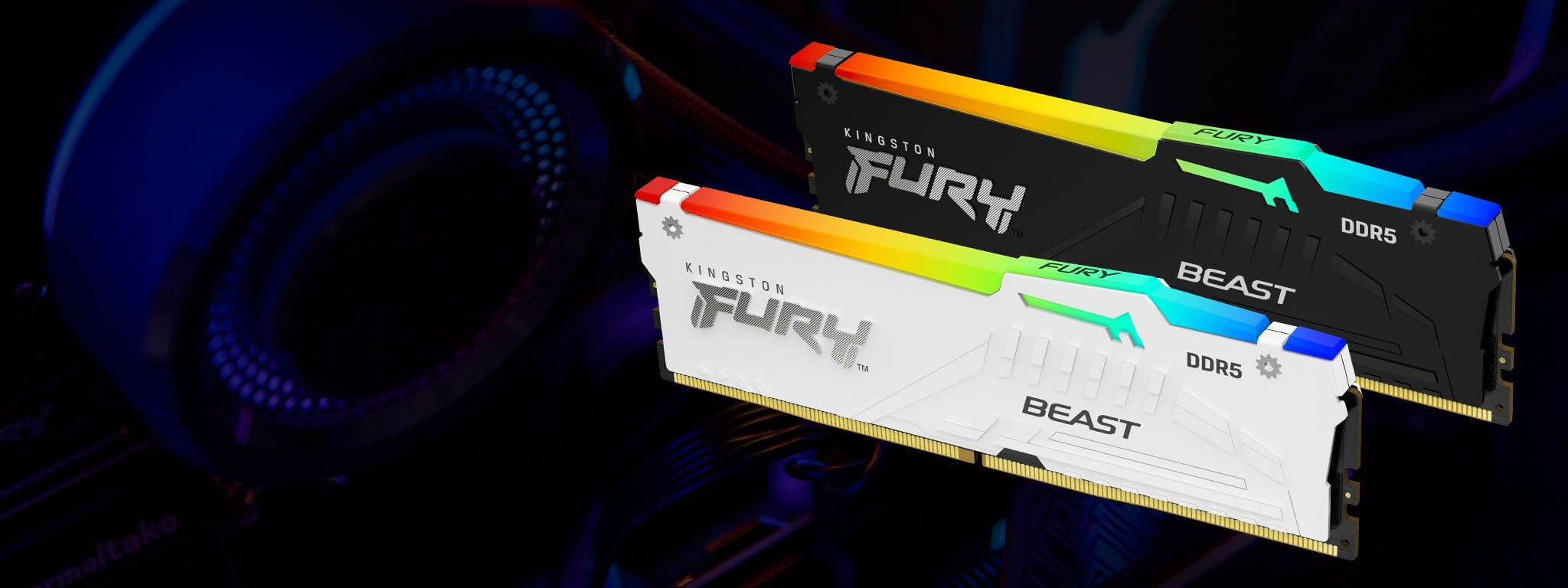
Hi all, just completed my first pc build today. BIOS says that my RAM is running at 4800MHz when it's rated for 6000.
I tried enabling XMP in the BIOS but upon exit, my pc doesn't boot until eventually it re-loads into BIOS and gives me a boot error. There is also an "auto memory boost" option with various Hynix and Samsung profiles but don't want to run the risk of potentially bricking my pc. I've also ordered a 32gb USB drive to upgrade my BIOS as I heard this may help.
i5-13600KF
2x 16GB Kingston Fury DDR5 (https://www.kingston.com/unitedkingdom/en/memory/gaming/kingston-fury-beast-ddr5-rgb-memory)
Gigabyte Z790 Aorus Elite AX
I'm pretty much a newbie, so any help is appreciated 🙂
4 Comments
Verify your ram is on your motherboards compatible list
what mem slots did you put the sticks in?
U have already asked same on linus tech reditt. U need to check that u r not using amd expo/xmp. That wont work on intel system.
See the slots – A2, B2 (2nd & 3rd) is the usual config. If it’s like that, update bios and see if it works. You can also manually select one step above 4800MHz or just enter the XMP profile by hand and see if it does anything. Don’t try that Try It thing, it hardly works.
(pro tip: there is a clear CMOS button/jumper or just remove the battery; you unbrick it from there)