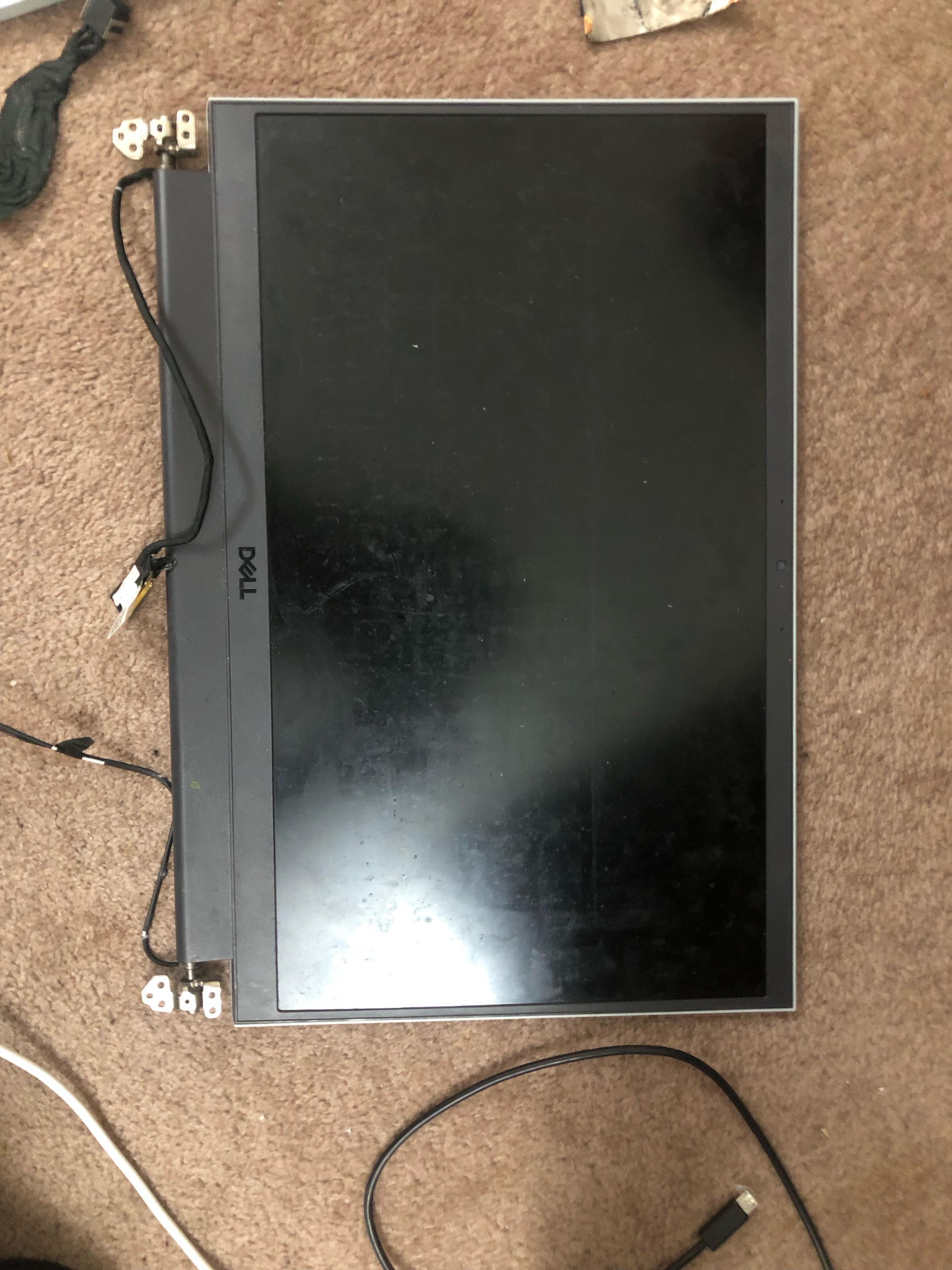
My laptop cpu died recently so I decided to open it up for some fun and was wondering if I can turn it into a monitor with just the screen
It’s a Dell g15 and here’s a photo of the bloody after math

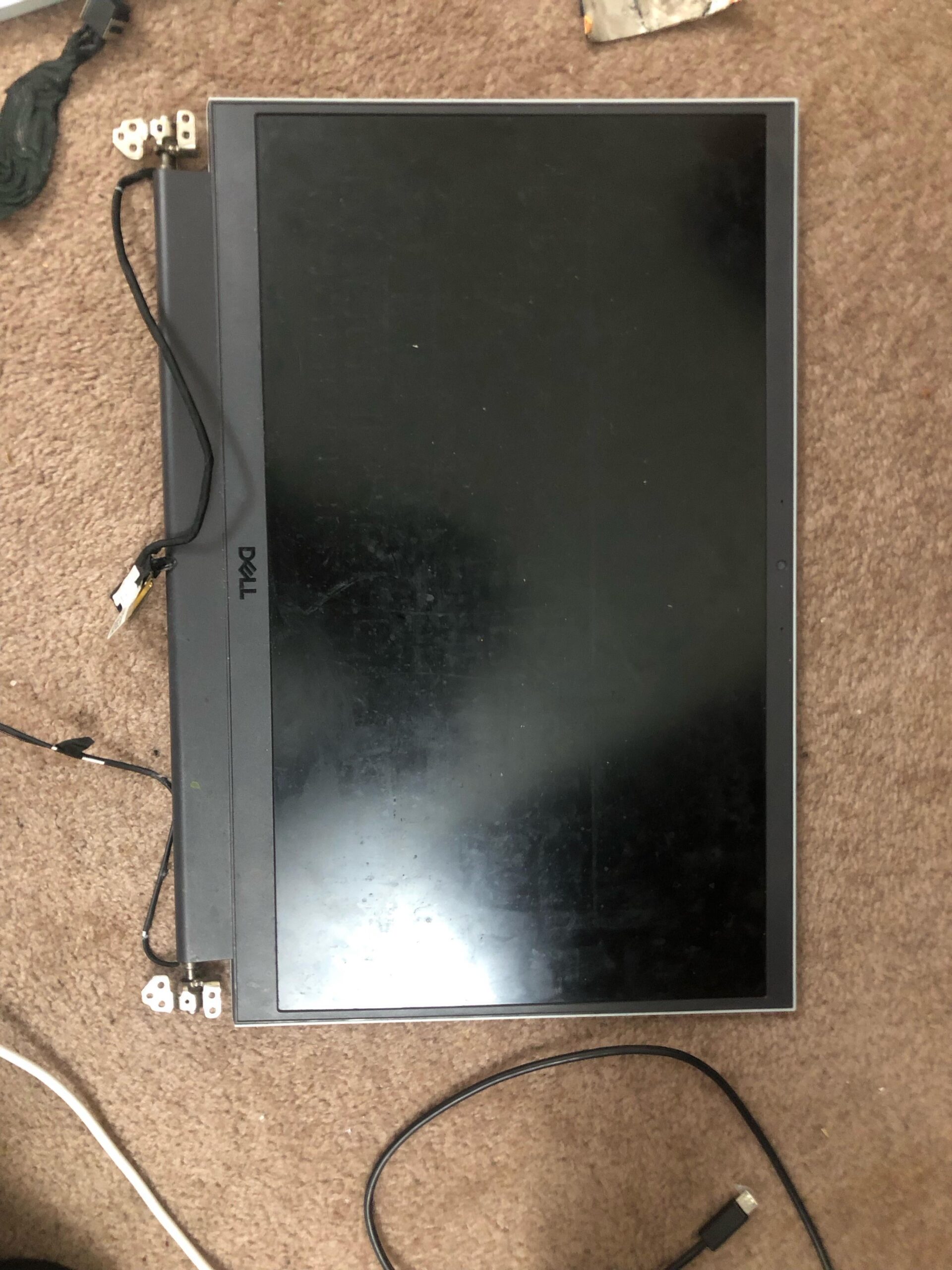
My laptop cpu died recently so I decided to open it up for some fun and was wondering if I can turn it into a monitor with just the screen
It’s a Dell g15 and here’s a photo of the bloody after math
28 Comments
Im sure its possible with some custom wiring and a lot of work but it would be cheaper to just buy a monitor.
I’d imagine the connectors are just a standard video connection with a connector designed to fit inside a laptop.
Could probably switch it over to a standard port/cable if you could identify what it uses and can do some careful soldering.
DIY Perks did a really great YouTube vid on doing just that a while back. At that time, you could pick up a controller board for most common laptop displays, but I have no idea if that is still a thing being made for newer displays.
Google the type of connector your laptop screen uses. Search Amazon/eBay for that connector to HDMI. It may require an extra board but it can be done.
Yes, though you may need to modify or purchase adapters to make it work
Yes you can, with a lot of skills and effort needed to make it happen.
Yeah, it’s not even hard. Just find the model of the display and look it up – you should find a display driver. I’d recommend making a case for it too, they’re quite delicate like that.
Yes. There are controllers to do it like LA.MV9P. Type of this controllers called “scaler”. Sorry, but you have to Google it by yourself, I don’t have guides in English.
Thanks people of Reddit, I found a few video that vaguely talks about how to and it seems like I need a controller board. For anyone curious, you need to take your screen off the cases and locate the model number and search a controller that fits your model.
https://i.redd.it/wxnz8ib8dlld1.gif
Yes you do.
Yes, it does… you.
check in aliexpress for a compatible control board
Yes i did mine, bought a case and a board and its now my portable steam deck screen
Possible most likely, easily doable *shrugs*. it could be really straight forward with instructions or it could be you figuring out every step as you go. And then posting a step by step guide. It all depends on the model number of the screen you got and if someone has made a tutorial for you.
The lengths some people will go to not spend money are incredible. This post is ridiculous
From some random video I saw a while back I don’t think these have built in scalers like monitors but you can buy some mediatec salvaged units online that might work it’s very dependent on the model if screen I believe.
Sorry this isn’t more helpful
It’s possible, but not easy.
ngl the extra stuff needed to make it work might cost more than buying a 2nd hand monitor
yes and easy just dissasemble monitor and look at serial number put that number in google and at the end put board drive or display drive and you can get the board for decent price even on aliexpress but depends
Hey guys, I figured it out as the flair suggests. Thanks for the people who are warning me that it may not be worth it, but all I need to do is to buy a controller from aliexpress for like 40nzd. This is a lot cheaper than buying a brand new one since a 1080p 144hz monitor isn’t the cheapest since all I need is a second monitor for YouTube. For those who might wish to attempt this themselves a video from TechfulGoodies helped me a lot.
You probably could but it’s not gonna be pretty
Yes you can, you need to disassemble and look for the part number, there’s different interfaces, if the screen is Display-Port interface you can cut a display port cable and use it directly, if it’s LVDS you will need a HDMI to LVDS Interface.
Google “eDP to DP”
There’s a controller board on the internet for about 15 bucks, another 15 for the powersupply. Voila, you should be able to DIY this, mind the voltage and connectors though. There’s a website for the spec sheets for these displays and their connectors. Goodluck!
Yes.
Can or should??
With the right know-how and some schematics, anything is possible.
Dang. And I just turned mine into a coaster.
https://preview.redd.it/vvayrvtx9mld1.jpeg?width=3072&format=pjpg&auto=webp&s=7f676dc93184dbc1935dc1b7fa942158354113cf
TL:DR, yes but it’s easier and cheaper to buy one from Marketplace for $20
Fun project though if you just want to tinker with it.
You’re gonna need some serious documentation for that