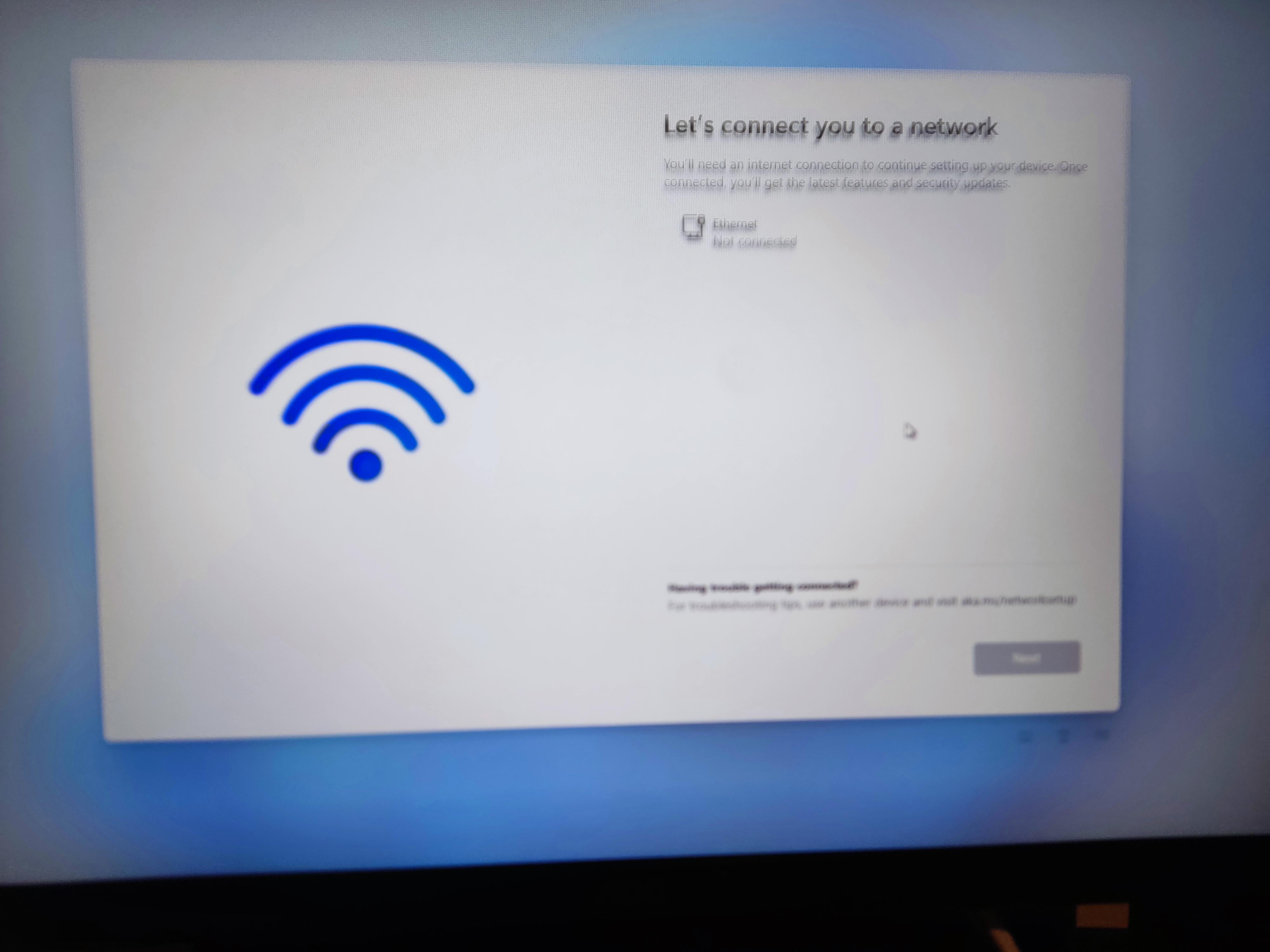
So I built my first pc and it was time to set up. But when I was setting up the windows I came on this screen and I can't see any WiFi, I have a WiFi motherboard and have the antennas installed. Can anyone help please?

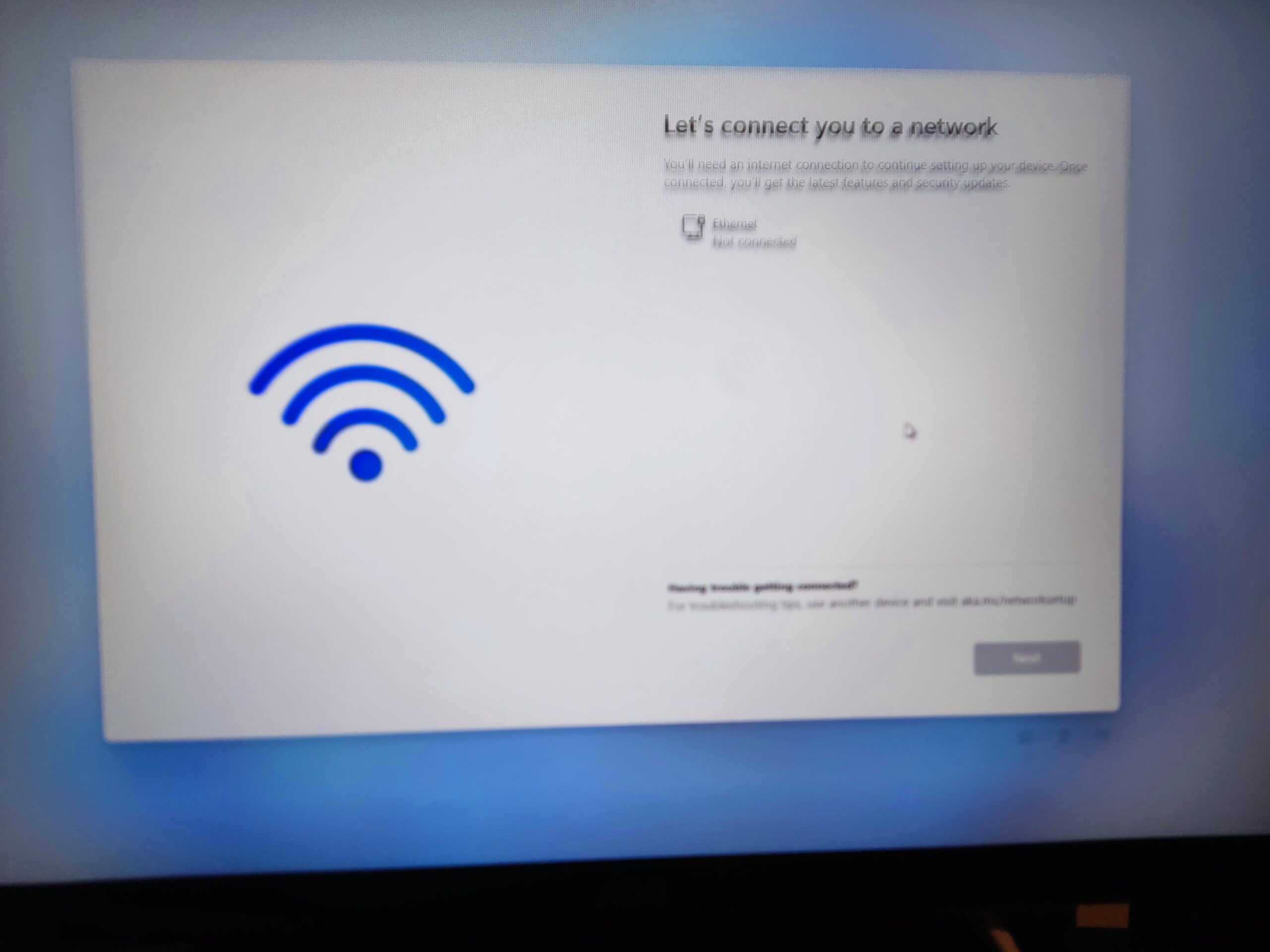
So I built my first pc and it was time to set up. But when I was setting up the windows I came on this screen and I can't see any WiFi, I have a WiFi motherboard and have the antennas installed. Can anyone help please?
30 Comments
shift+F10
oobe/bybassnro.cmd
It’ll then reboot and you’ll have an option to click ‘I don’t have internet’ so you can complete the setup.
Google “OOBE Win11 setup”
Honestly, couldn’t get the other fixes to work for me so I installed windows 11 to a bootable drive using Rufus. It allows you to download a windows 11 installer that can bypass any restrictions/requirements needed to install, super easy to use too.
You need an Ethernet cable for the first setup.
I have dealt with this every time I’ve reinstalled windows 11 on my pc. Needs to be directly connected to internet via Ethernet cable. After the windows 11 setup, you will need to most likely install WiFi+bluetooth drivers. Then you can continue everything else via WiFi.
Can you run a network cable to the PC for the install?
Install Windows 10
Here’s what you do (https://support.microsoft.com/en-us/windows/get-connected-when-setting-up-your-windows-11-pc-50dca26f-40d5-4c3b-853c-e972dafb7e08):
**Check and reinstall the Wi-Fi network adapter drivers (for advanced users)**. If you don’t see any Wi-Fi networks listed when you’re setting up your PC and see an error message, you might need to reinstall Wi-Fi network adapter drivers. Here’s how:
1. On a different PC, download the necessary Wi-Fi network adapter drivers from the manufacturer’s website.
2. Unzip and copy the drivers to a USB flash drive. The .inf file must be in the root of the flash drive and not in any subfolders.**Note:** This assumes your drivers came in the form of a compressed (zipped) folder, or **.ZIP** file. If your drivers came in the form of an executable (or **.EXE**) file (or if that’s all you see once you open the .ZIP), you may just need to open that file to install the drivers. Contact your hardware manufacturer if you have further questions.
3. On the PC you’re setting up, plug the USB flash drive into a USB port on your PC.
4. Press **Shift + F10** to open a Command Prompt window from setup.
5. Type **diskpart** and press **Enter**. If prompted, select **Yes** to allow it.
6. In the new DiskPart window, type **list volume** and press **Enter**.**Note:** The letter of the USB drive, is listed in the column under **Ltr**.
7. Press **Shift + F10** to open a Command Prompt window from setup.
8. In the command prompt, type **pnputil /add-driver** ***<USBDriveLetter>*****:\*.inf**, and then press **Enter**. The full command should look like this: **pnputil /add-driver D:\*.inf** **Note:** Replace ***<USBDriveLetter>:\*** with the drive letter for your USB flash drive, such as **D:\**.
9. You might need to scan for devices afterwards. To do this, at the command prompt, type **pnputil /scan-devices**, and then press **Enter**.
In lieu of this, you can make a bootable Windows11 USB using Rufus and I think it lets you get rid of the MSFT account creation and the Wi-Fi connection requirements.
Press shift+F10
Then type:
OOBEBYPASSNRO
This will cause setup to restart, when you reach the “let’s connect you to a network” step there will be a new option in blue text called “I don’t have internet.” Click this option and continue with setup as normal
Note: the command I have written does not use any numbers, it’s only letters. I just used this command to set up 2 laptops yesterday using no internet at all, and bypassing the Microsoft account requirement.
I think the solution is to either get a better camera/lens or hold your hand steady enough so your pictures don’t come out all blurry and illegible like that.
I mean, that’s your problem, right?
Try the full path: %systemroot%System32oobeBypassNRO.cmd
I just usb my phone to the PC and tether, works every time.
Normally you’d be given an option to skip this. Are the new Windows installs not allow you to bypass connecting to the network?
The last time I installed Windows 11 on a system was Feb 2024
I’m not aware of a way to connect to WiFi without Windows (an OS) being installed. Other, more tech-savvy folks have suggestions, but I got brute force. Grab a chunk of Cat5 and hard-line it to your router.
Shift + F10 in box type oobebypassnro and it will restart and allow you to setup without Microsoft account/internet . It’s creates a local account
OOBE works, but I usually just try to login as “no@thank.you” with any arbitrary password, which after it’ll let me create a local user.
Connect to internet. Here’s a simple google you could have done for a simple problem. Ready here is the magic of Google when you don’t know things…..
When you reach the “Let’s connect you to a network” screen with the grayed-out Next button, press Shift + F10 to launch a command prompt. 3. In the command prompt, run the following command: oobeBypassNR O This will execute the OOBE BypassNRO command, bypassing the network requirement during Windows 11 setup.
it samazes me how people can post on reddit but cant do a quick google search.
[https://www.howtogeek.com/836157/how-to-use-windows-11-with-a-local-account/](https://www.howtogeek.com/836157/how-to-use-windows-11-with-a-local-account/)
literally the first response on google.
Going off the comments here it seems, for whatever reason, you can’t, or won’t just bypass this.
So. Download wifi drivers off another machine, put then on a USB stick, when you get to the install location screen pick option to load drivers. Connect to Wi-Fi and proceed to install as normal.
When I had this issue I just installed the wifi drivers in the Windows installer
Technician here: All the talk of OOBE\BYPASSNRO aside, that’s a workaround to get windows installed that *doesn’t actually fix your problem.*
Assuming you actually have a WiFi network available, and it can’t be detected; the WiFi adapter in the motherboard has probably failed and you should return the mobo for an RMA repair/replace/refund.
I know it’s tempting to just push through because you just want to get the PC up and running, but unless you’re happy having ethernet or a second external or internal pcie WiFi adapter, you should get the root problem sorted out before tying your windows key to the faulty hardware.
This happened to me just recently building a new service PC for work, I bypassed the fact that the WiFi wasn’t working by just plugging it in to ethernet and finishing the Win11 install. 2 weeks of troubleshooting later, it’s abundantly clear that the WiFi adapter was bricked. I return the board with all the evidence of the issue and my troubleshooting and got a refund. Buy a new board with the refund money and *couldn’t activate Windows on it because the key had been hardware-tied to that first motherboard*. I fucking hate this TPM bullshit
I had to make a windows install that didn’t require internet. Downloaded the drivers to my usb and update the drivers while offline. Restart and windows will update.
An incredibly stupid thing to do.
shift+F10
OOBEBYPASSNRO
The computer should then restart and you should be able to select “continue without internet”
Unplug the network cable…
By immediately composting whatever device took this photo. Jesus.
Restart the install process and when if asks what language choose English(world). When it asks if the install is for personal use or work/school select work/school. If you want a local account that’s a solution. You can change the language back to your preference after you get in desktop. If you want an online account you can login now. Up to you. This method worked as early as last week on install media created the same day as the install.
I do mine without any internet connection and just have all my necessary drivers saved on a flash drive. Install them via that then connect to OS to the internet. If you want to keep your account local that is.
There is a bypass for this as others have suggested, but it can be caused by a lack of networking drivers installed for the motherboard. I solved it by plugging in a USB wi-fi dongle for the install
linux
The only instance where the shift +f10 doesn’t work is for computers shipped with windows in S mode…. something important to point out…
I was stuck at this screen for a while also. It’s because the WiFi driver I tried to install was for the wrong motherboard. I would verify you have the exact driver you need, and then install that and you be able to connect to the internet after that. Which will let you move on.