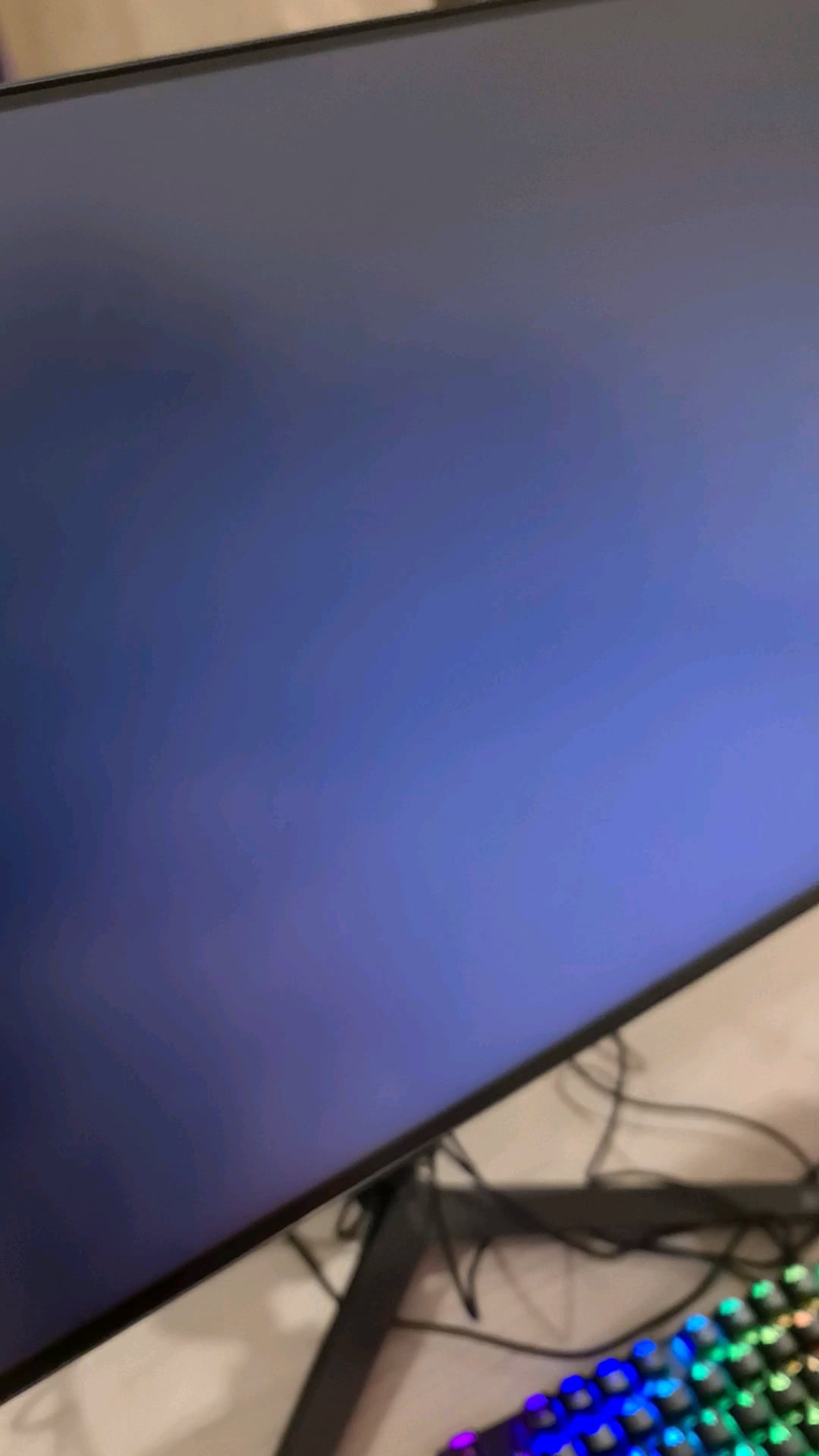
So i was playing Bg3 and kept getting this error (this game has encountered an unrecoverable directx error) idk why anyways i kept playing then my pc suddenly crashed now no matter what i do i cant boot my pc it just shows a blackscreen

So i was playing Bg3 and kept getting this error (this game has encountered an unrecoverable directx error) idk why anyways i kept playing then my pc suddenly crashed now no matter what i do i cant boot my pc it just shows a blackscreen
26 Comments
What is your cpu? Is your hdmi port plugged in properly?
Could’ve built yourself something good and new with that cash
If it’s consistent. You can use a Linux live USB. If the Linux live works fine for a few hours. Then you know it’s not hardware and related to windows. Then you could try a windows reinstall.
Boot in to safe mode with networking, download DDU and latest Nvidia driver, Run DDU, clean nvidia drivers.
Restart normally, reinstall latest nvidia driver.
Could be a mobo issue. I recently got a msi z790-p wifi and it came missing a pin, was causing the same issue and I had a memory debug light turning red, then yellow, then off. Took me a couple hours to figure out it was a missing socket pin. Got the asus z790 instead and everything is working flawlessly.
Talk to the shop, they will have support.
Look similar to display refresh rate issue, try lower IT in your display if possibile or try force GPU to render in power hz
Intel extended the warranty on the 13th gen CPUs to 5 years. Even though you purchased 2nd hand if it really is the CPU issue, I would still get in touch with Intel and see if you can get a warranty replacement. Claim you purchased with cash at Micro Center and lost receipt. Or even tell them the truth, they still shouldn’t deny the warranty replacement.
It wouldn’t hurt to double check your running the latest bios for your motherboard. check your motherboard manufacturer’s site or just google it and see what the latest version is
This 100% looks like a corrupted nvidia driver. Use DDU in safe mode to completely uninstall and then do a fresh install. Never reinstall nvidia drivers without first doing a clean uninstall.
U paid prebuilt price, you better have prebuilt service. Contact customer service
I don’t recommend buying a secondhand top of the range GPU. Mid-range (4060 or 6600xt) is understandable. But not a 4090 or a 7900xtx
Nice picture of peace bridge!
Try Resetting the default settings on bios.
Not a big deal, this happens when you log in and windows is trying to load up everything, so worst case scenario this is something that is installed on the system or the OS is fucked, worst case you’ve gotta re-install windows.
This happened to my gf the other day. I booted to safe mode and reinstalled windows. Works fine now.
Just wipe windows, reinstall. Then download latest drivers.
Totally unrelated.
But go calgary!
That’s the peace bridge!
Is that a gsync or freesync monitor? Check the monitor menus and reset it to factory. It looks like it’s stuck in a mode switching cycle.
Listen here, you have a major issue that cannot be fixed anymore. With that being said I am willing to generously pay you a 100 bucks for this trash. Just let me know if we have a deal
This is why I don’t buy used computers
This happened to one of my friends. DDU did not work so we took to the shop and they said the GPU had bad firmware.
Just re-sit your ram sticks, make sure they are firm.
I am assuming you don’t know too much about PCs so that is the best thing you can do before returning or sending it back for inspections.
Have u updated ur gpu and other drivers?
not related but is that the peace bridge
check that you monitor is plugged into the video card, not the motherboard. My son did this recently and had the exact same presentation.