
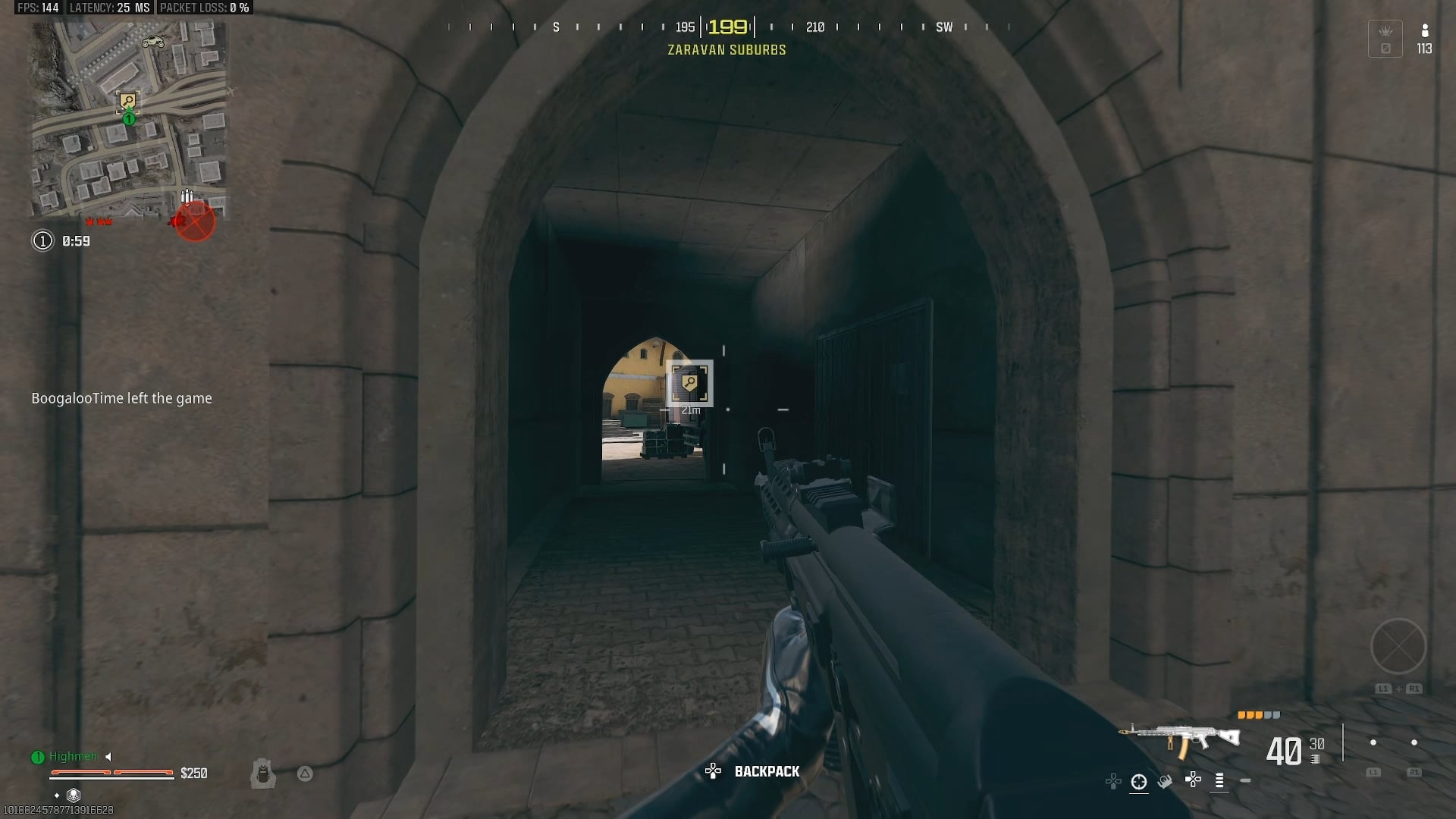
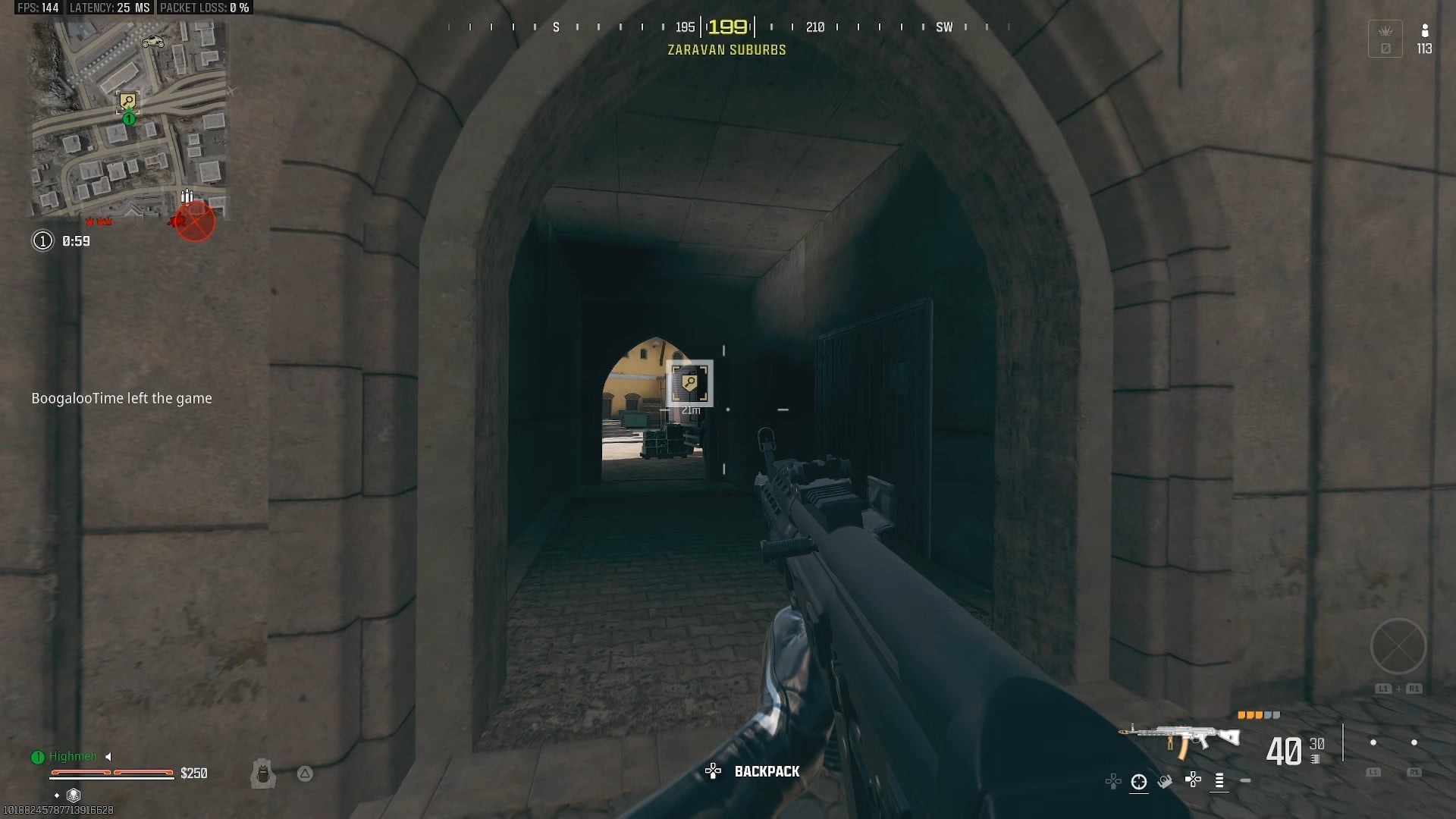
Is there a fix for the lag/stutter? I’ve not been able to play a match without having lag/stutter for a couple of months now. I have a 4080 + 7800X3D and really fast internet. Please lmk if I need to turn anything on or off. I’ve tried so many things and I’m about to give up.
7 Comments
Their servers suck, and are probably causing the stuttering.
With that said, I also have a 7800x3D, but with a 3090 and I’m getting 60+ more frames than what you showed in your video.
What in-game and Windows settings are you running? There are tons of videos out there that walk you through the optimal settings for this game. Start there, and if the issues persist, I’d say it’s safe to say you’re connecting to bad servers, which is out of your control.
Reset shader cache
Yo I might have the fix for you. Mine stuttered like this for ages then I found something that fixed it. How much ram does your PC have?
And I thought it was my shit internet only getting 16mbps max. You have it better than me though on the lag
Looks like a pc issue. Frames shouldn’t fluctuate that much..
Sd drive? Or platter? Also where is your winblows virtual ram partition? Pretty sure “game mode” just enables screenshots and recording of gameplay “on the fly” and does nothing else for us that we can’t enable otherwise. Game mode is probably recording/deleting to your hard drive every time you see a stutter. 16 Gb of system ram minimum? Also turn OFF “streaming textures downloads” or whatever that crap is in game as this is strictly for people with small hard drives and is constantly downloading textures while you play. Turning it OFF forces the game to load 100% to your hard drive and not delete and download skins all game long as you meet people in game.
Did you try turning off the challenges notification option (in account and network) it’s a bug that affected Xbox, not sure if it’s an issue on PC too. Also make sure your rendererworkercount is set to 8. But most likely it’s just the game being ass and servers.