
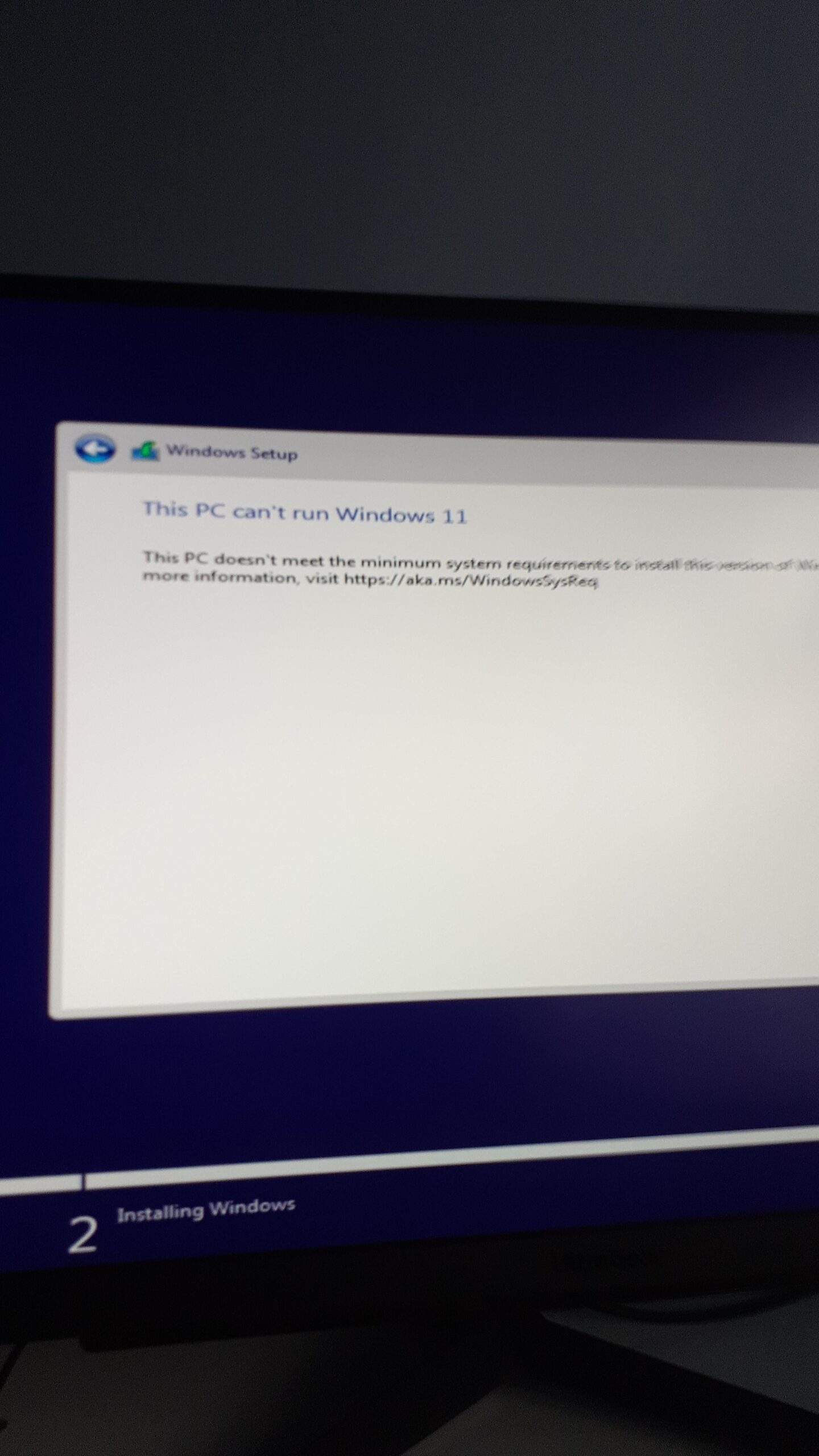
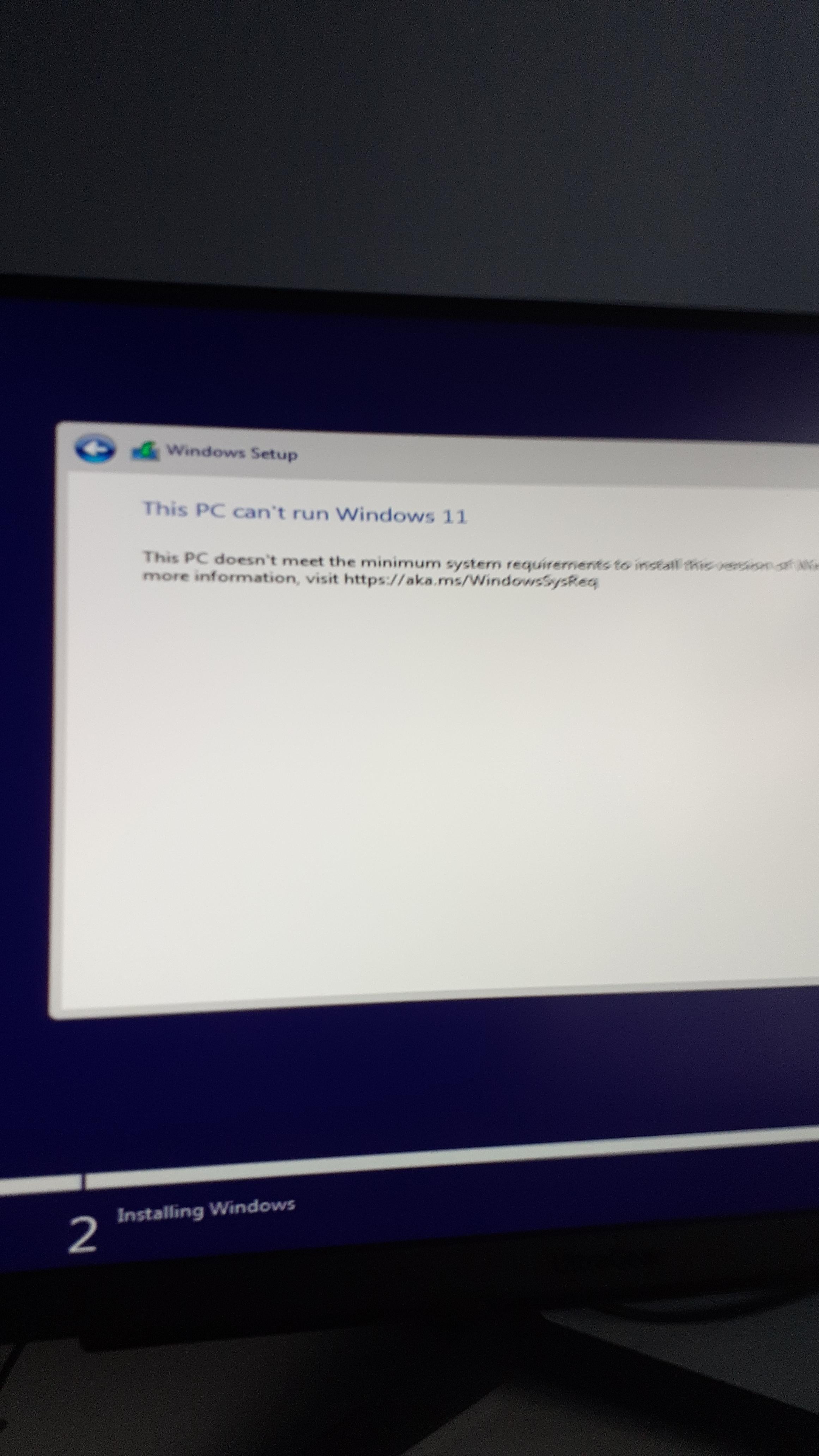
Trying to install windows 11 on my new PC and it says I can't run it???
I demolish the hardware requirements so that is not the issue.
I was thinking i may need to update my motherboard's BIOS but idk if I can do that without an OS
I tried to connect an ethernet cable to see if the problem was a lack of internet but it was just to a WiFi booster, would i need to plug it straight into the router
The motherboard has no drivers so can I install those with no OS?
Please help i wanna play subnautica
25 Comments
enable fTPM in bios
get win10 for a year, then update to 11
Dont run, try walking
A couple bios changes should fix this.
make sure TPM is enabled
Be thankful.
Some CPU’s can emulate TPM even when the board itself doesn’t support it. Try and make sure all the basic stuff is enabled like that.
Use Rufus to create your install media again and, when asked, use it to disable the hardware requirements for install.
iNsTaLl LiNuX
Use Rufus to make a boot usb that bypasses tpm
Uh make sure Secure boot and tpm in bios is enabled
Use Rufus.
the installation “continue online” comes up and you need a network, then you need to press shift+F10 and the CMD window will appear. Type oobe\bypassnro and enter.
Enable TPM in your motherboard BIOS and then boot into the installer again (don’t forget to save!)
install TempleOS
Rejoice, that’s what you do.
jFk windows 11
It’s new to you but what are the stats of this computer
Windows 10 LTSC, or a modded Win11 ISO with the requirements removed (be VERY careful about where you source modded ISO’s from, or learn to mod them yourself), or Linux.
Back to XP for u
Look up the model of your motherboard and find out if it supports TPM2.0. If it does, go into the BIOS and turn it on. If not, start saving money for an upgrade.
common problem, update your bios!
Install windows 10 instead
Your guess is right, a BIOS update should be enough to allow you installing Windows 11.
Most of the recent motherboard bios update enable by default the different BIOS option required for installing Windows 11.
And you can totally update your BIOS without OS.
You will need a usb key and the installation file.
Type your motherboard manufacturer’s name followed by “BIOS update” on youtube and you’ll find a lot of tutorials to that.
Also if after updating you BIOS, you still get the same message when you try to install Windows 11, it could mean that your BIOS update didn’t enabled Windows 11 required settings by default.
In that case, you need to enable Secure Boot option and TPM 2.0 in the BIOS manually.
Again you can find a lot of tutorials video on youtube by typing your motherboard manufacturer’s name followed by “Enable Secure Boot and TPM”.
Download Rufus and flash a windows 11 iso to the usb. It’ll give you a prompt to bypass tpm requirements, online Microsoft account requirements, and automatically decline all the bloatware options .