
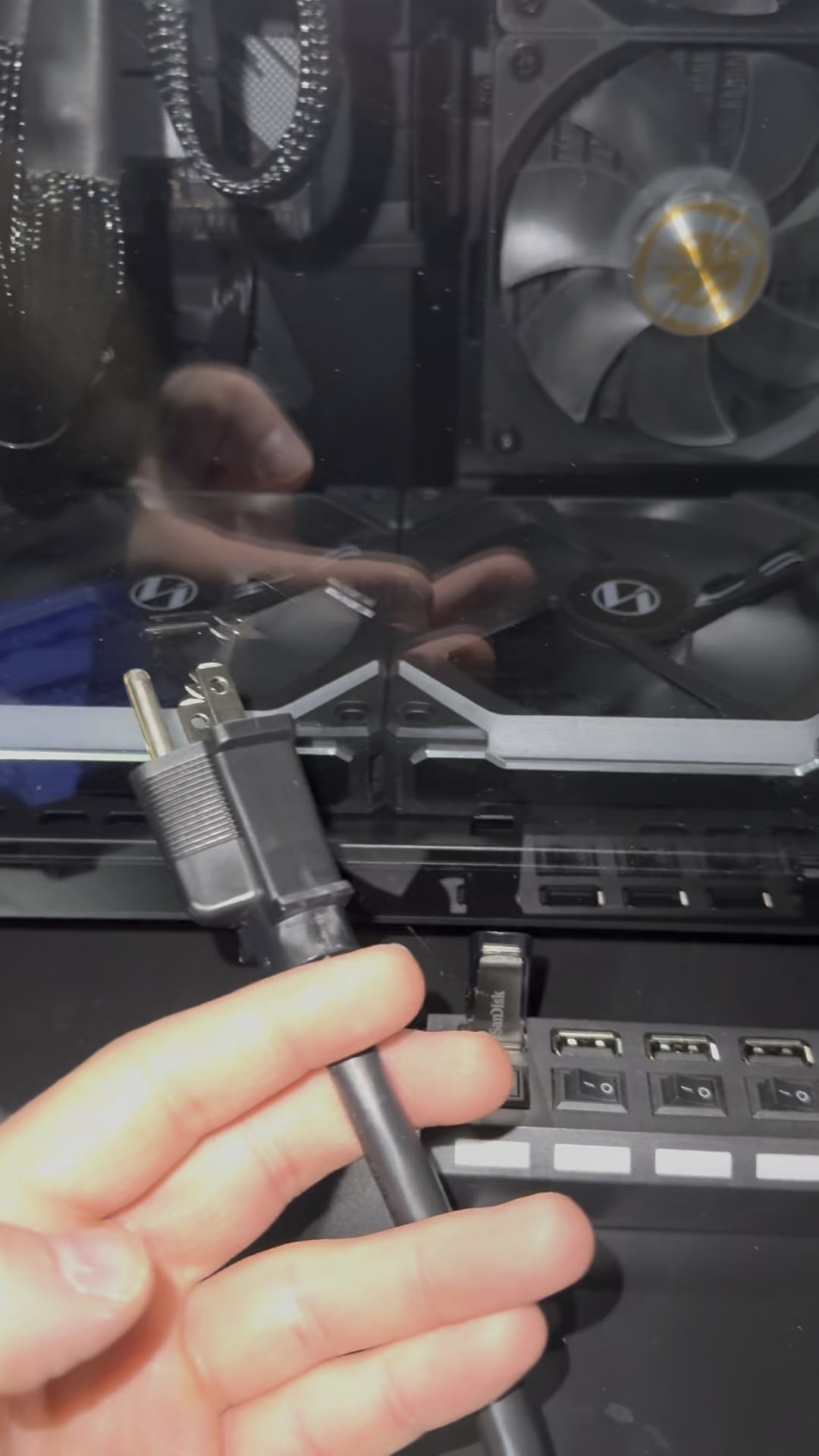
So I noticed that when my computer is off, the fans on the bottom and top continue to spin. The back fan (same type of fan plugged into the same fan controller) behaves normally. Today, I decided to turn off the power supply and unplug it to check and they continue to spin. I’m thinking the power supply just shorted somewhere, but I want to see if any of you have seen this and know what’s up before I go and replace it. Video attached.
24 Comments
The PSU has residual power.. it’s the reason why you don’t open a power supply up because the caps are still charged for hours after unplugging it.
Perpetual energy discovered
You may have a g-g-g-g-g-g-ghost.
Might be the regular kind, too.
Press the power button. It should drain the caps
Try this as something similar happened to me: Remove your Display Port/HDMI cable from the pc and see if it stops. I had an issue where I bought a new DP cable and it was sending power from the monitor to the pc after shutdown like this. It would make the RGB light up and fans spin.
Probably power coming from your monitor cable.
It can be PSU residual power or energized video/ethernet cables. Probably second one
Let it sit for a day caps in the psu are still energized so it still pushing enough to spin the fans. once it drains down they will stop but other than that psu is fine
Computer is possessed. Good thing I’m a priest, send it to me and I will perform the exorcism.
Are you charging your phone? I was charging my phone via USB-C. unplugged PC same way you did and my phone converted into a power Bank…. Didn’t do much except make RGB flicker…… Never again would not recommend at 3 am!
If your psu would be shorted anywhere your house would likely be on fire by now or your breaker would have popped
Stop blowing your PC
Looks like this is solved but just wanted to say if you’re ever concerned about your PSU being charged just unplug it and hold the power button for a bit. This grounds the capacitor against your case and can discharge them pretty fast.
Shits haunted my guy
Call a priest
I think that PCUs keep some power even after being unplugged. That’s why it’s dangerous to open up a PCU because it can kill you i believe
Godamn those capacitors got unlimited ammo
The power is coming from your hdmi cable
Have you tried switching it to wumbo?
I wonder if people with this same isue is causing other sort of problems like dirver timeouts etc and they dont know why. What PSU you have?
I’m not a expert but I feel like this is what’s it like to have infinite energy basically a fan blowing a windmil
the power cable is my new favourite blend of cigarettes
Because this is a problem with display port, the quickest, easiest, most cost efficient way to fix this is plugging your monitors into power strips which you can turn off.
CR2032 about to run out.