
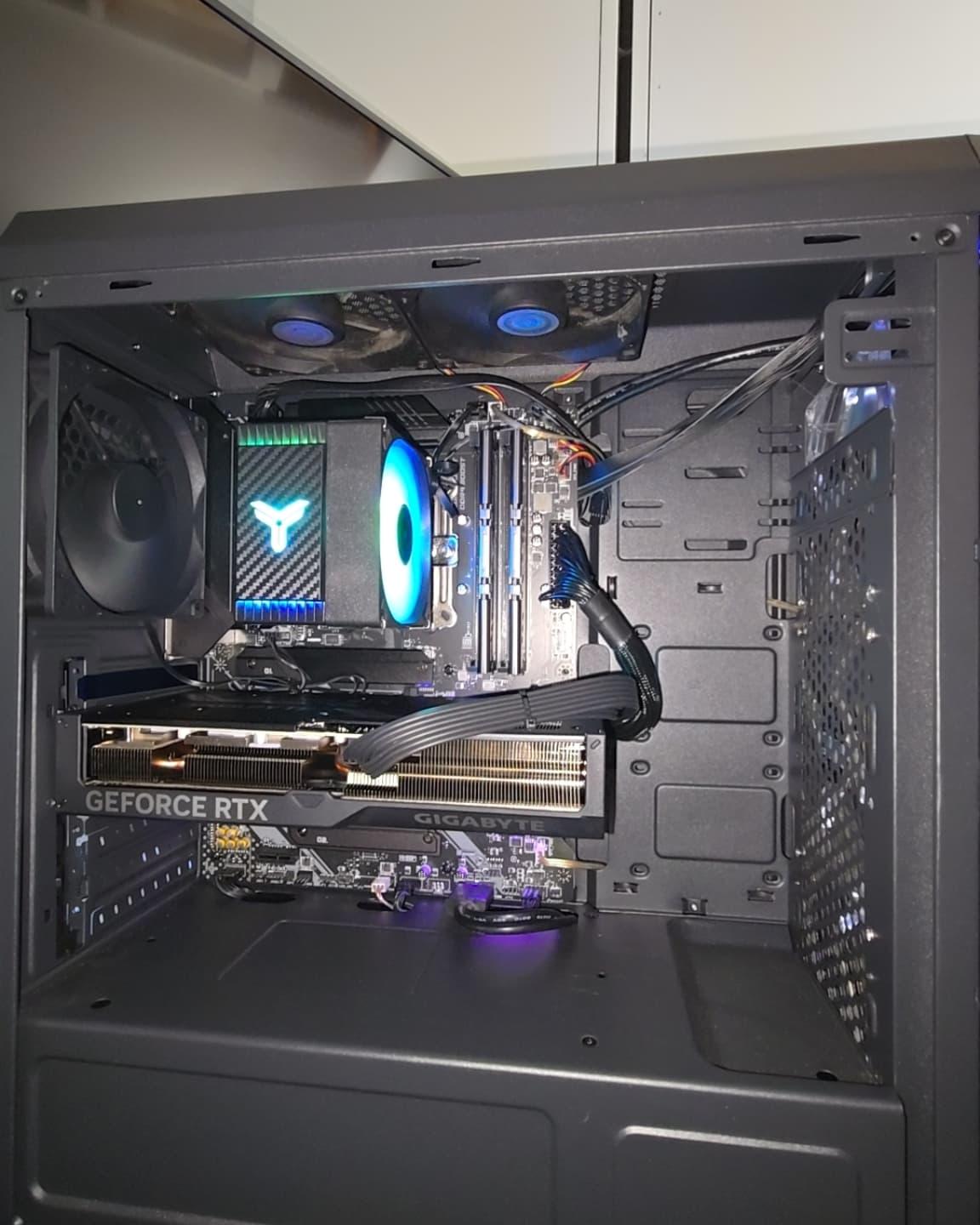
Specs of my week old PC are:
MB: MSI Tomahawk B550 Max Wifi
CPU: AMD Ryzen 7 5700X
GPU: RTX 4070 Super
RAM: Vortex 32GB (16×2)
Storage: M.2 990 EVO SSD 1TB
I ordered the same sticks of RAM off of Amazon, deciding to add more since I have two more slots. I put the other two sticks in, went to BIOS, and for some reason I thought I needed to change the VRAM. It was at 3200, which is the speed that is necessary. I set it to 6400, save and reboot, no boot after that and a red CPU debug light on the motherboard. Instantly thinking I messed up BIOS, I went to reset BIOS by unplugging the PSU and bridging the two pin header next to the battery for CMOS. It started, but with the same problem. I had to take out the GPU to access the battery. Took out the battery for a few minutes, put it back in, put the GPU back in and plugged it in, only to realize now I have no power to anything. I have tried to take the new RAM out all the way down to even one stick. Nothing is giving my PC power right now. Debating overnighting a new PSU from Amazon for $80. Any ideas?
3 Comments
Who knows exactly how much damage you did but you did a lot. And the question is… what exactly made you think that going from 3200 to 6400 on DDR4 made sense? Even minimal research would’ve told you to not do such a thing lol.
Test the ram on another system if possible. Test a new CPU as well. PSU has nothing to do with this.
i reset cmos once and it didn’t work, it took me a bit to realize i wasn’t using “real” metal on the pins. wish i could be more help.
When you say your PC isnt getting any power do you mean literally no power at all? Like the fans dont spin up at all or anything? If there are any signs of power then I doubt its your PSU. Also just gonna throw in to make sure you flipped the power switch back on at the back of the power supply.
Now, the protocol for resetting CMOS is
1. Turn off and unplug PSU
2. Take out CMOS battery
3. Short the jumper pins you were talking about as well as just hold down the power button on the front of your case for good measure
It seems like you did a weird combination of these and not all at once/in the right order
Bonus tip: You can also wire the reset switch on your case to your cmos jumper if you want an easier time resetting cmos or you plan on messing with memory timings frequently but that will obviously mean your reset button wont work anymore