Now that you have discovered your powers, I hope that you will choose to use them for good and not evil.
Aymann-al
what case ?
Slottr
Well on the bright side you don’t have to reach over to restart it
meteorprime
Something is lose, like maybe gpu
FUPA_MASTER_
I’m guessing you’ve got a loose connector somewhere. Try re-installing the GPU and RAM first. Then power connectors. Could also possibly be the GPU riser. Wouldn’t hurt plugging it directly into the motherboard and see if the problem persists.
NahWeGotCreampies
My pc sometimes won’t start, and instead will boot loop. But I have a butane torch, and if I light it anywhere near the pc(not close enough to start a fire) it starts working again.
CoverProfessional406
One quick troubleshoot would be to install the GPU without the riser, it might have defect.
TheLegendD4RK
First thing I would do is disconnect case power, restart and HDD light cables then try and see if it still happen, the fault might be in the case power button board, so this would rule it out quickly.
Ok_Examination3965
if you have a reset switch disconnect it from the mb header, then try your magic trick again.
MagicElf_123
My Laptop does this recently. I dropped it three inches on my bed an it restarted. Luckily I saved my BG3 run three minutes earlier. The other time I knocked on the left side from my touchpad. Not hard. Maybe I should fix this xD
Agreeable_Ad5322
I have the exact same issue, actually, whenever the screen goes black my gpu fan starts to accelerate up to 100% of its speed
smaguss
Built different (poorly)
legaltrouble69
You have a loose connection somewhere,
Or either a faulty switch, does pc resets or black screen?
Try to insert the gpu firmly qnd ram sticks ,make sure your aio is tight, check mobo front case connectors ,check psu cable .
Check all connections
I believe some thermal sensor is loose.
As soon as you hit all fans power up and gpu fans start spinning..
unabletocomput3
Something on the PCIe extender is coming loose. Try resocketing either the gpu or extender.
flappers87
Loose connection.
Just reseat your GPU.
shmiga02
Fist of god
iAmGats
Something is probably loose inside your PC.
Candid_Equipment_296
BREAKFAST
Just-a-lazy-wizard
Just don’t smash your fist against the table bro
guybrush117
I had this issue, try to see if the PSU cable to you graphic card is correct, try to change this cable first.
hectic-eclectic
when this happened to me it was because my PSU was failing, a cord was melting.
VoidLookedBack
PCIe adapter isn’t as secure as it should, the thump you did with your fist basically made the GPU stop making contact with the PCIe lane.
PM_ME_UR_BEST_DOGE
Mine did same thing dude. I reseated the GPU. My GPU connection isnt the best I guess into the MOBO
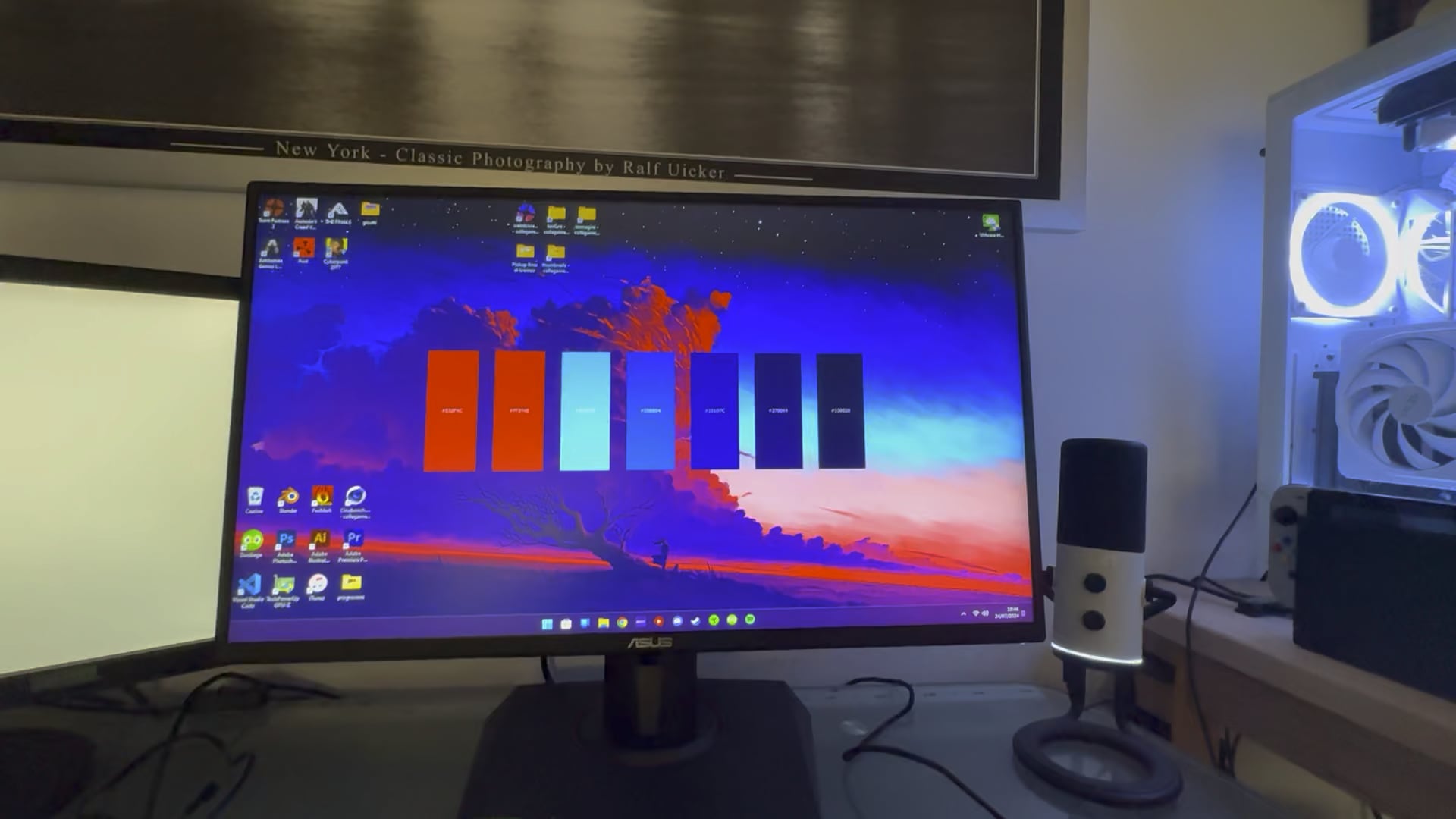

29 Comments
Now that you have discovered your powers, I hope that you will choose to use them for good and not evil.
what case ?
Well on the bright side you don’t have to reach over to restart it
Something is lose, like maybe gpu
I’m guessing you’ve got a loose connector somewhere. Try re-installing the GPU and RAM first. Then power connectors. Could also possibly be the GPU riser. Wouldn’t hurt plugging it directly into the motherboard and see if the problem persists.
My pc sometimes won’t start, and instead will boot loop. But I have a butane torch, and if I light it anywhere near the pc(not close enough to start a fire) it starts working again.
One quick troubleshoot would be to install the GPU without the riser, it might have defect.
First thing I would do is disconnect case power, restart and HDD light cables then try and see if it still happen, the fault might be in the case power button board, so this would rule it out quickly.
if you have a reset switch disconnect it from the mb header, then try your magic trick again.
My Laptop does this recently. I dropped it three inches on my bed an it restarted. Luckily I saved my BG3 run three minutes earlier. The other time I knocked on the left side from my touchpad. Not hard. Maybe I should fix this xD
I have the exact same issue, actually, whenever the screen goes black my gpu fan starts to accelerate up to 100% of its speed
Built different (poorly)
You have a loose connection somewhere,
Or either a faulty switch, does pc resets or black screen?
Try to insert the gpu firmly qnd ram sticks ,make sure your aio is tight, check mobo front case connectors ,check psu cable .
Check all connections
I believe some thermal sensor is loose.
As soon as you hit all fans power up and gpu fans start spinning..
Something on the PCIe extender is coming loose. Try resocketing either the gpu or extender.
Loose connection.
Just reseat your GPU.
Fist of god
Something is probably loose inside your PC.
BREAKFAST
Just don’t smash your fist against the table bro
I had this issue, try to see if the PSU cable to you graphic card is correct, try to change this cable first.
when this happened to me it was because my PSU was failing, a cord was melting.
PCIe adapter isn’t as secure as it should, the thump you did with your fist basically made the GPU stop making contact with the PCIe lane.
Mine did same thing dude. I reseated the GPU. My GPU connection isnt the best I guess into the MOBO
https://i.redd.it/zji7jyunmied1.gif
Newer pc’s have a built in freak out breaker. When the gamer slams their fists on the desk the pc turns off to help the gamer calm down.
I thought it was funny… and I saw there were good responses helping out.
PLUG IN EVERYTHING, SOMETHING IS NOT PLUGGED IN ALL TEH WAY DO NOT DO THAT TO MANY TIMES LOL
Anti rage feature
It broke bro, donate to me thanks
I see the issue.
You hit the desk and it turned the pc off.
Don’t hit the desk.