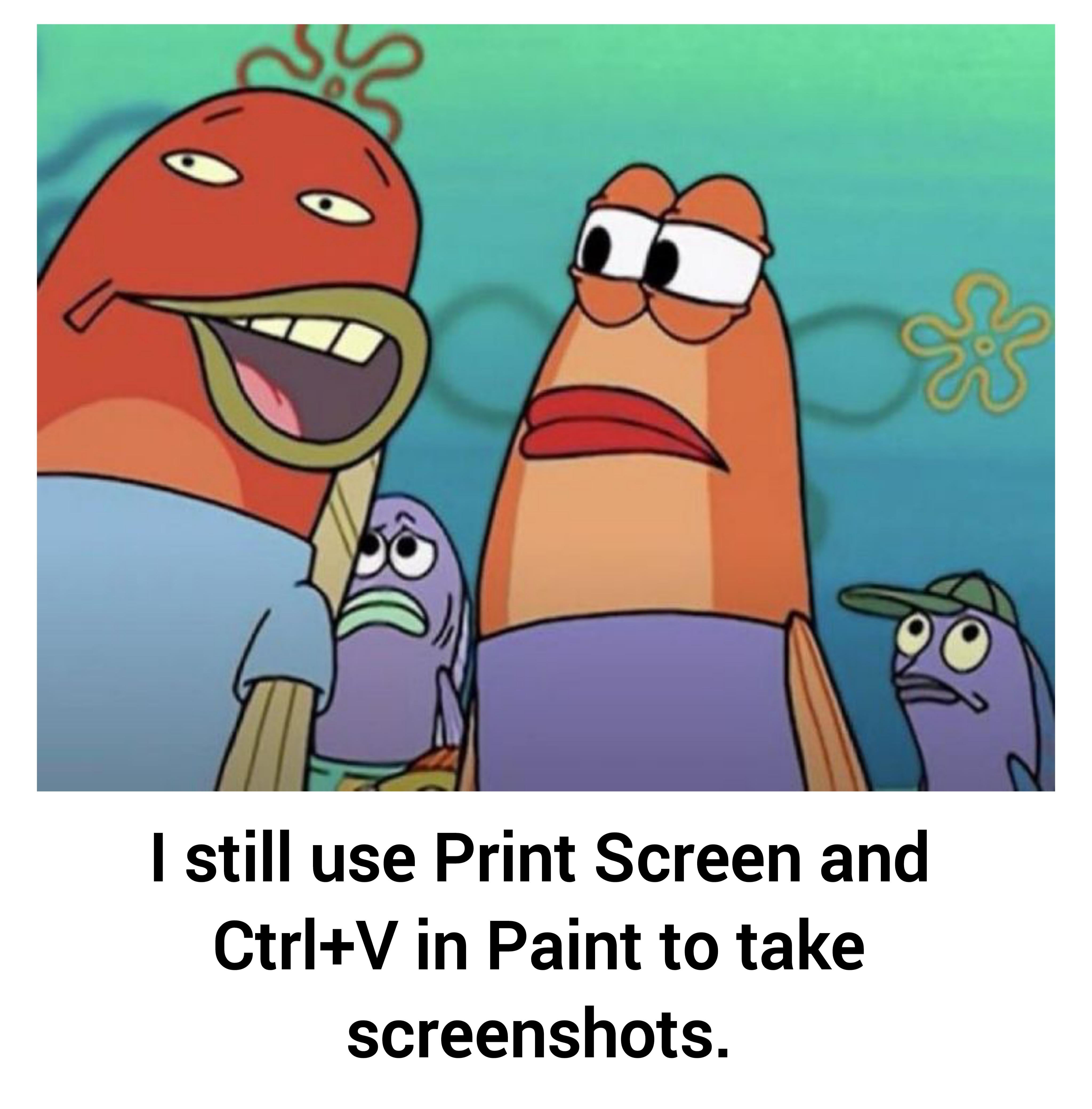
I would love to hear about the better alternative if there is one
SNES_Star_Stacker
I use [Greenshot](https://getgreenshot.org/) which I used to have primarily to take a screenshot of a region of my screen, upload it to imgur, and it would put the link on my clipboard.
Now I just use it to capture the screenshot and have that on the clipboard because I can paste that in discord. I also have it save it to a folder so in the future I can show them off again.
AirEast8570
I use Windows 11 and i like it more than Windows 10.
shrikelet
It’s got it’s own damn key, for crying out loud! Fucked if I can be bothered remembering what three keys I need to press to invoke the clip tool.
louiscools2005
Usually I just use the snipping tool to take screenshots. I don’t like taking a full screenshot every time when I do print screen, so instead use the snipping tool to take a portion of the screen that I want to save.
FlagJJohn
ShareX
chandlerbng5
Win + shift + s, you’re welcome
Takeasmoke
i still do this when i need to upload it somewhere and they don’t allow just pasting screenshot directly
PapaLoki
I like using the Linux terminal even though the tasks i do could be done via GUI. I dunno. It just feels more satisfying.
drbomb
I would call you out if it weren’t from snipping tool sometimes just doing nothing and needing to get killed on the task manager before it works again
thepinkyclone
Just why? Just use win + shift + s. It works on both on win10 and win11. Just win10 i think didn’t save automatically. Also win11 currently print screen button does the same thing.
Save location by default is Pictures/Screenshots
Also many apps support pasting straight to them. Just inside apps input field hit ctrl + v. Really rarely you need to actually drag image.
Also win + v. Opens your clipboard (first time needs confirm to enable it) so you can copy many things or have many screenshots and paste all that from clipboard.
Albatroza
Shift+Winkey+S if i guess correct, i use this and Ctrl+v to anywhere it possible
Avenge_Nibelheim
I’m going to plug one of my favorite programs (i’ve even supported) [https://getgreenshot.org/](https://getgreenshot.org/)
Fantastic upgrade to the Snip tool and easy to use editor
InternationalEye5526
Snipping tool snipping tool snipping tool its built into windows guys pls
Grouchy_Vehicle_8001
win + shift + s anyone???? no???
Le-Creepyboy
I use greenshot, you can remap print screen to start the cropping tool, or to save instantly your screens, in a designated folder.
Guifranzonator
Screenpresso is a cool free tool to take screenshots and recordings
tibi1984
Wait, how does everyone else do it?
Aggressive-Edge-5677
Me 2😂
leviathan1137
Pfft, only weirdos use Ctrl+V to paste… only true users know shift+insert 😂
Huge_Driver8355
Win + print screen
ngoni7700k
Alt+f4
Arucious
Now if only snipping tool was usable with HDR
ItIs_Nix
I do Win+shift+s and send it to a random inactive account on discord to save it.
queroummundomelhor
Lol what a scrub, I paste it in photoshop
Belgrieve40
I so the same but Photoshop instead.
I still use Winamp for all my music till this day and will keep using it till I die Frick streaming services.
Jojoceptionistaken
Same, kinda
Furry_Hagumi
I use 60hz on a 120hz laptop display and I prefer it
Trex0Pol
Windows + Print screen. It saves it automatically into the gallery.
589ca35e1590b
I use Greenshot for my screenshots. That’s not a secret though.
jennakiller
Bro it’s the only way. dont get all techy with some workaround
gamebattles1946
I do the same also haha
Kitsune_BCN
I use greenshot, it’s free and can capture to desktop with 1 key
Legitimate-Ad-2620
Is there any other way?? Haha
Dr_Axton
Wait, there’s another way?
KingGorillaKong
Windows Snipping or PrntScrn, then CTRL+V into a message/email I send to myself to save the actual screenshot. Faster than opening paint and saving manually. xD
El_Mariachi_Vive
You mean there’s another way?
WntrTmpst
Doesn’t the windows key + print screen do that already? Literally produces a png of whatever is on any of your displays
PretendFisherman1999
I still don’t use AI.
Pimpwerx
Snipping Tool should’ve made itself known to you by now. Why not use that instead? Paint hella sucks. It’s sucked for decades now. Get Gimp if you want to edit images. irfan if you just need to view them.
iziom
I mean some people post photos of their screens, made with their phones. That is just straight to jail.
ScooterFett
I’m still just a lame windows+print screen
SweetFlexZ
PrintScr, make the screenshot, then ctrl+v to paste it where I want.
_zir_
I still have to do this sometimes when the new snipping tool (win shft s) doesnt pop up with a notif i need to draw something on the picture. Such an annoying bug.
sirchicken23
I thought that’s how you normally take a screenshot? Is there other programs that are better?
Waveshaper21
Win11 makes a screenshot immediately when you press printscreen, you can even cut the part you want (if any) directly there, it’s all done in a second. Honestly the only actually useful feature from W11.

47 Comments
I would love to hear about the better alternative if there is one
I use [Greenshot](https://getgreenshot.org/) which I used to have primarily to take a screenshot of a region of my screen, upload it to imgur, and it would put the link on my clipboard.
Now I just use it to capture the screenshot and have that on the clipboard because I can paste that in discord. I also have it save it to a folder so in the future I can show them off again.
I use Windows 11 and i like it more than Windows 10.
It’s got it’s own damn key, for crying out loud! Fucked if I can be bothered remembering what three keys I need to press to invoke the clip tool.
Usually I just use the snipping tool to take screenshots. I don’t like taking a full screenshot every time when I do print screen, so instead use the snipping tool to take a portion of the screen that I want to save.
ShareX
Win + shift + s, you’re welcome
i still do this when i need to upload it somewhere and they don’t allow just pasting screenshot directly
I like using the Linux terminal even though the tasks i do could be done via GUI. I dunno. It just feels more satisfying.
I would call you out if it weren’t from snipping tool sometimes just doing nothing and needing to get killed on the task manager before it works again
Just why? Just use win + shift + s. It works on both on win10 and win11. Just win10 i think didn’t save automatically. Also win11 currently print screen button does the same thing.
Save location by default is Pictures/Screenshots
Also many apps support pasting straight to them. Just inside apps input field hit ctrl + v. Really rarely you need to actually drag image.
Also win + v. Opens your clipboard (first time needs confirm to enable it) so you can copy many things or have many screenshots and paste all that from clipboard.
Shift+Winkey+S if i guess correct, i use this and Ctrl+v to anywhere it possible
I’m going to plug one of my favorite programs (i’ve even supported) [https://getgreenshot.org/](https://getgreenshot.org/)
Fantastic upgrade to the Snip tool and easy to use editor
Snipping tool snipping tool snipping tool its built into windows guys pls
win + shift + s anyone???? no???
I use greenshot, you can remap print screen to start the cropping tool, or to save instantly your screens, in a designated folder.
Screenpresso is a cool free tool to take screenshots and recordings
Wait, how does everyone else do it?
Me 2😂
Pfft, only weirdos use Ctrl+V to paste… only true users know shift+insert 😂
Win + print screen
Alt+f4
Now if only snipping tool was usable with HDR
I do Win+shift+s and send it to a random inactive account on discord to save it.
Lol what a scrub, I paste it in photoshop
I so the same but Photoshop instead.
I still use Winamp for all my music till this day and will keep using it till I die Frick streaming services.
Same, kinda
I use 60hz on a 120hz laptop display and I prefer it
Windows + Print screen. It saves it automatically into the gallery.
I use Greenshot for my screenshots. That’s not a secret though.
Bro it’s the only way. dont get all techy with some workaround
I do the same also haha
I use greenshot, it’s free and can capture to desktop with 1 key
Is there any other way?? Haha
Wait, there’s another way?
Windows Snipping or PrntScrn, then CTRL+V into a message/email I send to myself to save the actual screenshot. Faster than opening paint and saving manually. xD
You mean there’s another way?
Doesn’t the windows key + print screen do that already? Literally produces a png of whatever is on any of your displays
I still don’t use AI.
Snipping Tool should’ve made itself known to you by now. Why not use that instead? Paint hella sucks. It’s sucked for decades now. Get Gimp if you want to edit images. irfan if you just need to view them.
I mean some people post photos of their screens, made with their phones. That is just straight to jail.
I’m still just a lame windows+print screen
PrintScr, make the screenshot, then ctrl+v to paste it where I want.
I still have to do this sometimes when the new snipping tool (win shft s) doesnt pop up with a notif i need to draw something on the picture. Such an annoying bug.
I thought that’s how you normally take a screenshot? Is there other programs that are better?
Win11 makes a screenshot immediately when you press printscreen, you can even cut the part you want (if any) directly there, it’s all done in a second. Honestly the only actually useful feature from W11.
I use snipping tool