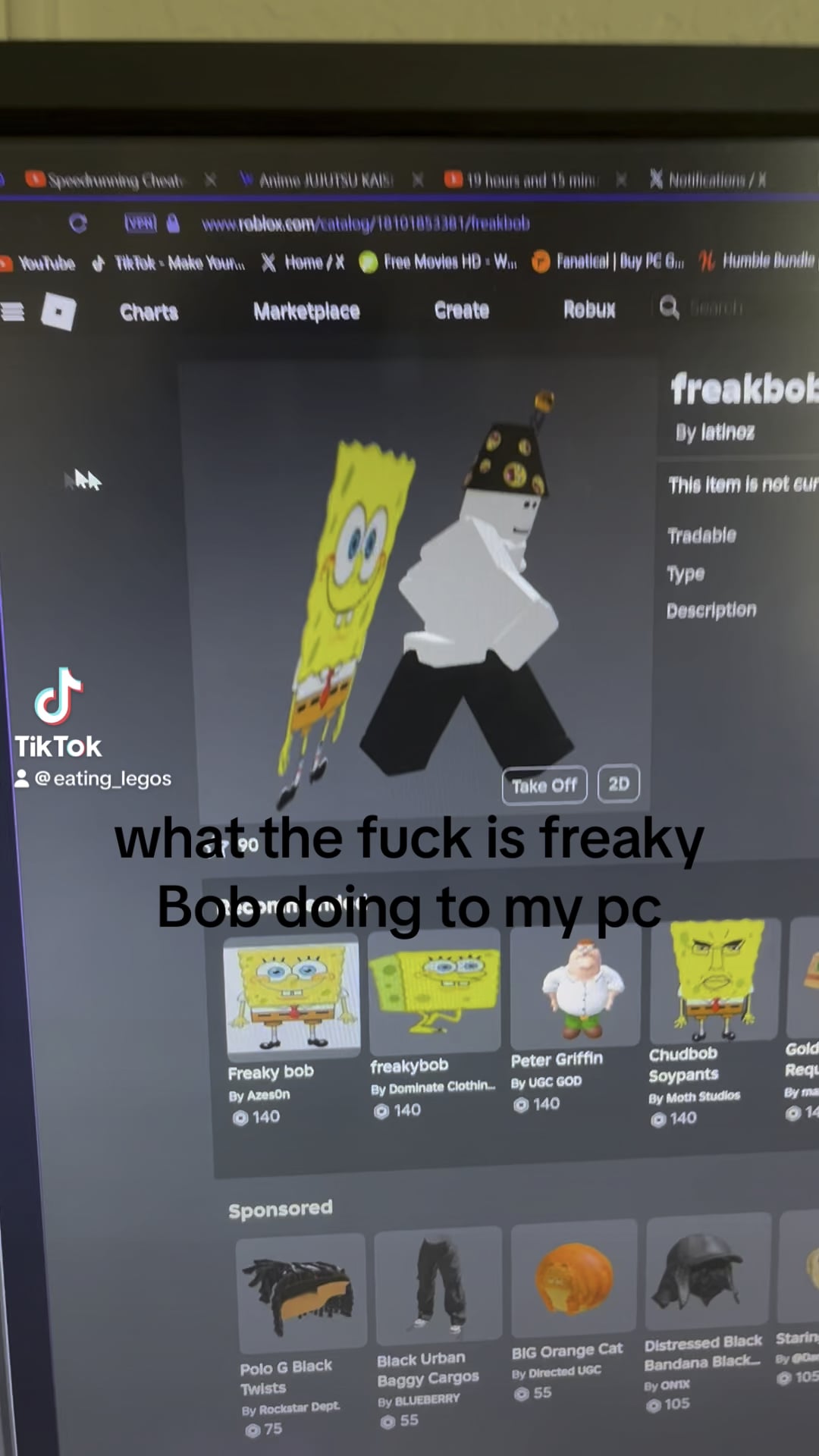
This doesn’t happen while gaming. Only while doing super basic stuff. Another time is when a chess bot was trying to calculate moves, the CPU would shoot to 100% usage every time the bot was thinking. Just stuff like that for seemingly no reason.

This doesn’t happen while gaming. Only while doing super basic stuff. Another time is when a chess bot was trying to calculate moves, the CPU would shoot to 100% usage every time the bot was thinking. Just stuff like that for seemingly no reason.
17 Comments
Bring up task manager and sort by processor usage. My first guess is you got a virus. Some are even pretty smart and scale back their usage when you start doing processor heavy work (like gaming).
Or maybe freakbot is actually just a mining app in disguise.
verify usage with hwmonitor. maybe false report.
Examine processes with AnVir Task Manager.
> Another time is when a chess bot was trying to calculate moves, the CPU would shoot to 100% usage every time the bot was thinking.
Sounds like a perfectly reasonable time for it to shoot to 100%. Why would you want it to take longer?
IF you DONT have a virus(which you should check anyway), perhaps you dont have hardware acceleration ON in Opera GX and its using the CPU to render the 3D model of the robloxian. Not sure if it would use 100%, but i do know that Task manager is not the proper way to look into some resources…such as this.
Let me explain:
If you start recording your gameplay or desktop with your graphics card driver or OBS/StreamLabs, it will use your graphics cards encoding/decoding to do it since its much faster and better then processors. Even though your graphics card is not being used at all( just displaying desktop), if youre recording and the encode/decode is used, it will jump up to 100% because…encode/decode is at 100%. And it will show up as 100% on the task manager until you open up detailed GPU usage graphs.
Perhaps the integrated graphics in the CPU have been used without hardware acceleration and since we all know igpus in the last, idk, 10 years in intels cpus is apsolute crap…it may show up as 100%.
Chess bot is normal. They are highly optimised to efficiently use your CPU resources. It’s also possible that Roblox is using software rendering on their website, which means it uses the CPU as opposed to the GPU for rendering.
Your CPU is overwhelmed because it’s looks like it’s overheating and thermal throttling. It’s only running at 3.4Ghz, but the i5 13400f has a peak boost of 4.6Ghz.
Install HWInfo, click sensors, and scroll until you see your CPU temperature. If it’s red while your CPU is working, then your CPU is overheating, and that’s why it’s slow and constantly at 100%.
Check if u have hardware acceleration on
I think it’s using a software renderer for the 3D instead of hardware
Is it only when using 3D roblox avatar or during other activities as well? Because this isn’t a mundane task for the CPU lol. Setting the 3D avatars on roblox will make any CPU shoot up to 100% usage. Everyone in the comments probably aren’t familiar with roblox.
Freakbob is just too freaky for the PC to handle
Because it’s intel 13 gen… they have some problems..
Ps. I like your music taste
If your browser has “hardware acceleration” turned off it will use your cpu instead of your gpu for 3d tasks
Mouse with a high pooling rate cause 100% cpu especially razer
Had the same issue with the roblox sparking wings, it causes your CPU to max out if you don’t have hardware acceleration on.
The WebGL code isn’t optimized,i.e. it runs a busy loop try to draw as much frames as possible. You probably see thousands frames there 🫣