
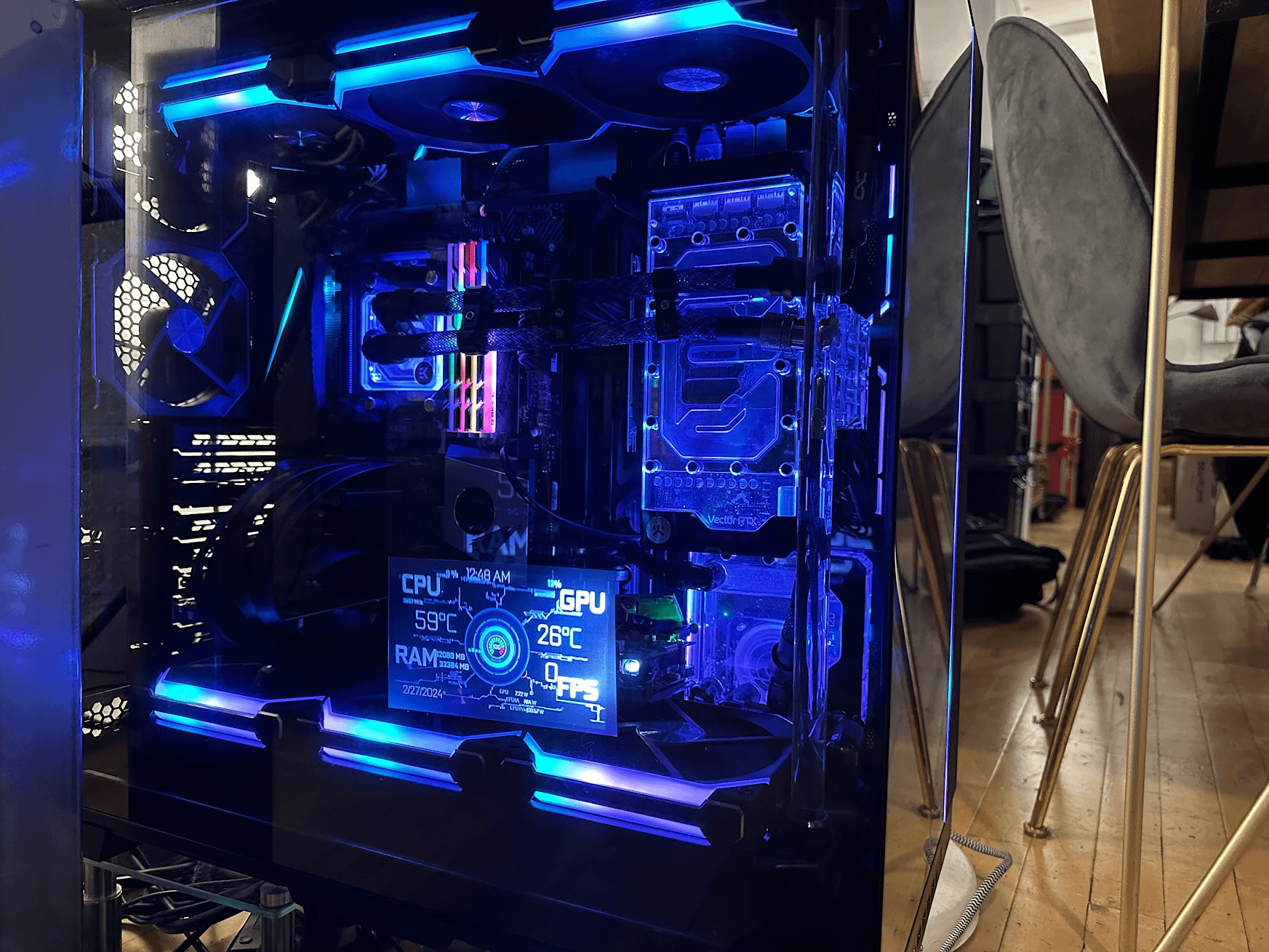
I have a PC that I built with a 5950x and an AORUS Elite x570 motherboard. It has 4 sticks of G.Skill F4-4600C19D-32GTZR 4600MHz CL19 RAM. Obviously, I can't use XMP because the 5950x won't boot with ram running at 4600MHz. I have been running at the default 2667MHz for months and I'm tired of it.
I'm looking for a sane set of timings I can use, literally just whatever the XMP defaults are for 3800MHz or even 3600MHz DDR4 ram. I've just gotten it to run at 3800MHz/1900MHz IF, but the 'auto' CL is an abysmal 28. I'm not trying to push the limits of stability for every last bit of performance, I just don't want to run it this slow.
I originally bought the ram as a 2 stick 32GB kit and ran it at these timings (copied from someone else, I don't know a ton about RAM overclocking) but they were too aggressive for four sticks.
Thanks!
2 Comments
CL14 @ 1.5V
CL13 @ 1.55-1.6V if you are lucky
First off, check if your sticks are Samsung B-Die, Hynix DJR, or Micron Rev. E/B. All of them behave slightly differently in regards to which timings scale with voltage.
Getting the RAM to run 3800 is relatively simple, just punching in 16-22-22-40 primaries at 1.5 RAM voltage and 1.15 SOC voltage should get you there. Your biggest hurdle will be stability testing the Infinity Fabric, not all chips can do 1900. Some even pass stability tests but then have audio or USB problems when load is applied.
Additionally, default secondary and tertiary timings will be loose. I assume this isn’t a gaming PC, but some compute workloads still benefit from basic tweaks like tighter tRRD, tFAW, and tRFC.
https://github.com/integralfx/MemTestHelper/blob/master/DDR4%20OC%20Guide.md