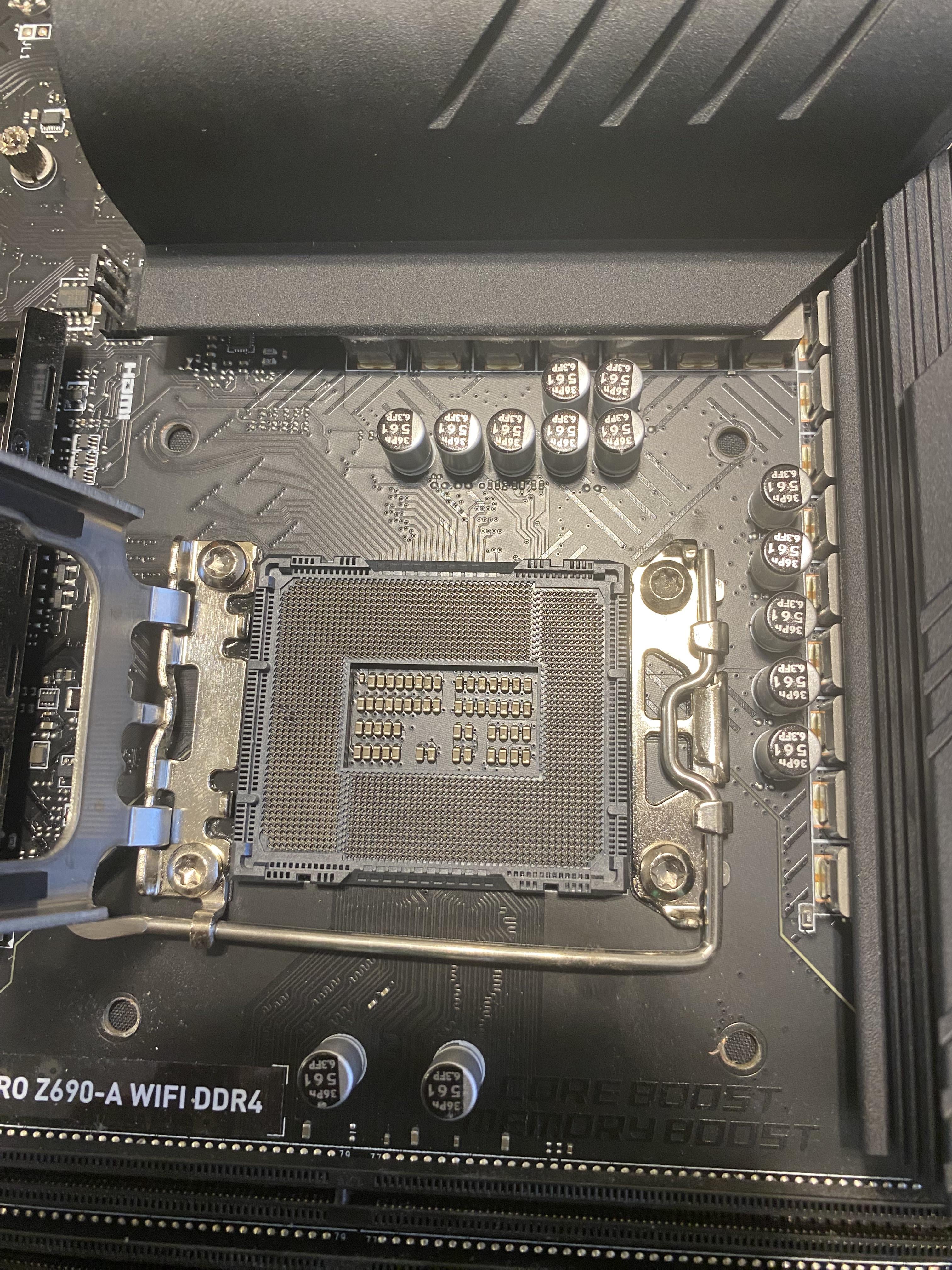
yea, I'm trying to straighten it back. It looks better than it was, but still different from all of the others. Any tips to help me out on this please?

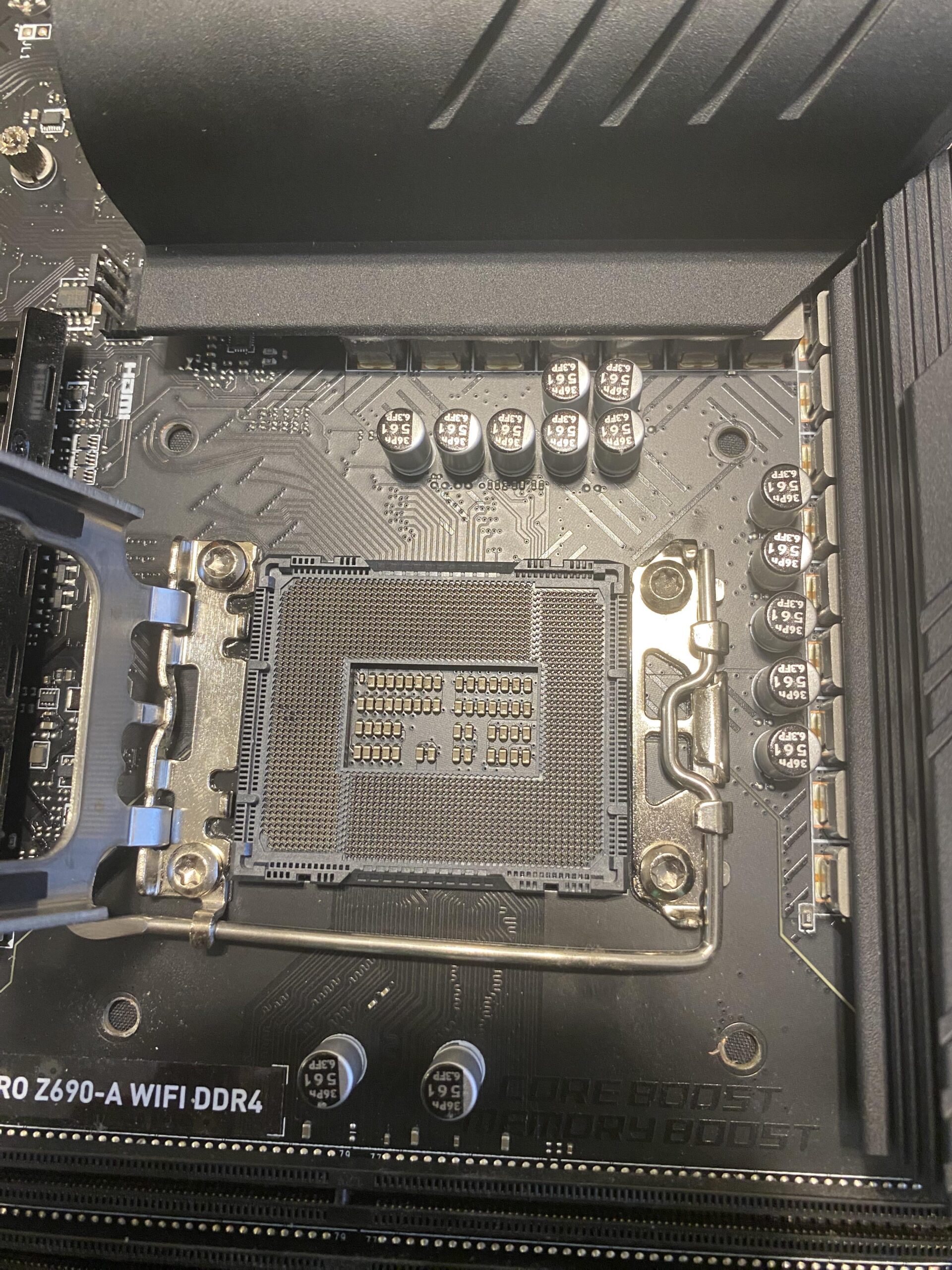
yea, I'm trying to straighten it back. It looks better than it was, but still different from all of the others. Any tips to help me out on this please?
12 Comments
If the board is still under warranty, send it for RMA.
Keep bending it gently until it’s as close as it’s guna get and cross your fingers it’s a redundant ground pin.
Grab a needle and use your camera to magnify your sight , you should be able to do fix it that way and I’m telling you this cause it happened to me not that long ago because of a mod but once I thought it was okay I put my cpu and it worked just fine like if it was the first time setting up your cpu
[deleted]
real talk? you will probably just bend more pins trying to straighten out the other pins
best thing you can do is return it under warranty. MSI is fairly good for their warranties but, but with how popular you will always hear about bad stories
https://preview.redd.it/q4q5vmoz9d8d1.jpeg?width=260&format=pjpg&auto=webp&s=10458b0166a965eea70138e8d81a6483b38ecd03
How? Just how.
You open it, put cpu in, close.
Yeah I’ve posted about this numerous times…this is a design problem in modern motherboards…some disagree with this for whatever reason, but I much prefer the CPUs to have pins because historically repairing CPU pins or even replacing CPUs is way easier than repairing these MOBO pins or the MOBO itself (especially if the MOBO is a year or so old, and a top tier one). I also think this design increased costs of MOBOs across the board along with making them far more fragile than they should be.
I think that’s a vccgt pin. They deliver power to the integrated graphics. Should still work
Try gently using a razor blade. That’s what I used on my old CPU. GENTLY.
Use it as the excuse you needed to exchange for a DDR5 mobo
Is it that one