Open powershell as admin, run “shutdown /t 0 /r /fw” without quotes
Yoshmiester1
If in windows do shutdown /fw
Can add /t 0 if you want it to reboot instantly as well. Can be done from run, or cmd, or search
MrNewt_
Easy solution, AM5 MSI motherboard. It takes me like 4 minutes to boot
jtowndtk
Except on ryzen 7000
I have a 7900x, wavlink gen 4 7400mbp/s nvme, on a strix b650 e, it takes a solid minute to boot
My last pc on b550 gen 4 solidigm 4000 speeds booted in about 13 seconds
mathew27700
Once I had a broken windows version (couldn’t get into troubleshooting mode) and I needed to get into Bios to get into USB setup, but I couldn’t since it loaded too fast. I literally had to take out the hard drive from the laptop so I can get into the Bios XD
Lobanium
If you have Windows, hold shift while clicking restart.
Beepboopbop69420360
I remember having to spam the shit out of my F11 cause my pc kept booting too fucking fast and I missed it probably 3 times before it finally worked
evonebo
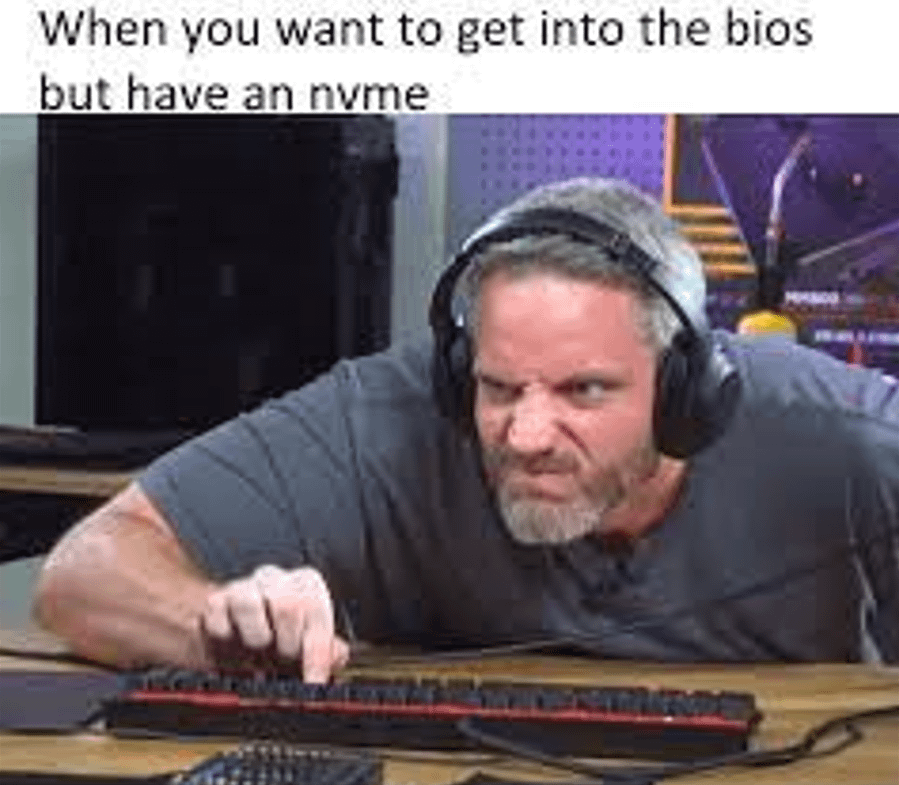
Don’t really understand the issue.. you face roll the keyboard and your bios setup opens right up.
Evantaur
`systemctl reboot –firmware-setup`>!or if you like that other OS `shutdown /r /fw`!<

26 Comments
Good thing nvme has basically no effect on how quickly you post lol
Just hold the button…
This makes no sense at all
you get one shot..
You know that Bios has a default 5 second delay for BIOS Setup, you can extend it up to 15 by accessing the bios. It doesn’t run off your SSD at all.
Just…. Just go in recovery mode… Don’t make it a qte if u don’t want it to be.
The meta is to get 1 of those small motherboard beeper thingys. When it beeps you press the button once and that works perfectly 99% of the time
My issue is that windows loads to quick so the button hit doesn’t render and I can never remember what key to hit to enter lol
I just spam the key as I click on reboot
I don’t get it please help
cmd prompt as admin: shutdown -r -fw
Shift + restart> Troubleshoot > Advanced options > UEFI Firmware Settings

Sata ssd good?
*beep*
.
*beeeeeeeeeeeeeeeeeeeeeeeeeeeeeeep*
what’s this guy youtube channel ?
Open powershell as admin, run “shutdown /t 0 /r /fw” without quotes
If in windows do shutdown /fw
Can add /t 0 if you want it to reboot instantly as well. Can be done from run, or cmd, or search
Easy solution, AM5 MSI motherboard. It takes me like 4 minutes to boot
Except on ryzen 7000
I have a 7900x, wavlink gen 4 7400mbp/s nvme, on a strix b650 e, it takes a solid minute to boot
My last pc on b550 gen 4 solidigm 4000 speeds booted in about 13 seconds
Once I had a broken windows version (couldn’t get into troubleshooting mode) and I needed to get into Bios to get into USB setup, but I couldn’t since it loaded too fast. I literally had to take out the hard drive from the laptop so I can get into the Bios XD
If you have Windows, hold shift while clicking restart.
I remember having to spam the shit out of my F11 cause my pc kept booting too fucking fast and I missed it probably 3 times before it finally worked
Don’t really understand the issue.. you face roll the keyboard and your bios setup opens right up.
`systemctl reboot –firmware-setup`>!or if you like that other OS `shutdown /r /fw`!<
`C:WindowsSystem32shutdown.exe /t 1 /r /fw`
(needs command prompt/powershell as admin)