How to remove or disable Intel Dynamic Tuning Technology (DTT) from Intel Celeron n4020 on windows 11 23h2 | 2024

How to remove or disable Intel Dynamic Tuning Technology (DTT) from Intel Celeron n4020 on windows 11 23h2 | 2024
1 Comment
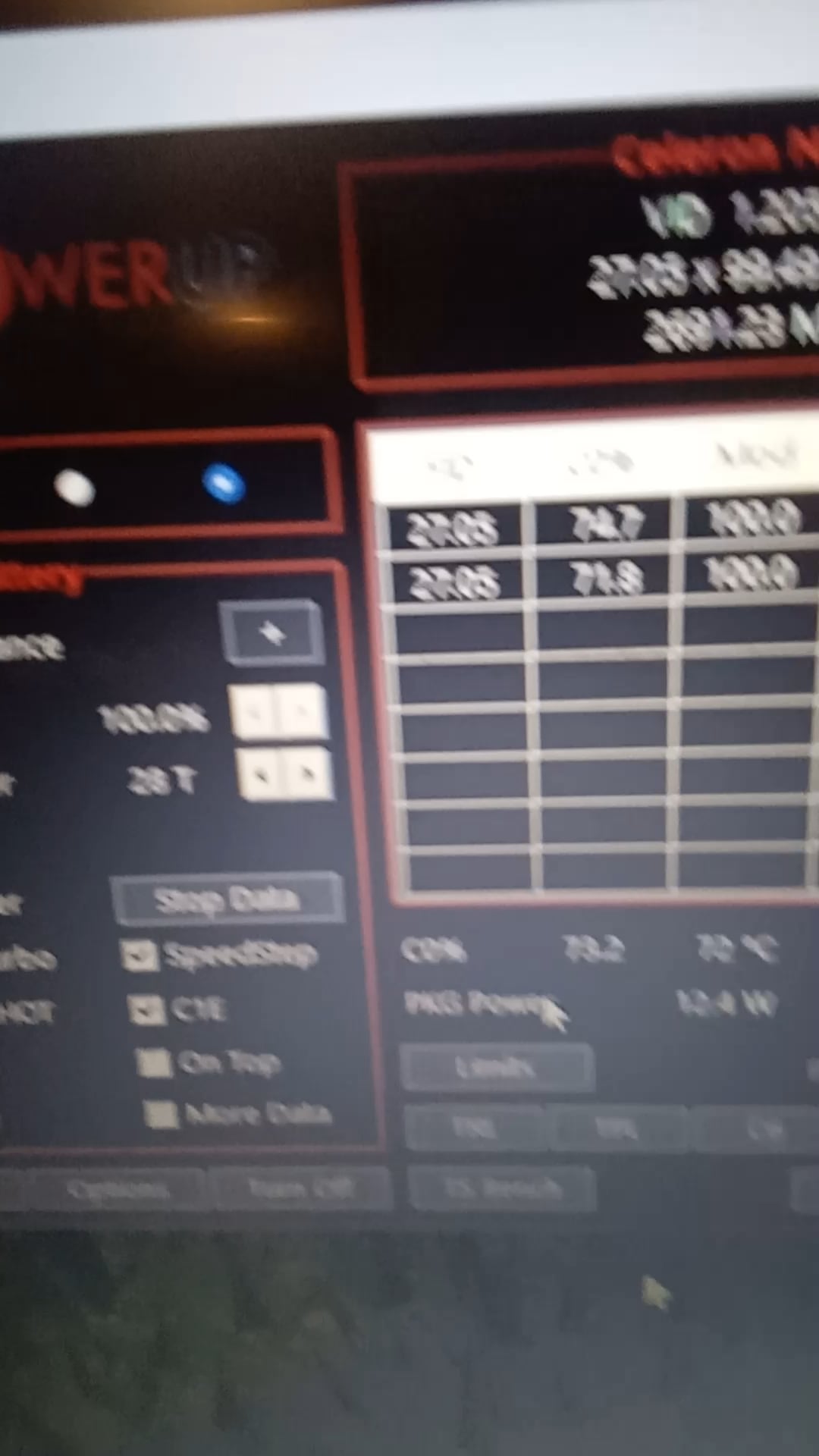
hey, guys, it’s me Tim, so in the last Reddit post I managed to unlock the TDP of my intel Celeron N4020 CPU. it worked perfectly under load and would never underclock because of the loads but now after reinstalling Windows 11 I can unlock the TDP but it would cripple up under load as seen in the video. Can anyone help? I realized it after updating Windows but couldn’t find a way to stop it. I began to troubleshoot with older drivers and bios and even modded Windows versions but it didn’t change much. After that, I decided to reinstall Windows 11 23h2 and this time not update from the manufacturer’s website, which mine is Lenovo. this time when stress testing the TDP climbed nicely to 15.6 W which is the highest I’ve seen it go in Throttlestop, but once it got to 80 degrees C It throttle spikes. Meaning, it unlocks and then locks randomly even when the laptop is cool at 60C but under heavy CPU and GPU load UNLESS It’s plugged into the charger.