
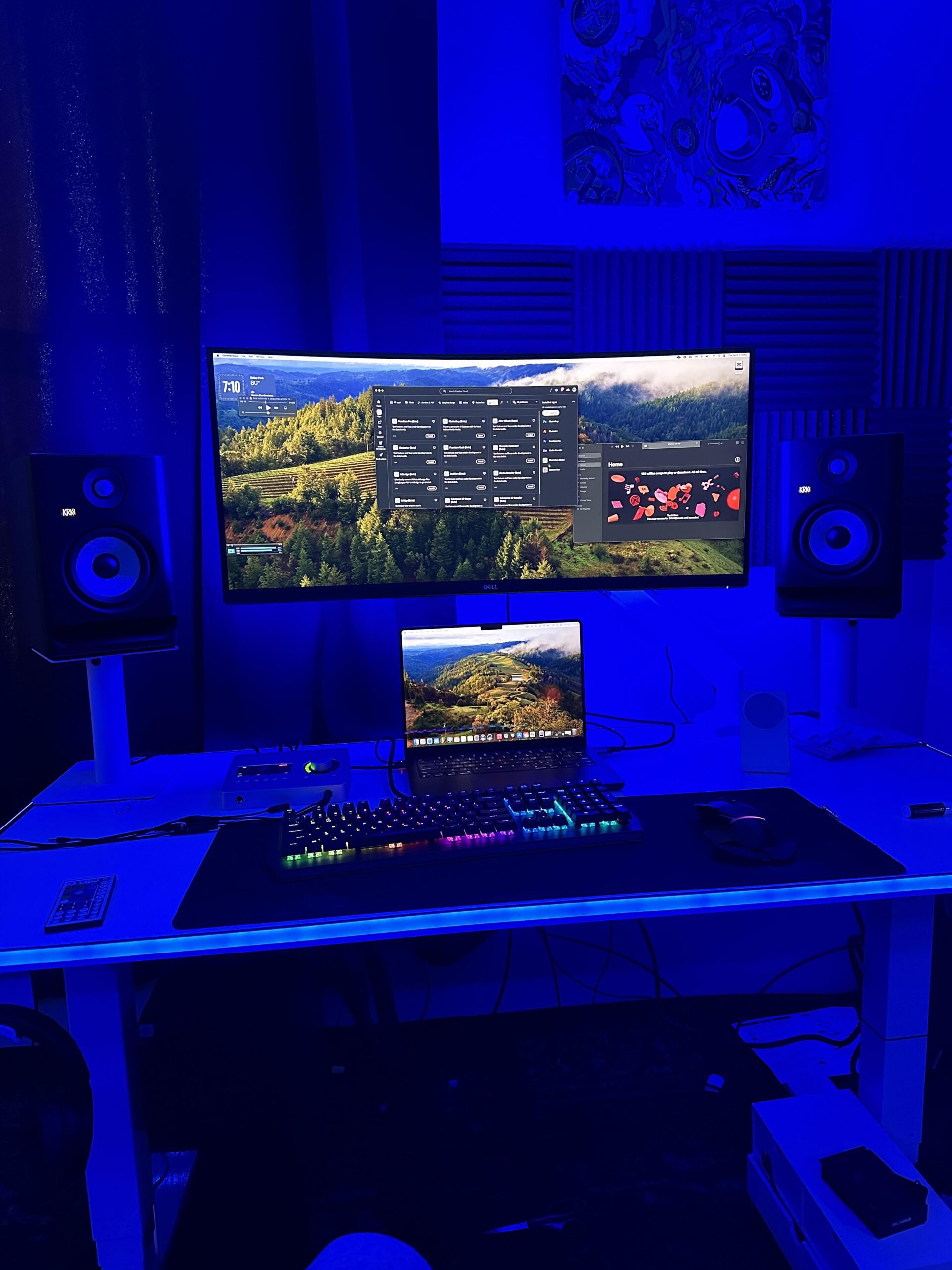
Just want to reduce all the clutter on my desk, cable management was way easier with my desktop (don’t worry about under my desk, that’ll be easy to get done) but there’s a few things on my MacBook M3 pro that can’t be plugged into a usb hub unfortunately (mainly my audio interface and 120hz hdmi) any laptop users with recommendations? Thanks!
note: I would have it clammed up in the corner but I need two monitors and it only supports ONE monitor at a high refresh rate:/
by BenJayson
8 Comments
Get a Thunderbolt dock. I use a Caldigit TS3.
An M3 Pro can do at least 2x 4K 144. It’s only when the monitor is 6K that you’re capped at 60hz.
PC means “personal computer”. A Mac is a personal computer. Therefore, a Mac is a PC. I think you mean “Windows computer” when you say “PC”.
I have a similar situation. Bought a nice shelf that goes under monitor, put my laptop under there closed and connected to thunderbolt dock. Also nice because it hides some of the cables.
When will you people stop buying KRKs
I have a PC + MacBook setup (I think you have the same but your picture is super dark).
I adore laptop arms because they lift the screen to a usable height and also free up desk space: https://amzn.eu/d/5AAoO9Z
Basically that plus a cheap dongle are the way forward. You can velkro the dongle underneath the laptop arm’s tray.
Those two changes improved my desk setup dramatically. I just use one cable and unplug when I leave the house. Also the gaming pc switches inputs automatically. Dream land
yes , get a life.
What monitor is that?
buy a laptop vertical stand, close the lid and let only one monitor working. you might love to use a dock to minimizing the cables.