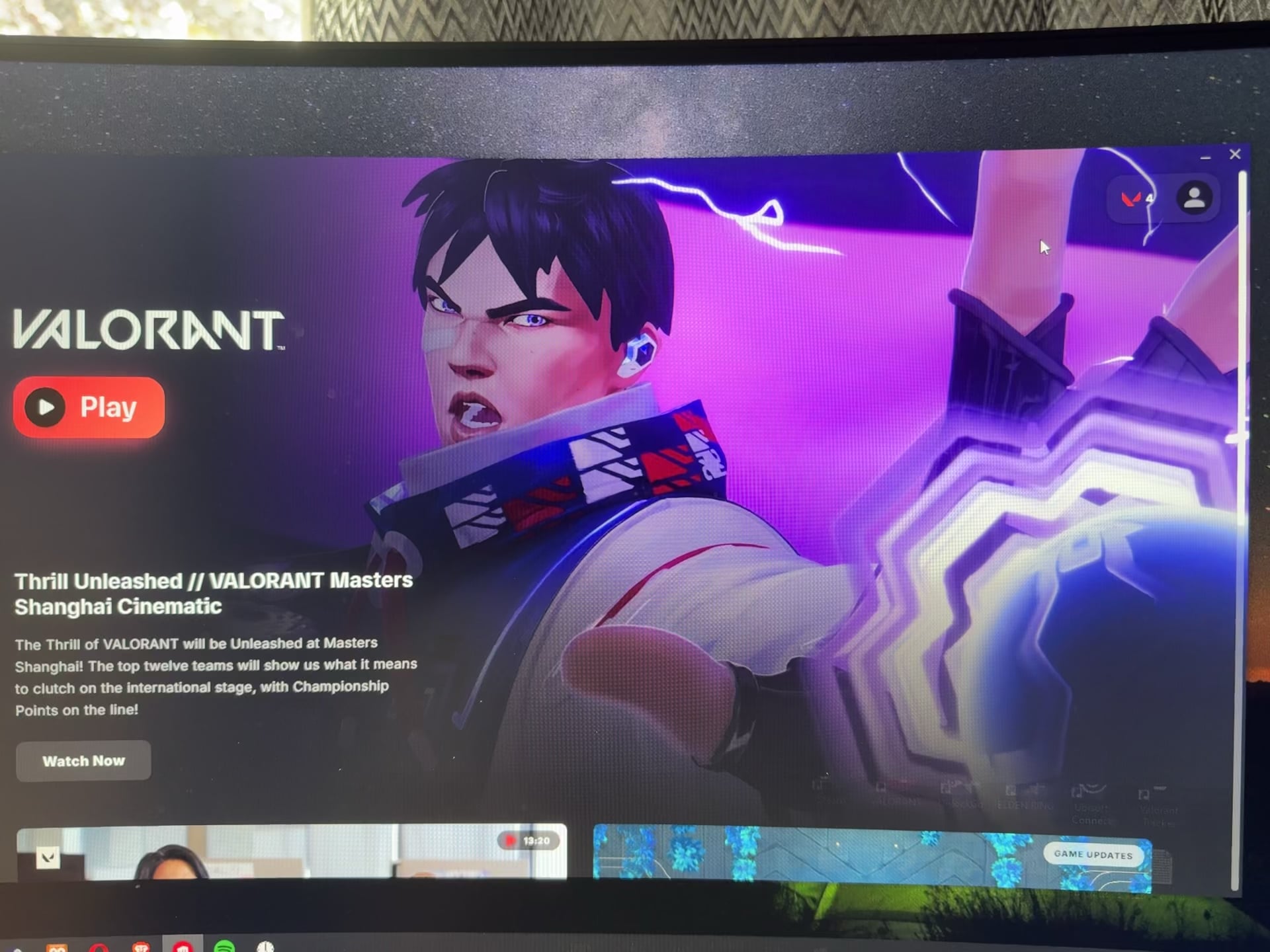
I’ve been a long time lurker in this sub, in case I ever had similar issues, never thought my day would come so fast!!!
Any help is appreciated, currently updating my gpu drivers

I’ve been a long time lurker in this sub, in case I ever had similar issues, never thought my day would come so fast!!!
Any help is appreciated, currently updating my gpu drivers
30 Comments
Nah it’s fine, just riot in the background checking out all your personal files
no, you installed vanguard. rookie mistake. They now have your porn collection and all of your personal information
Yes. You installed Valorant.
I know everyone is joking about how you have Valorant open and “Riot bad”, but for an ACTUAL response for your issue—
It may be a driver issue. It may not be.
After you’ve installed new drivers and it hasn’t resolved the issue. . .
-Install DDU
-Disconnect your network device and then boot up your PC in Safe Mode.
-Use DDU to remove your GPU drivers, and then reboot your PC normally.
-*Leave your Network device disconnected* and install the new GPU drivers again
-Once done, then reconnect your network device and try again.
If the issue isn’t fixed, try the steps above again, but with an old driver that may be more stable. If it still isn’t fixed, then try reseating your GPU and possibly your RAM sticks.
Maybe your display cable isn’t properly plugged
remove vanguard and try again 🤣
Ignore the uneducated comments on riot and Vanguard lol. Probably want to double check drivers and see if this happens with any other programs
I had a defective cable give me flickering issues, you may want to check that as well.
Most likely, the cable is not properly plugged.
Riot owns your pc now
Appears to be a driver issue or a settings issue.
“I’m in ur registry, borkin ur filz”
given that you play valorant, I doubt you’ve ever been fucked
Troubleshooting step 1: Have you tried turning it off and on again?
Troubleshooting step 2: Step 1 didn’t work? Panic!
Nvidia driver being stupid (*sigh*) again? DDU and new gpu driver should fix it
It’s either GPU drivers, bad display cable, bad/dying GPU or Valorant (more specifically its anticheat Vanguard).
You play valorant, fucked is an understatement
Valorant virus is just scanning ur pc, it’s alright
you are fine, your pc may not be.
im not expert but that looks like software malfunction?
Skill issue
GPU driver, cable or GPU is borked
Ja
Check your cables from your PSU to your GPU, look at the connectors see if any are looking fucked. You’ll see it if they are. I had a weird thing as well as the monitor losing signal whenever I played a game, booting up and using windows was fine with no drama, but it was just the one connector that had for some reason burnt out. Swapped it and it was fine again.
Valorant uses “Vanguard”, which is an anti-cheat that is super intrusive for the software. It is probably checking to make sure you aren’t running cheats in the background or trying to block other software or something.
reinstall display drivers and restart pc
Look, I’m not going to try to diagnose a flu in a computer that’s the equivalent of rawdogging an entire swinger club.
Wipe it. And learn to respect pcs
this could really be because of valorant. whenever i download a riotgames game my pc shuts down screen color changes and bunch of shit happens. idk why.
You need a new screen
Terminator just touched down in your neighbourhood.