
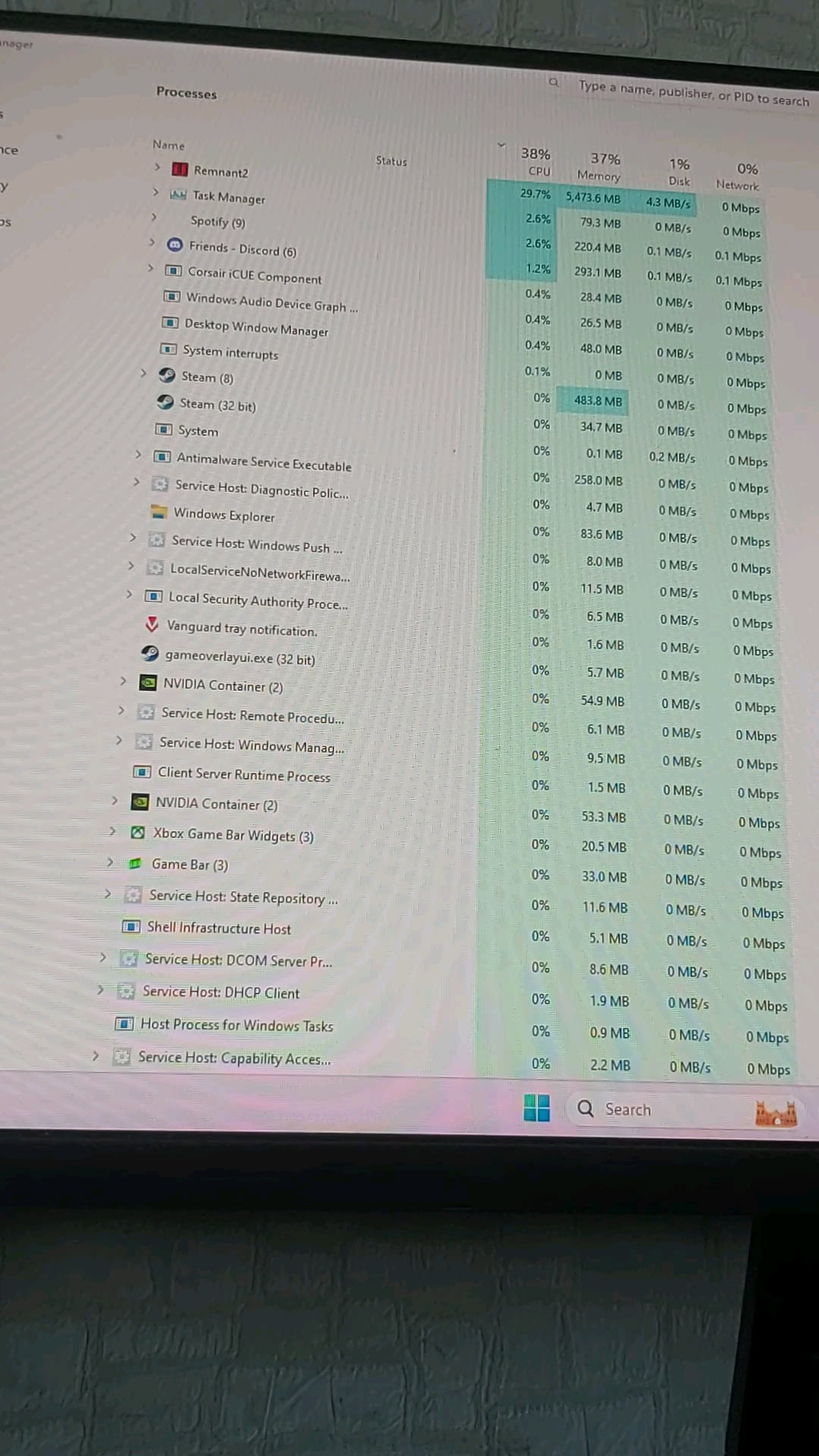
Hello I've bought this used pc couple months ago and it was pretty good every first person shooter game ran perfectly and it was a good experience but once I've started playing more fps reliant games like remnant 2 or bg3 on cut scenes or some moments my PC would just turn off and the only thing that was showing was a blue light next to my power button not sure what's going on and did all the benchmark tests on the CPU and the GPU and they held it pretty good at 100% usage rate it didn't turn off
PC specs :
3060 tu
Ryzen 5 5600 6
16×2 Ram
15 Comments
I’d guess it’s either overheating or it’s the psu
Any way of knowing what is it and what are the fixes ?
Check the event viewer. Ask ChatGPT to decipher codes. Mine was power kernel issue due to inadequate power supply after new gpu. Good luck.
it may be kernel 41 error or something like that. Google how to filter event logs. Anyway if that is the case, then the source of problem really varies from computer to computer. My problem was the bluetooth driver. My computer used to reset every 30 minutes, however after disabiling bluetooth driver, problem is gone
Did you recently make any hardware changes OP? Did you upgrade your GPU?
psu problem
Ive had problems with this very randomly, sometimes it’s very persistent. I haven’t had the issue since I disabled overclocking, maybe your issue is similar. It wasn’t a heating issue as it would do this on first boot up
Restart or power off?
the CPU may be overheating. Make sure you removed the plastic cover on the CPU cooler before installing it, make sure to put adequate thermal paste.
PSU may be problematic
is your CPU seated in properly? are all the pins intact?
I had these, turns out it was my cat pushing the button. A lid over it solved the issue for me.
Check the “event viewer” the next time this happens
It can be either overheating, or worse case scenario, bad PSU or CPU
Faulty psu my guy
Open an elevated command prompt and type “powercfg /sleepstudy” to check why the system turned off
check temps. in particular, hotspot temps — both the GPU and CPU.
hwinfo + RTSS can give you a nice overlay so you’re always seeing he temps while you’re gaming.