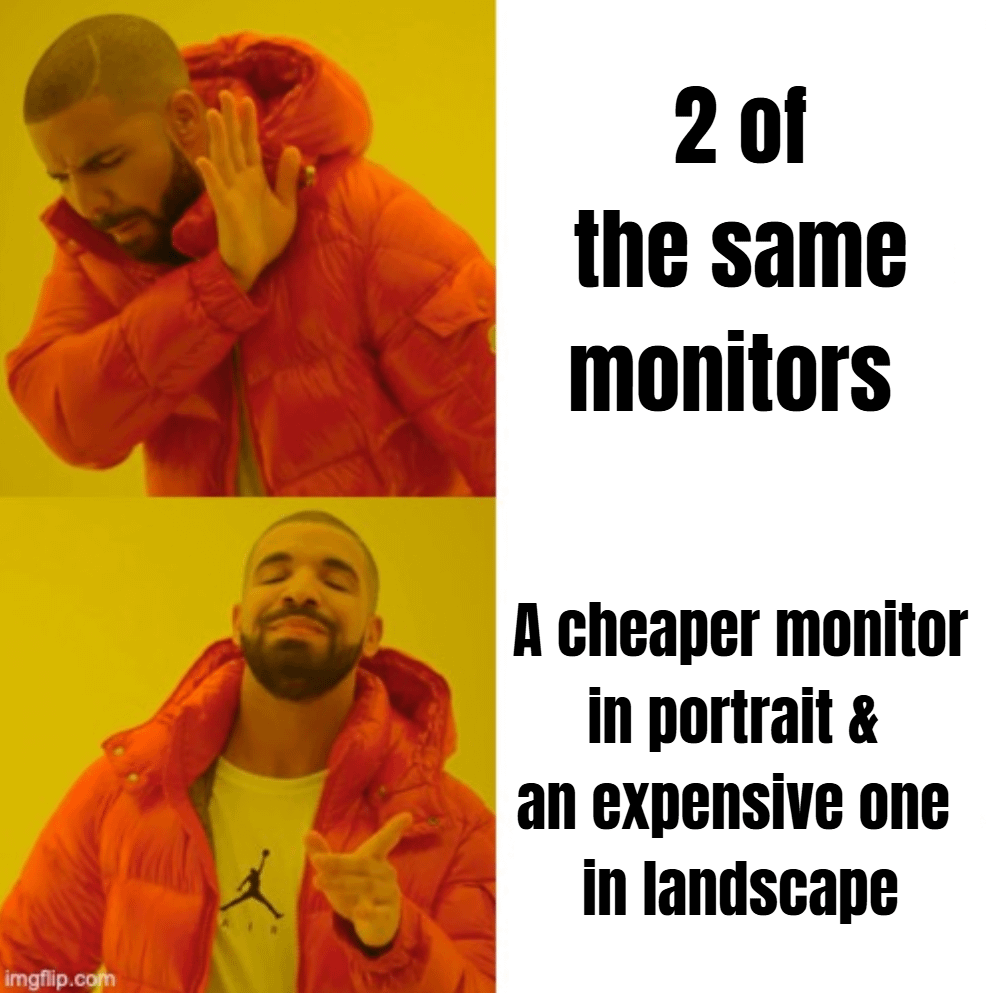
Sorta. It’s more like old monitor in portrait and new one in landscape.
I’ve never bought multiple monitors at once, I just kinda cycle them whenever I get a new one.
PraiseTheWLAN
1 ultrawide and split it depending on usage
ZookeepergameFew8607
3 landscape rn it’s 1 good 1440p@170Hz, two 1080p one decent 75Hz and image quality and the other OK quality 60Hz
nagarz
Nah, expensive monitor in landscape for main screen, cheap monitor of lower resolution/refresh rate but same dimensions for side screen. I never do anything on the side screen that requires high res/refresh rate nor color accuracy anyway.
team_uranium
………….landscape landscape………….
Portrait landscape landscape portrait
blyatbob
My newest monitor is in landscape, my second oldest on the left in landscape and my 3rd oldest on the right in portrait.
Stargate_1
Nah just 2 monitors in landscape. Idk what I would use a portrait orientation for, the whole point of the second monitor is stuff like the occasional discord stream or a brawlhalla tournament
itsRobbie_
Meanwhile, me, with a 24 inch 1080p 240hz monitor as my main with a 3440×1440 curved ultrawide as my second monitor
a66o
I use a 20 inch portrait and a 27 landscape
rito-pIz
No.
XHSJDKJC
I use my Laptop for gaming, my main Smartphone for discord and some other stuff and my S5 Mini as musicplayer since in some games sound isn’t important, If i need ingame sound i don’t need music apart from playing
SweetSoul55
New samsung Odyssey and old samsung SyncMaster 957mb CRT monitor combo>>>>>>
THiedldleoR
No, I hate portrait view on a monitor. The aspect ratio just doesn’t work for me.
My cheap monitor is really just an extension for when I want to have some guide/program/etc open that I need to look at from time to time but can’t be bothered to tab out of my game for.
scratchyboy1988
Just @me next time
HaikenRD
I’m forced to do this because i’m upgrading my PC from 1080p gaming to 1440p possible 4k gaming.
So my old 24 inch 1080p monitor became a portrait monitor so it doesn’t look weird if I have 2 monitors in landscape and one is smaller.
HenWou
Used to only have my 27″, now I use my new 35″ smart monitor as main, and the 27″ as second, both landscape.
My GF has 3 identical 25″ screens, all landscape.
Why would you purposely buy a second, cheaper screen to put in portrait mode?
qmidos
do not agree at all…why would you use it on portrait…
Hutzzzpa
had that, made a mess of my neck.
switched to stacked horizontal
CptJamesBeard
Upgrading? Get the same brand, one ultrawide, baby. Keeps the colors lookin nice
*
visual-vomit
I only have a vertical monitor cause i got an ultra wide and now have an extra monitor. Pretty neat for viewing layers and files where colour accuracy isn’t exactly the most important thing.
Athlon64X2_d00d
And here I am still rocking one 1080p 24″ TN panel lol
Puszta
New monitor in landscape, old monitor next to it in landscape for side screen activity. I don’t know many people who buy 2 monitors at the same time.
thesedays1234
No, you can tell who works vs who doesn’t.
Makishi-Sama
I top you by 3 different monitors. 1 old cheap benq one alianware QD 21/9 oled in the middle and one Samsung 4k to the right.
david0990
Usually landscape landscape but one color accurate calibrated and the other a high response time gaming monitor. Sometimes the color accurate one in portrait if I need to do a lot of portrait photo color corrections(like a large collection) but usually just work in landscape.

28 Comments
No, I can’t take the colour difference
Sorta. It’s more like old monitor in portrait and new one in landscape.
I’ve never bought multiple monitors at once, I just kinda cycle them whenever I get a new one.
1 ultrawide and split it depending on usage
3 landscape rn it’s 1 good 1440p@170Hz, two 1080p one decent 75Hz and image quality and the other OK quality 60Hz
Nah, expensive monitor in landscape for main screen, cheap monitor of lower resolution/refresh rate but same dimensions for side screen. I never do anything on the side screen that requires high res/refresh rate nor color accuracy anyway.
………….landscape landscape………….
Portrait landscape landscape portrait
My newest monitor is in landscape, my second oldest on the left in landscape and my 3rd oldest on the right in portrait.
Nah just 2 monitors in landscape. Idk what I would use a portrait orientation for, the whole point of the second monitor is stuff like the occasional discord stream or a brawlhalla tournament
Meanwhile, me, with a 24 inch 1080p 240hz monitor as my main with a 3440×1440 curved ultrawide as my second monitor
I use a 20 inch portrait and a 27 landscape
No.
I use my Laptop for gaming, my main Smartphone for discord and some other stuff and my S5 Mini as musicplayer since in some games sound isn’t important, If i need ingame sound i don’t need music apart from playing
New samsung Odyssey and old samsung SyncMaster 957mb CRT monitor combo>>>>>>
No, I hate portrait view on a monitor. The aspect ratio just doesn’t work for me.
My cheap monitor is really just an extension for when I want to have some guide/program/etc open that I need to look at from time to time but can’t be bothered to tab out of my game for.
Just @me next time
I’m forced to do this because i’m upgrading my PC from 1080p gaming to 1440p possible 4k gaming.
So my old 24 inch 1080p monitor became a portrait monitor so it doesn’t look weird if I have 2 monitors in landscape and one is smaller.
Used to only have my 27″, now I use my new 35″ smart monitor as main, and the 27″ as second, both landscape.
My GF has 3 identical 25″ screens, all landscape.
Why would you purposely buy a second, cheaper screen to put in portrait mode?
do not agree at all…why would you use it on portrait…
had that, made a mess of my neck.
switched to stacked horizontal
Upgrading? Get the same brand, one ultrawide, baby. Keeps the colors lookin nice
*
I only have a vertical monitor cause i got an ultra wide and now have an extra monitor. Pretty neat for viewing layers and files where colour accuracy isn’t exactly the most important thing.
And here I am still rocking one 1080p 24″ TN panel lol
New monitor in landscape, old monitor next to it in landscape for side screen activity. I don’t know many people who buy 2 monitors at the same time.
No, you can tell who works vs who doesn’t.
I top you by 3 different monitors. 1 old cheap benq one alianware QD 21/9 oled in the middle and one Samsung 4k to the right.
Usually landscape landscape but one color accurate calibrated and the other a high response time gaming monitor. Sometimes the color accurate one in portrait if I need to do a lot of portrait photo color corrections(like a large collection) but usually just work in landscape.
https://preview.redd.it/dnaakf95mr1d1.jpeg?width=5712&format=pjpg&auto=webp&s=aa69a86e72ad30e4dcf71b609f1d171b356fc896
Fuck you, three different monitors all in landscape (4k144hz, 1080p165hz, 1080p75hz)
I’ll do you one better. I have a cheap one in portrait, expensive one in the middle and a mid range curved on the right.