
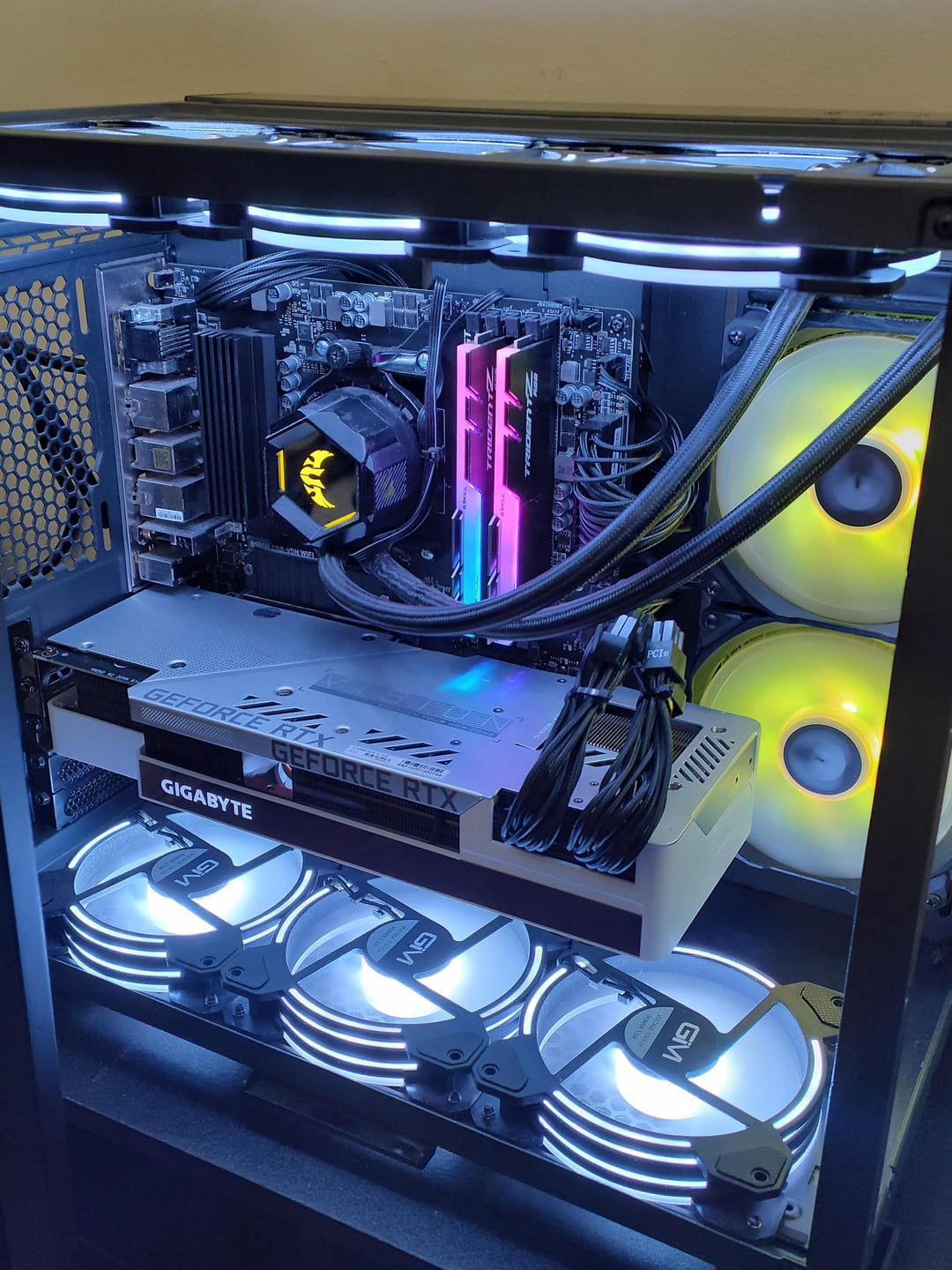
Been using my PC for about 3 years now heavy gaming use with no issues, then 2 days ago I put it to sleep for the evening and when I came back the next day and powered it back on it gave me the CPU OVERHEAT alert window during boot process, when it loads up to desktop everything looked normal but fans started to get loud and CPU hit 110°C in a mere 2-4 minutes and PC shuts down even at idle. (Specs at bottom)
Here are my attempts at fixing the issue:
•1. Air dusted the entire PC including all fans and radiator to my All-in-one liquid cooling unit. (PC was hardly dirty to begin with.)
•2. Bought brand new Thermal paste and applied it the way I normally do with no issues in the past.
I Checked for a bad Aio Pump but unsure if my readings are correct. Bios shows Pump RPM is sitting at about 5-6k but still could be faulty? Idk what the hose vibration is supposed to feel like when working properly since I have nothing else to compare it to.
Is it still possible my All-in-one cooling system still needs replaced? Or do you think it's a different issue?
PC Specs:
CPU: Amd Ryzen 5 3600
GPU: Gigabyte RTX 3080Ti
MOBO: Msi B550m pro-vdh
RAM: 16gb ddr4 gskill trident z rgb 3200
SSD: 1TB nvme crucial
PSU: Corsair SF Series SF750
Asus tuf 240mm liquid cooling Aio
6 other RGB Fans
Lian li 011 mini tempered glass case
PC was built 4 years ago and has been upgraded 2 times since.
last upgrade was the GPU and PSU both brand new about a year ago no issues untill now.
What do you suggest?