
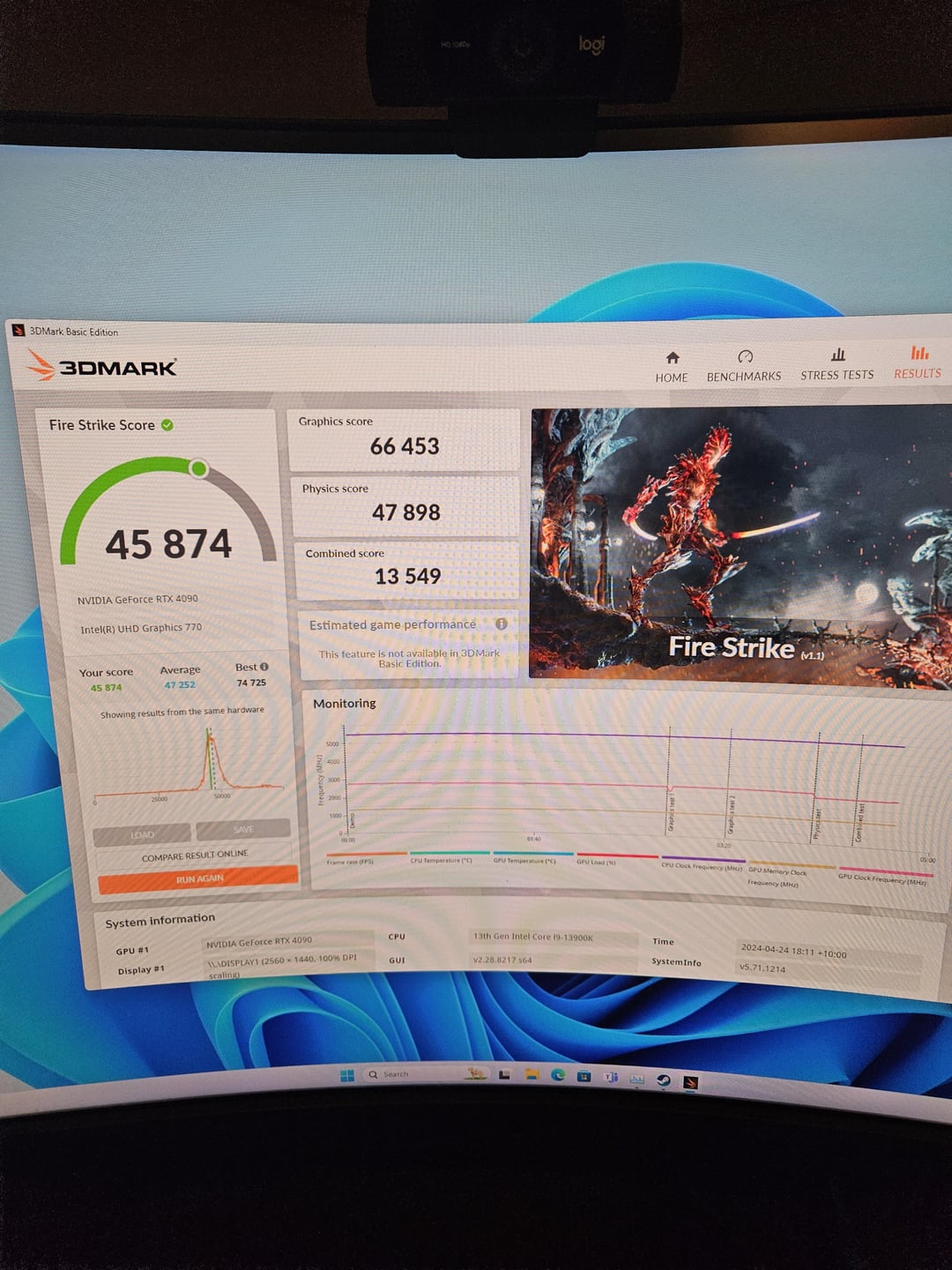
So I've been having some issuse with my pc build for the last 3 weeks. Everything was working fine running games at 240 fps 1440p (pubg, Rust, DCS) until I tried to download msfs.. loading into the game I get dxgi_error_device_hung popup. Went through all the tricks I could find on the internet but to no avail.. multiple re installs.. windows wipe and clean installs, 10's of drivers after DDU's. Firmware/bios upgrades. Ran out of things to try. So I decided to underclock, everything was going well.. was running heaven benchmark great and DCS with no issues.. downloaded 3dmark and it will not run timespy.. runs fire strike ok I think (will post photo) but just crashed with blackscreen once timespy loads. Sometimes it locks up the pc.. sometime times it just the program itself but still have to shut down as it's locked to fullscreen and won't let me minimise or altf4.. I also get the error in event viewer :
Event ID 0 from source nvlddmkm cannot be found. Either the component that raises this event is not installed on your local computer or the installation is corrupted. You can install or repair the component on the local computer
I I've tried Underclocking my gpu to reference specs from factory OC. I removed one stick of ram and ran both 1 at a time to see if that made a difference. I reseated all of my cables into psu.. all temps seem ok. I'm not sure if I just have an issue with dx12 but msfs has lead me down a road chasing and issue but I have no idea what's going on.. everything else seems to run fine.
Any help is greatly appreciated.
Pc specs
i9 13900k
Asus TUF 4090 OC (2750ish)
Gskill trident z5 neo rgb 2x16gb 6000mhz
Msi a1000 PSU
samsung 980 pro 2tb nvme m.2
Wd 500gb cata ssd
1 Comment
Could be a CPU issue (if we go by recent events with Raptor-Lake i9 skews)
Stock settings from your motherboard are not what intel recommends.
Set to correct power limit:
[this](https://youtu.be/HIubZYwBfPc?si=3-teK9AdEwZrgj1I) or [this](https://youtu.be/8yatSqh5hRA?si=ngLeAsfXXO3CfwlE) could help.
As well as a search in this subreddit about “14900k instability” – you will get a lot of posts and guides that can help
If it’s not the CPU, another approach is needed, but you listed some valid trouble-shooting that you already did