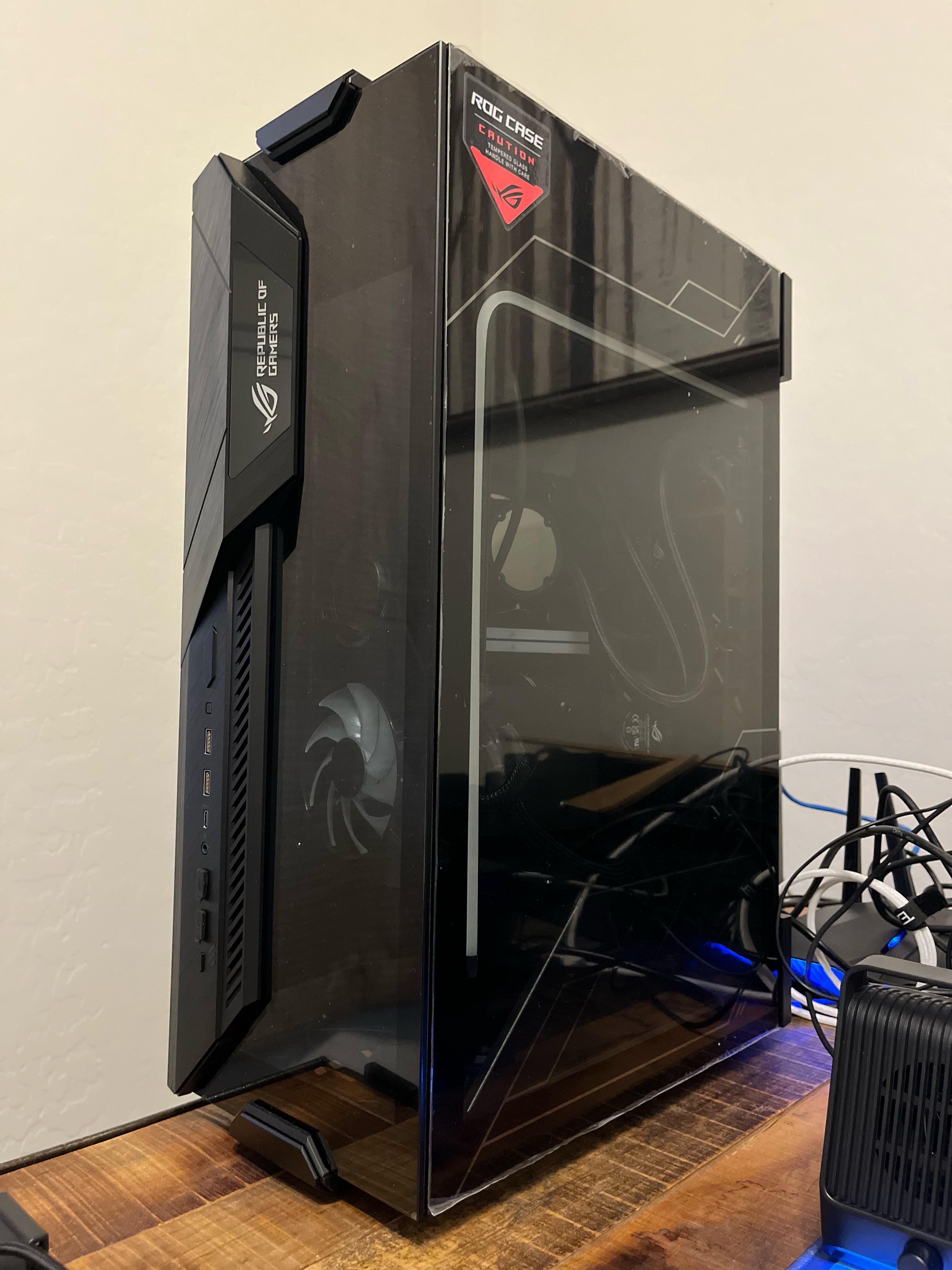
Moving in the same state. Was thinking of backseat on the car with seatbelt over it? Assuming GPU should stay put alright? Any advice is helpful. Thanks.

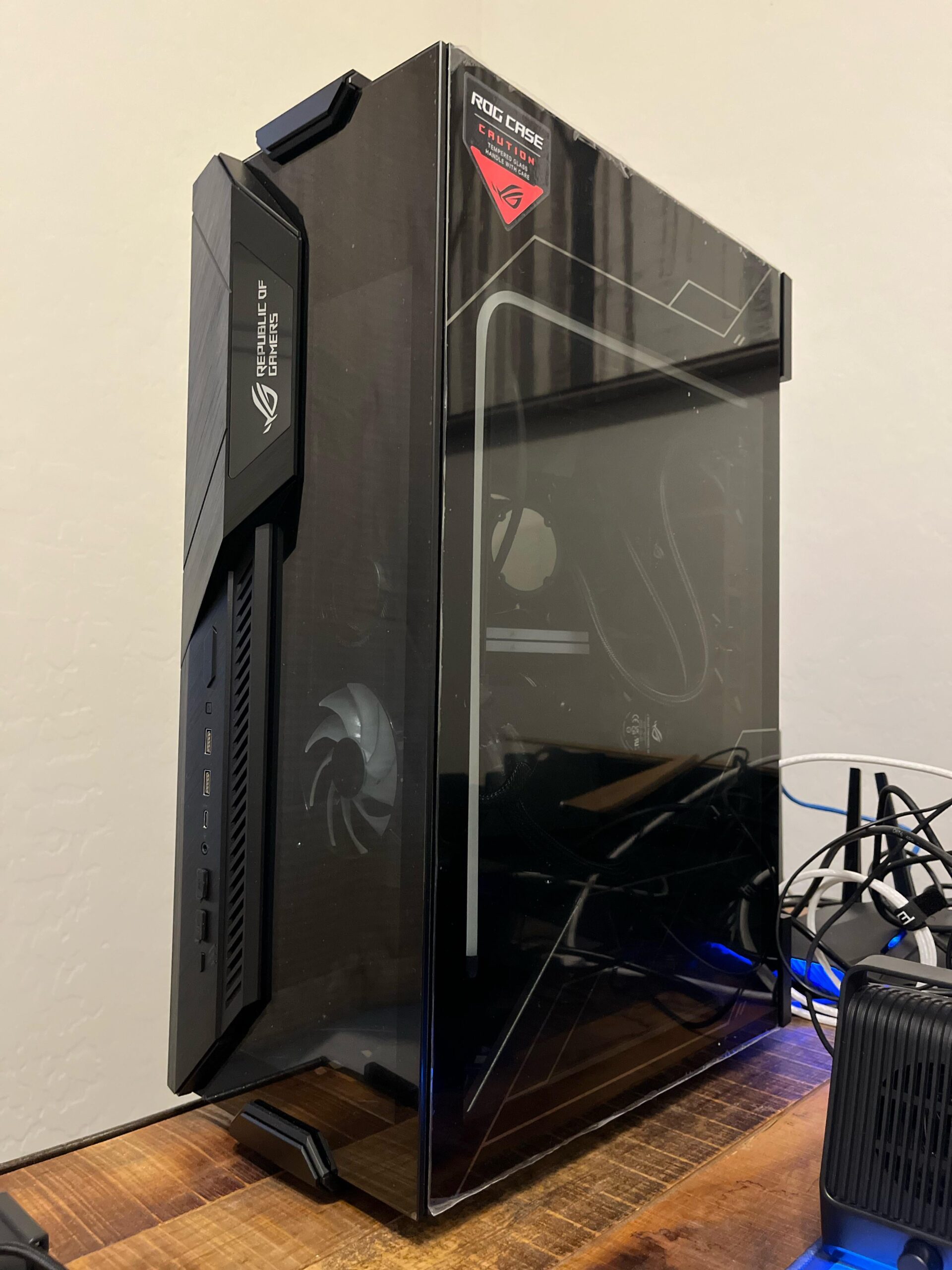
Moving in the same state. Was thinking of backseat on the car with seatbelt over it? Assuming GPU should stay put alright? Any advice is helpful. Thanks.
37 Comments
if you have the gpu box still. remove gpu and put in box
otherwise drive real careful.
I just put my computer on a seat with the motherboard parallel to the ground.
Just send it to me and I’ll get it to you in 3-5 years
Why buy a nice case and leave the plastic over the glass?
Best way is to keep the box the case came in. Just put the whole PC back in the Styrofoam the case shipped in and then put back in the box.
You aren’t a FedEx or UPS driver and your PC isn’t going to be manhandled by dozens of random people and maybe put on plane or conveyor belt so you don’t even realistically need to remove any components. Some may say to remove the GPU but as long as it’s securely screwed into and mounted to the case, it’s really not necessary.
Just keep it in the car with you and not in a trailer and it’ll be fine.
If you are shipping it though, take the GPU out.
Save space for it in your car and make sure to put the seat belt on it, I’d make an extra trip just for it personally.
How far are you moving? Remove GPU or drive with it in the passenger seat like you’re going to a LAN party 😂
take the gpu out and pack it in an anti static bag and lots of bubble wrap, and for the pc probably seal it in a box with bubble wrap and paper filling. It’s safer than leaving your pc out of something like a box.
Trebuchet
I had bought a prebuilt that had a special internal packing foam in it. From what I understand, it’s basically a sealed plastic bag envelope thing that when activated, it’s expanding foam that helps keep the internals secure. Might be something worth looking into.
Take out gpu. After that just be nice to the glass.
I’ve heard most people will just put it in the space behind the driver or passenger seat with a towel. Keeps it from wiggling too much and you can move the seat back for a tighter fir
Belt it in your car.
use 2 drones, or 3
You can temporarily ship it to me
I laid mine on its back and removed the GPU along with anything else that could be easily snapped.
foam
more foam
maybe even more foam
and make it stable in whatever you carry
Break the glass here. Move. Have new casing waiting at new address. reasemble. your welcome.
I personally kept the boxes and foams that came with my case and my GPU. I’d remove the GPU, pack it in its box and do the same with the case.
I can move it to my house permanently if you want!
(sick rig 🔥)
Instapack!
https://m.youtube.com/watch?v=t6LeOqkgV6s
I’ve taken my pc on drives heaps of times for lan parties, as long as you have secured the pc it should be fine.
I wrapped my two PCs in blankets and stuck them in a large box together. On their sides, one on top of the other, motherboards parallel to the bottom of the box. Large air coolers and big cards. Put them in the back of a U-Haul and drove 2400 miles. They both came out fine. People overthink and worry too much.
As I said, it depend on the cooler, Given the bumps an variations of pressure going over speed bumps etc. Hills debris blah blah blah if the cooler is beefy enough (20% out there) it can Crack the motherboard with the wrong bump quick upward motion followed by a downward motion. Screws don’t matter as that’s just more torque
In the backseat strapped in baby car seat
Honesty, if you’re genuinely concerned. Ship it with coverage.
Is it just the perspective or is that case 4 ft tall?
Put it in the box that the case came in. Either take the GPU out and put it in its box or set it flat with the GPU pointing upward.
I usually wrapped it with winter beddings and pillows.
GPU is the only real component that’s most likely to be damaged if left in and also the most expensive component while being the easiest to ‘hotswap’ so just take it out and when ur pc is back in position at new place pop it back in.
Some comments mention cpu cooler, but I think they’re underestimating just how sturdy those coolers are when attached they just aren’t moving. More likely your motherboard itself breaks in half from the stress of it than the cpu cooler to just straight up fall off
Carry it
Gpu in the gpu box and pc in the case box, if you have an air cooler take it off also
Go back to the 2000s / 2010s when they had good cases that weren’t just glass cubes
In fact clear plastic was used instead of glass, which was better imo
Ikea bag
I move my pc always the way how gpu is mounted, so the forces down always press the gpu downwards into the pcie socket. i have the antisag and zipties through the 4090 tuf aluminium shroud to the case backplate too, that keeps the tuf aligned and pressed into the socket evenly.
https://preview.redd.it/et3lorxd7mrc1.jpeg?width=960&format=pjpg&auto=webp&s=c36a6f0a0bb3e0e572448ee694a0fe1270b1403d
Remove GPU
Put PC back into case box
You just need some portal tech. Only way to be safe.