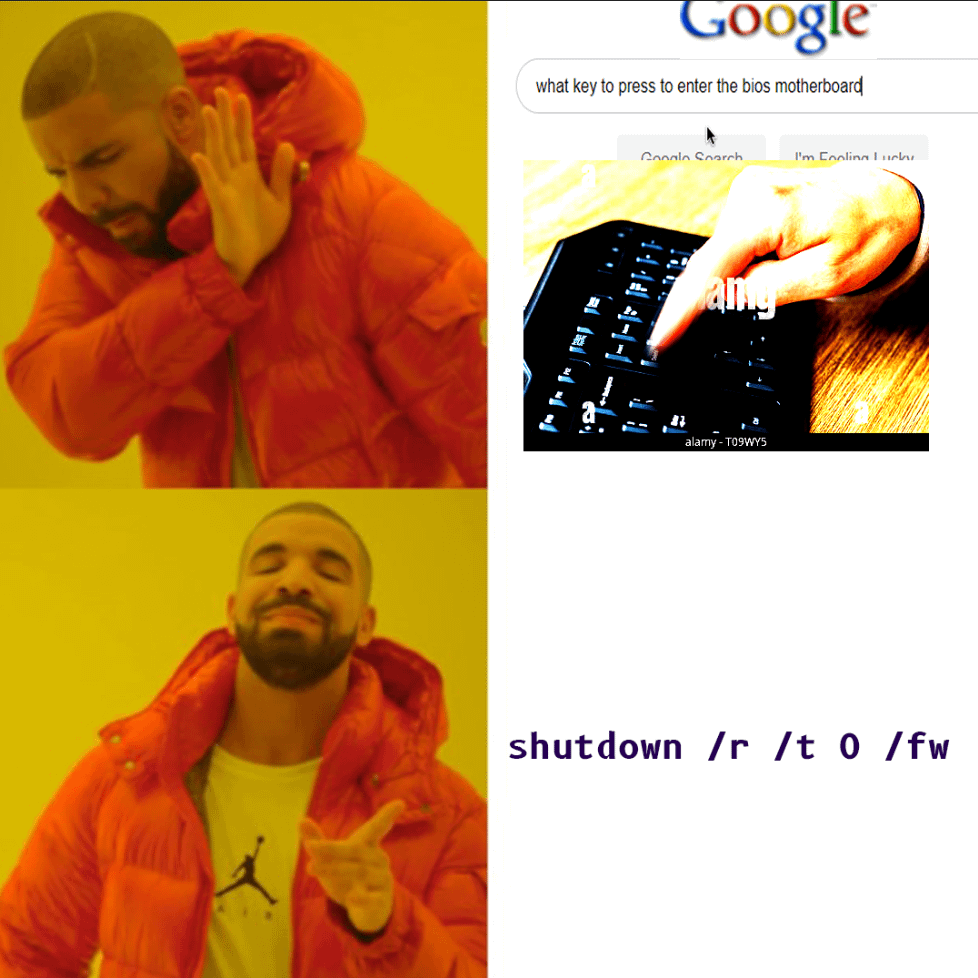
Open a command prompt or powershell (you need admin privilege)
shutdown /r /t 0 /fw
`/r` will restart the computer instead of shutdown
`/t 0` set a timeout, 0 means the command (restart) will start immediately
`/fw` enters UEFI firmware the next time it boots up
For WSL/Linux shell, you need to add `shutdown.exe` for it to work as linux also has its own shutdown commands.
This only works in Windows, I don’t know if Linux has something similar. For admin privilege, if you’re in a non-admin cmd, you need to install and use gsudo and it should escalate the privilege (similar to Linux sudo).
ThisDumbApp
Is it really that hard to press a button?
Ras_tang
If I had any award I’d give it to you. I’ll send you prayers instead. Thanks man, really appreciate useful stuff like this!
stormdraggy
Set the command to go to bios when you press power long enough.
gLu3xb3rchi
It wont feel the same if I ain‘t spamming DEL hard for 10-15s until Bios shows up
Cyber_Akuma
This assumes you have a working install of Windows already on the computer, and can login to it. Wouldn’t be helpful if you are setting up a new computer, using Linux, or fixing a computer for someone where either the Windows install is hosed or they didn’t tell you the login password.
ThrowRAbugboy
Holy shit lmao
Deadluss
shutdown -s -t 3200, ultimate go to sleep command
Mint_Juul
Step 1 restart computer
Step 2 spread your fingers and try to slap every key in the top half of the computer at once
Step 3 ?????
Step 4 Profit
bobimir3000
LPT: hold shift and press “restart” (not shutdown). This will let you select UEFI and you won’t ever need to spam any buttons

11 Comments
Open a command prompt or powershell (you need admin privilege)
shutdown /r /t 0 /fw
`/r` will restart the computer instead of shutdown
`/t 0` set a timeout, 0 means the command (restart) will start immediately
`/fw` enters UEFI firmware the next time it boots up
For WSL/Linux shell, you need to add `shutdown.exe` for it to work as linux also has its own shutdown commands.
This only works in Windows, I don’t know if Linux has something similar. For admin privilege, if you’re in a non-admin cmd, you need to install and use gsudo and it should escalate the privilege (similar to Linux sudo).
Is it really that hard to press a button?
If I had any award I’d give it to you. I’ll send you prayers instead. Thanks man, really appreciate useful stuff like this!
Set the command to go to bios when you press power long enough.
It wont feel the same if I ain‘t spamming DEL hard for 10-15s until Bios shows up
This assumes you have a working install of Windows already on the computer, and can login to it. Wouldn’t be helpful if you are setting up a new computer, using Linux, or fixing a computer for someone where either the Windows install is hosed or they didn’t tell you the login password.
Holy shit lmao
shutdown -s -t 3200, ultimate go to sleep command
Step 1 restart computer
Step 2 spread your fingers and try to slap every key in the top half of the computer at once
Step 3 ?????
Step 4 Profit
LPT: hold shift and press “restart” (not shutdown). This will let you select UEFI and you won’t ever need to spam any buttons
actual helpful post, thank OP