
As the title suggests I'm having crashes when I select the EXPO profiles of my DDR5 kits. The PC is comprised of the following:
CPU: 7800X3D
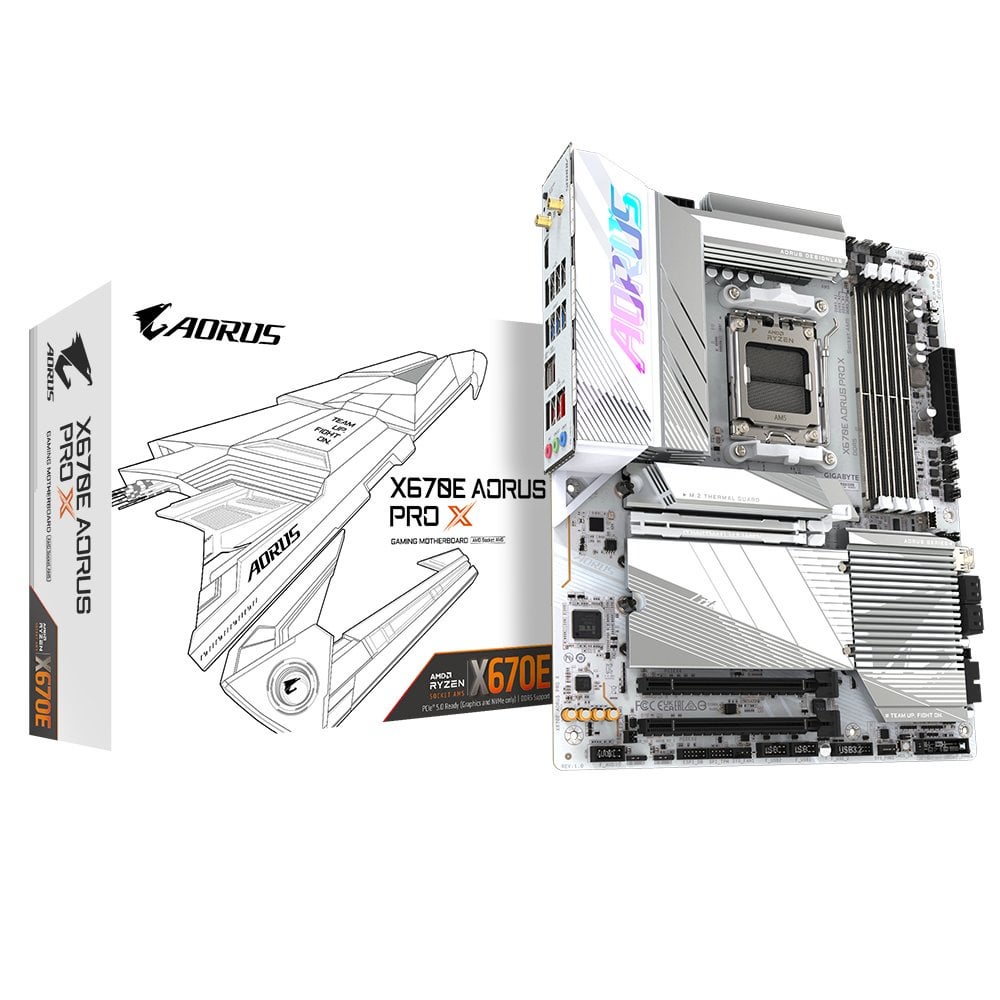
Mobo: Gigabyte X670E Aorus Pro X
RAM: 2x Trident Z5 Neo RGB DDR5-6000 CL30-36-36-96 1.35V 32GB (2x16GB) (F5-6000J3036F16GX2-TZ5NRW)
GPU: Gigabyte 4070 Ti SUPER AERO OC 16G
PSU: Hydro Ti PRO 1000W
I tried to select the EXPO profiles for the kits but I got constant crashes in Windows 11, as well as in the BIOS. Sometimes it wouldn't even post. I tried to manually set a lower frequency compared to EXPO. At 4800MHz, with 40-40-40-96 timings and 1.35V it ran fine for a single pass of Memtest86. However, when I increased the frequency to 5000/5200/5400 I again got crashes.
I also tested each kit on its own in dual channel configuration. Everything runs fine with the EXPO profiles. Only when I have all 4 DIMMs with 64GB is when I get constant crashes. I assume the fault lies with the motherboard. The kits are not technically on the memory support list in either Gigabyte or G.Skill. However, given the results of the testing I think I can safely assume that there is something up with the mobo. Do I return it outright? Is there something else I can try?
2 Comments
4 sticks is way more difficult than 2 for the memory controller,on DDR5 you don’t want to run 4 sticks unless you NEED more than 96gb ram.
The CPU officially supports 4 sticks of single rank (the set up you are trying to run) at a max of 4800, anything above that is luck.
Give up two sticks or keep them and run it at a lower stable frequency.