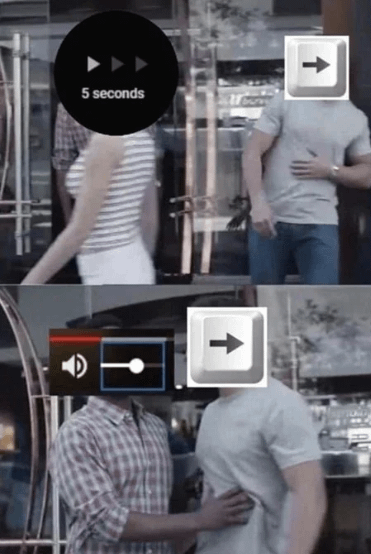
Share Facebook Twitter Pinterest LinkedIn Thanks, YouTube game pcPCPC Master 7 Comments DrPiipocOo 2 years ago i think you can just press L SirGeorgington 2 years ago And then when you use the Up/Down arrows and the exact opposite thing happens. TechPriestCaudecus 2 years ago K for pause. J for 10sec back. L for 10sec forward. GameCyborg 2 years ago [all the shortcuts on yt](https://support.google.com/youtube/answer/7631406?hl=en) nathsabari97 2 years ago I use J and K because i am on 60percent keyboard markfckerberg 2 years ago I usually hold space so I don’t miss anything unlike skipping norty125 2 years ago Easy fix, just unbind tab in your keyboard software program key mapping tab. Write A CommentYou must be logged in to post a comment.
SirGeorgington 2 years ago And then when you use the Up/Down arrows and the exact opposite thing happens.
GameCyborg 2 years ago [all the shortcuts on yt](https://support.google.com/youtube/answer/7631406?hl=en)

7 Comments
i think you can just press L
And then when you use the Up/Down arrows and the exact opposite thing happens.
K for pause.
J for 10sec back.
L for 10sec forward.
[all the shortcuts on yt](https://support.google.com/youtube/answer/7631406?hl=en)
I use J and K because i am on 60percent keyboard
I usually hold space so I don’t miss anything unlike skipping
Easy fix, just unbind tab in your keyboard software program key mapping tab.