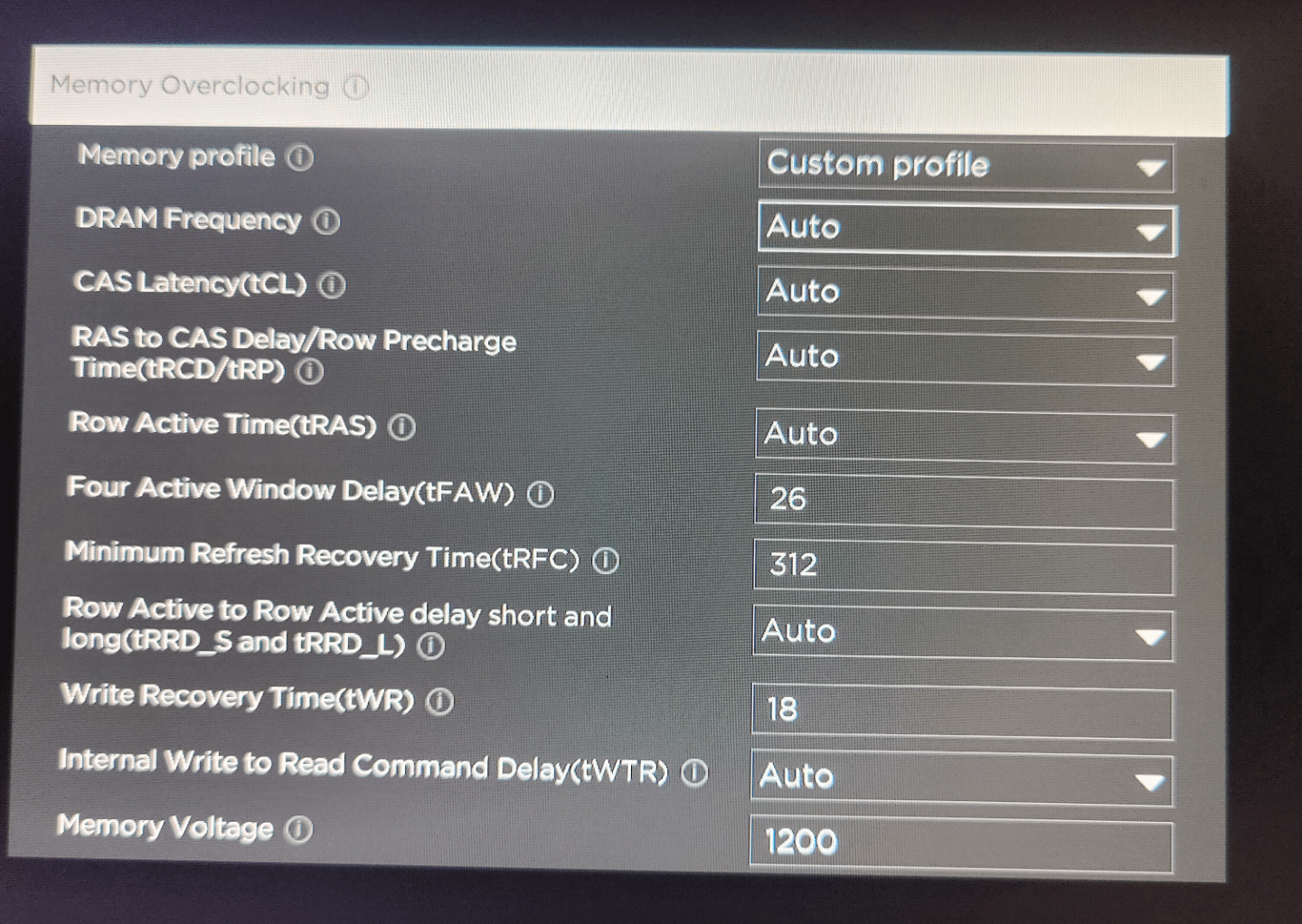
I have Kingston HyperX ddr4 3200Mhz, which I would like to run faster… How much would I be able to squeze out of them, and what should I change in this window to do it without burning up my PC?
Cheers!

I have Kingston HyperX ddr4 3200Mhz, which I would like to run faster… How much would I be able to squeze out of them, and what should I change in this window to do it without burning up my PC?
Cheers!
2 Comments
Memory overclocking is not for the faint of heart. It requires HOURS of messing with settings and HOURS of testing to make sure the settings are actually stable. And even “doing things correctly” there is always the chance of data corruption.
Here is a guide for DDR4 overclocking:
[https://github.com/integralfx/MemTestHelper/blob/oc-guide/DDR4%20OC%20Guide.md](https://github.com/integralfx/MemTestHelper/blob/oc-guide/DDR4%20OC%20Guide.md)
It will take quite a bit of research/tweaking to actually understand it all. And you are really not going to see a performance increase, 5% real world performance boost….maybe….
That being said it’s still super fun to mess around with in my opinion.
Buildzoid is also a fantastic resource, but I don’t think he has an overall “guide” to it.
[https://www.youtube.com/@ActuallyHardcoreOverclocking](https://www.youtube.com/@ActuallyHardcoreOverclocking)
If you are looking for a quick “just change this number to this number” type of thing, that small of a change won’t result in any real performance increase. So I personally wouldn’t bother messing with it.
If you want a video with clear, short and easy guidance, I made one less than a week ago explaining how to also overclock your other PC components : https://youtu.be/BXwxpMjpt78?si=k01JDko1mke7z1qg