
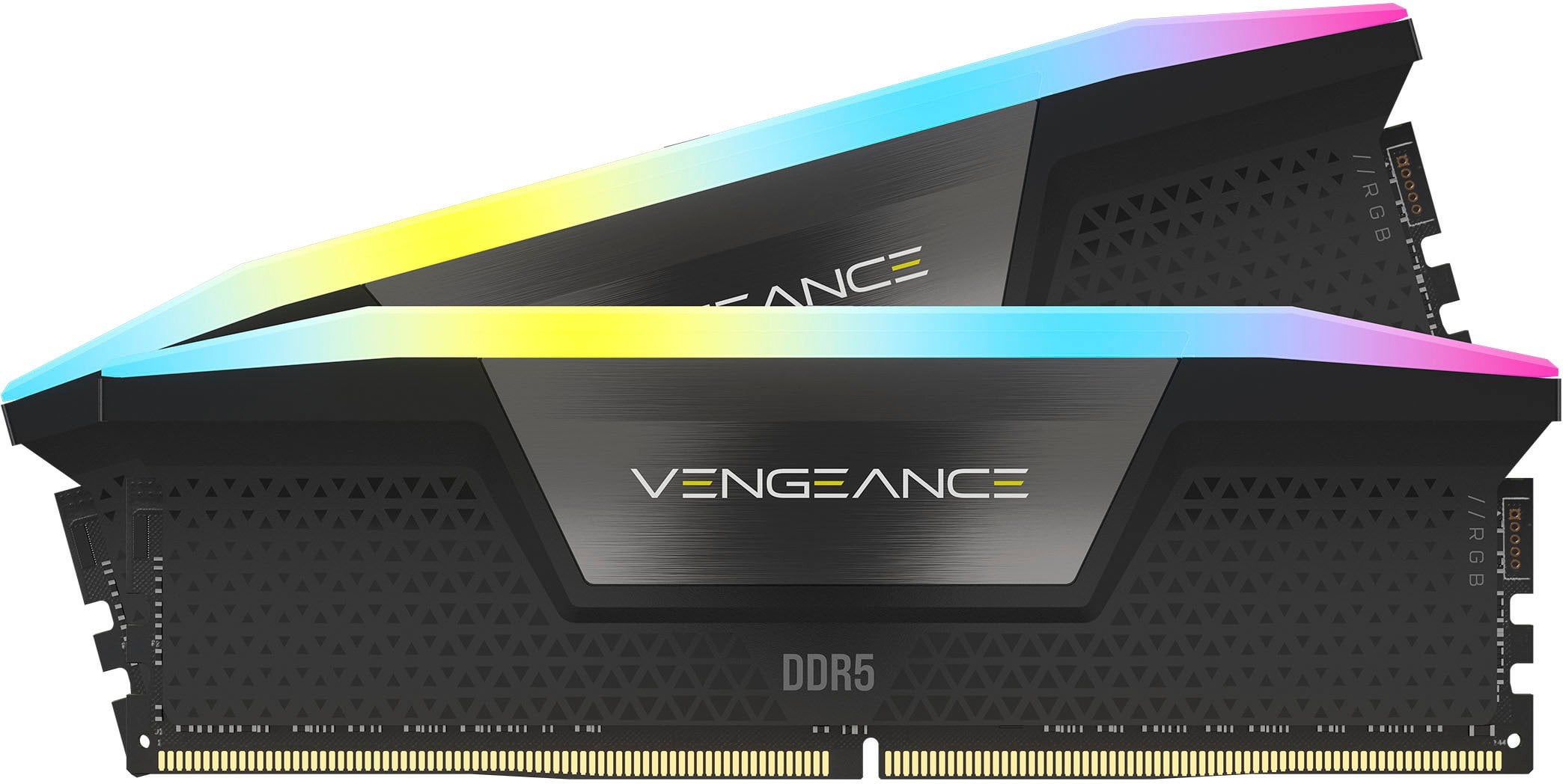
Hey everyone, i built a new pc for my new place Here are the specs just in-case
i7-14700k,
64gb Corsair DDR5 6000MHz (4 sticks of 16gb) Link for ram: https://www.bestbuy.com/site/sku/6562314.p?skuId=6562314 ,
MSI pro z790a wifi mobo,
850w psu,
Corsair qx fan and aio,
Asus tuf rtx 4070ti.
When i tried to run xmp for the 32gb (2 sticks) everything worked perfectly i tried the memtest for 2 hour and no errors. BUT when i tried to run xmp at 64gb it keep failing. I even plugged in the 16pin slot on top of the mobo for overclocking purpose too. I do not know how to manually adjust the timing for the ram.
Does anyone have any idea of what i should do? I can run xmp 32gb at 6000MHz or i can run 64gb at 4000MHz. I play a lot of AAA games (CoD, just got back to Cyberpunk, forza horizon series, etc.) and I do a lot of video editing for my side gigs. Thank you in advance!
3 Comments
The XMP profile is for the 2x16GB configuration, you can’t mix kits without going into manual territory. Generally, memory clocks with multiple DIMMs per channel are bad, and that’s especially true on DDR5 where they are awful.
The motherboards and the CPU’s memory controller just can’t handle it well, it’s not a problem with the memory sticks themselves.
As such, people who care about memory performance should always max out the memory capacity with 1 DIMM per channel – preferably even with a board which only has 1 slot per channel – before even considering adding additional DIMMs.
For your CPU, that would currently be 96GB via 2×48 (1 DIMM, 2 ranks per channel of Hynix 24gbit M memory).
You can fit that 96GB before serious performance degradation, but right now you only have 32GB in those main slots.
If you want more RAM i would say send it back and get one of those 2×24 or 2×48 XMPs. https://pcpartpicker.com/products/memory/#b=ddr5&Z=98304002&sort=-speed&page=1
with 4 stick you might be limited to 5600, your board should do 6400 in that configuration according to MSI but qvl lists and listed ram speeds aren’t very reliable with ddr5
I picked up 2×32 very cheap and it works great 5600 c40 kit running at 6200 c28.
selling you ram and getting another kit might be a good option but if you can get 5800 stable with tight timings then you won’t be losing out much in terms of performance
It will most likely run. But your CPU probably needs more system agent voltage then the motherboard is defaulting to, or less in some cases.