
[https://www.youtube.com/watch?v=MYA-OoD-By4](https://www.youtube.com/watch?v=MYA-OoD-By4)
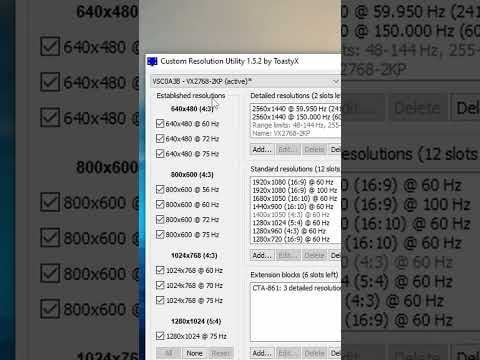
I’ve used this to overclock my completely normal non-gaming AOC 2470W monitor to 75Hz from it’s normal 60Hz. Windows settings says it’s on 75Hz when I do the stuff mentioned in the video in CRU and HWiNFO doesn’t say anything refresh rate related about my monitor. Is there a concrete way I can find out if it’s actually working and there aren’t any damaging factors?
I personally can’t say I’m seeing any difference, I don’t know what the difference would look or feel like since I’ve never seen more than 60Hz. The only thing I can definitely see is that there’s no Gamma anymore, black is just really profound black and there isn’t that gray screen anymore in games basically, stuffs really clear now. That Gamma change also happens at 61Hz and it’s actually more pleasant.
I’ll try 144Hz and tell you guys.
2 Comments
You won’t be able to get 144Hz on a 60Hz panel. Monitor overclocking is fun and all, but it isn’t magic.
To be honest, I would never consider monitor overclocking to be ‘safe’.
Monitors are not made for overclocking, there is always a chance that you damage your panel permanently.