
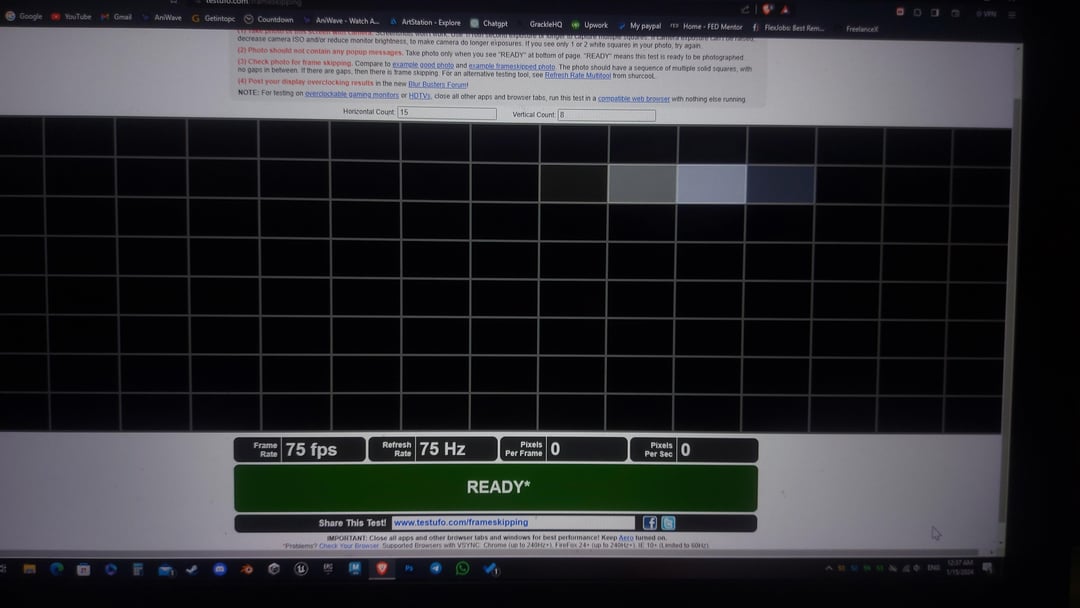
So to make it short, I have overclocked my dell laptop and I think the maximum I could reach is 100hz tho I mostly used 75hz for less risk.
Currently I applied 90hz and need to discuss how it actually affects everything.
I am not the heaviest user really and I don’t play very demanding games, the most I play nowadays is Valorant and try to boost as much fps as I could.
One concern for me is, are there really difference whether using for browsing and normal work vs gaming and intensive tasks ? In theory both use cases the laptop will try displaying the max hz it could and I guess for normal work it would be constant at 90hz or whatever OC we get so why is it more risky on gaming or intensive tasks to affect it? As long as it could withstand extra temps I think the graphics card do the rest on rendering graphics.
I want to take advice on which is better to stick with. I checked framskipping it was alright and I don’t think the color accuracy got worse or anything.
Specs: Dell 15 7577
GTX 1050ti
i7 77000hq
16gb ram
AUO63ED monitor name.
Framskippig test below:
P.S: I didn’t know what tag to assign lol.
2 Comments
Well, higher refresh rate uses more battery
I dint know you can overclock refresh rate im currently playing on tv 43 inch 1080p 60 hz gonna try now to push it to 100 hz i never experience it more then 75hz tho that was old crt monitor dint see difference between 75 and 60 hz