
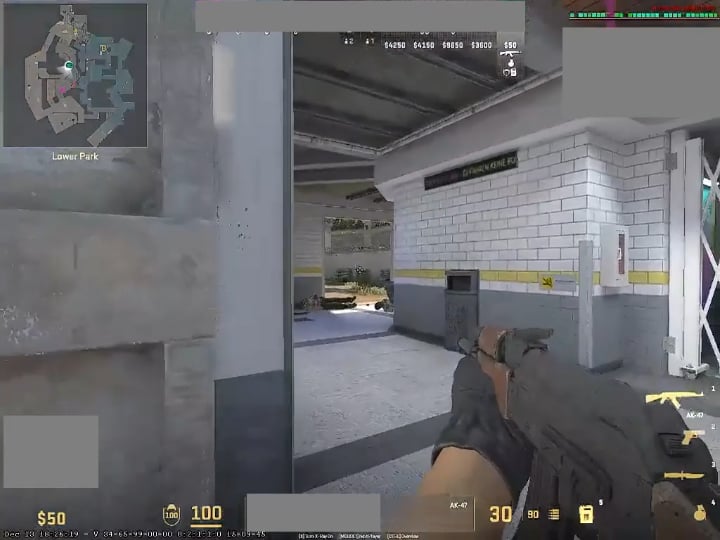
Apologies for the poor quality. Specs are 3200g, vega 8 iGPU and 16gb ram. Hence why using obs while playing a game lags it some. This is the problem. Happens at random. The black screen takes a really long time sometimes while pretty short amount of time sometimes to take me back to desktop. Other apps will open, but the black screen remains. If I hover over the app mini window, it will show the desktop and app working but disappear to black screen again when the mouse is moved. The game runs smooth and well, getting a hundred fps or more in a couple of maps as well. These crashes just make it unplayable. Happens at least once every mm game. Ironically, I also play private community matchmaking and the game does not crash from community servers. Just official dm and matchmaking servers. Faceit also not as far as I remember.
14 Comments
Same with me. Have to restart computer every time it happens, because even task manager is blacked out.
Recently, I have learned to open a “new desktop” through command “windows + tab”. In the new desktop, I could access task manager to kill CS2 not responding process. It’s not a solution, but it helps since I don’t need to restart the whole computer anymore, reconnecting to the game before auto timeout for disconnect ends.
Valve pls fix
-vulkan fixed it for me
You have an integrated GPU that will always be a bottleneck for gaming.
Make sure you are not running power saving or balanced mode on your laptop energy options
Can’t you open task manager and on CS2, click end task. I did that with csgo when it crashes.
Recently got a double monitor set up and always keep task manager open on my 2nd monitor for this exact scenario. Also every time this happens to me whether or not I restart my PC, my mic stops working and I have to mess around with the settings and sometimes unplug it for it to work again.
Same with two of my friends. They both have Intel CPUs and GTX 1660s. Any way to solve this problem?
Go into steam and close it from there
cs2 once crashed my pc so hard that my pc didn’t register my boot ssd and i had to completly reset my bios to get it back
This happened to me often. In my case, I discovered that it was the “undervolt” that was causing it. I undid it and was able to play without interruptions. AMD graphics card
Best solution:
Go task manager > file > always on top
Now everytime anything ever crashes and it forced itself onto your screen – when you launch task manager it will be ontop of any stuck program and you’ll be able to use it.
i think it’s just a driver issue for an old GPU that doesn’t have any optimisations for CS2. try using the vulkan renderer and see if that fixes this crash.
on my older laptop which stopped getting game ready driver updates a long time ago i used to get these sort of issues in many newer titles (GTX 1050).
Oh shit, had the same thing happen to me yesterday for the first time. Even my discord died after that
Manged to kill it with task manager and could restart the game
My CS2 has been crashing pretty much exactly the same. First game in years that is actually crashing like this on my PC. I even did full format and re-install of Windows 11, with latest drivers and still – randomly, same thing happens. Latest hardware and drivers (7800XD3, 4090). Not 100% on this but setting fps_max 0 seems to make it more prone to crashing instead of default fps_max 400. Might try the Vulkan rendered thing next.
Maybe try not playing on a microwave, that will fix the problem for sure.