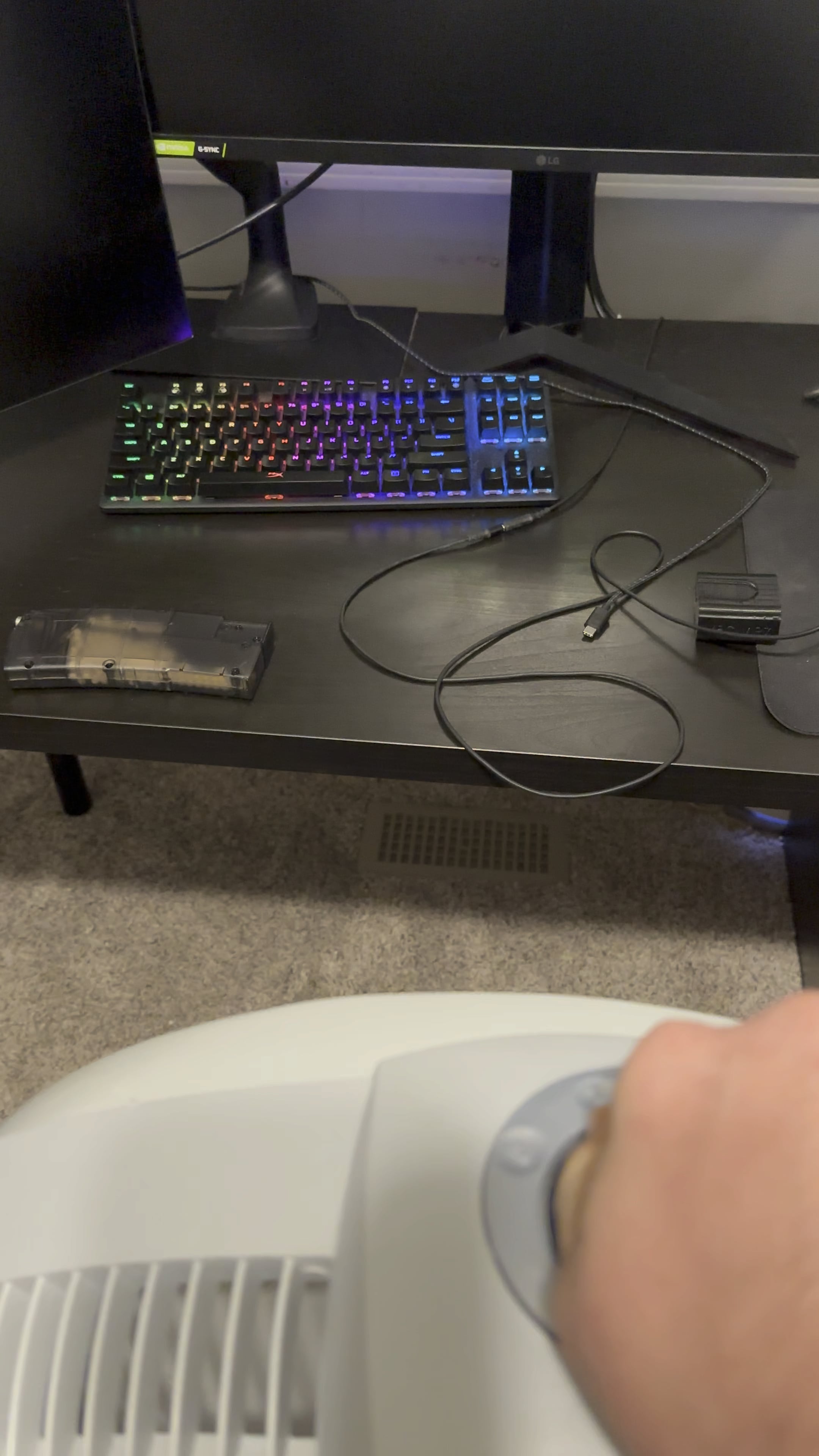
It also does it with my mouse too. I plugged the keyboard into my laptop and it stopped doing it. So I wonder if the fan is causing small surges or something that’s screwing with the 5v or usb line on my pc.
rumblemumble46
Are the outlets on completely different walls? I don’t know anything about electrical wiring but that is a bizarre issue. I’ve never heard of anything like that before. Might be something to ask an electrician about
Formal_Ad330
wait, what? how?
bobby4385739048579
normally outlets to a room all go to one connection back at the switch board.
try connecting out of room.
but some thing is not right, u might wanna get it checked
djternan
If I switch the fan fast enough at my house, my monitors go out. When you have things like fans and window AC’s on the same circuit as your PC, you can run into issues like this.
Safe-Key-1115
Different outlets don’t mean it’s a different circuit.
ExpediousMapper
Mine does that too, it appears to be something reacting to piezoelectricity near the space bar on mine.
Edit: I noticed it while clicking a sparker from an electric ignition lighter
Takardo
I can do the same thing but my monitor will turn off instead
Lysergene
My guest bathroom fan turning *off* will make my speakers overload for a split second. I always know when my roommate has taken a shit.
LazyNerve
What’s brand of your keyboard?
ImBadAtGames568
if this is an issue, see if a UPS fixes it
kurukikoshigawa_1995
i feel u man. my games run better if i have ALL my game launchers open lmao its so wierd
sandro_lake1
this happens cause the outlet are on the same breaker so they still share the electricity.
SnooWalruses7416
It’s electro magnetic interference from the electromagnet motor in your fan. Switch the fan to a different plug from your computer. You shouldn’t have electric motors and computers on the same line. Also your power supply is probably junk.

14 Comments
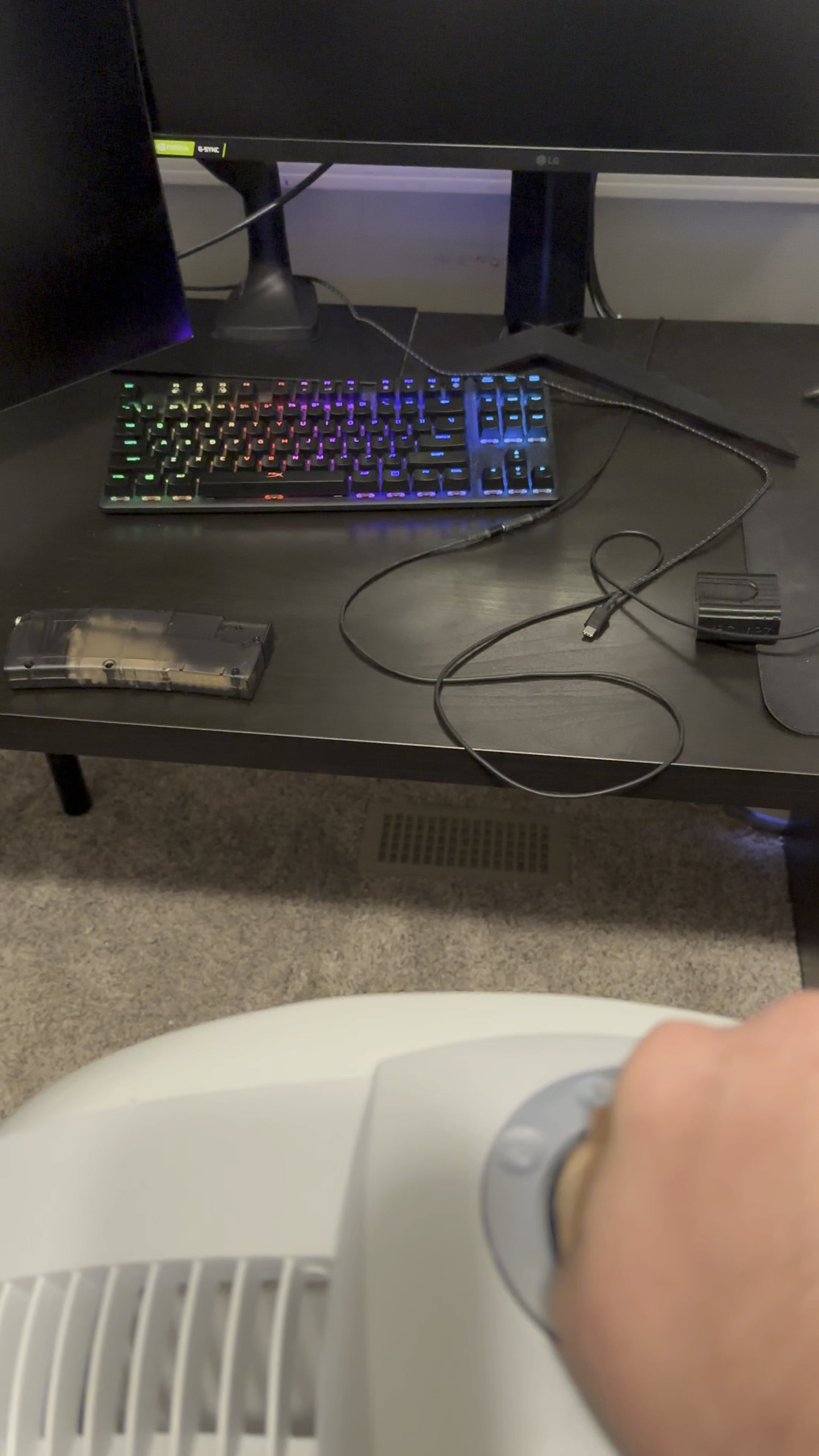
It also does it with my mouse too. I plugged the keyboard into my laptop and it stopped doing it. So I wonder if the fan is causing small surges or something that’s screwing with the 5v or usb line on my pc.
Are the outlets on completely different walls? I don’t know anything about electrical wiring but that is a bizarre issue. I’ve never heard of anything like that before. Might be something to ask an electrician about
wait, what? how?
normally outlets to a room all go to one connection back at the switch board.
try connecting out of room.
but some thing is not right, u might wanna get it checked
If I switch the fan fast enough at my house, my monitors go out. When you have things like fans and window AC’s on the same circuit as your PC, you can run into issues like this.
Different outlets don’t mean it’s a different circuit.
Mine does that too, it appears to be something reacting to piezoelectricity near the space bar on mine.
Edit: I noticed it while clicking a sparker from an electric ignition lighter
I can do the same thing but my monitor will turn off instead
My guest bathroom fan turning *off* will make my speakers overload for a split second. I always know when my roommate has taken a shit.
What’s brand of your keyboard?
if this is an issue, see if a UPS fixes it
i feel u man. my games run better if i have ALL my game launchers open lmao its so wierd
this happens cause the outlet are on the same breaker so they still share the electricity.
It’s electro magnetic interference from the electromagnet motor in your fan. Switch the fan to a different plug from your computer. You shouldn’t have electric motors and computers on the same line. Also your power supply is probably junk.