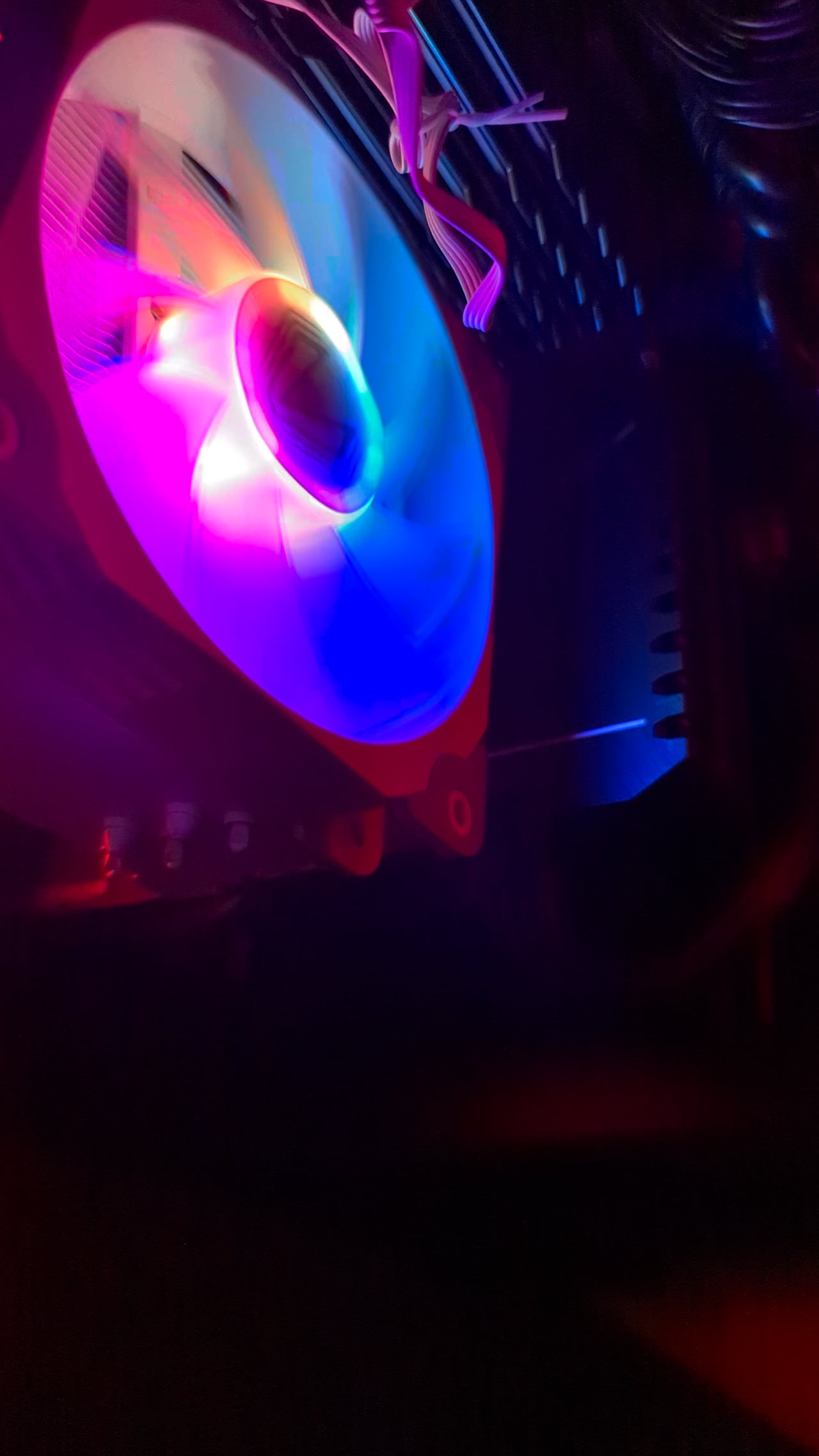
You think this is dangerous or can I do this until a new CPU fan? Or repurpose a front fan and stick it on the cooler?

You think this is dangerous or can I do this until a new CPU fan? Or repurpose a front fan and stick it on the cooler?
47 Comments
You have a dead bearing. Replace soon. Will cesase to work entirely eventually.
Just use your finger. Those fans can’t hurt you. Also, you need a new fan.
Does it not work better if you start to spin it in the correct direction? You’re working against it in the video. You’re doing the opposite of a prop start.
Wow 1st world war plane starter system. Cool.
Next up: replacing a failed fan.
Some fans can leak fluids when failing
Aplica un poco de w40

The CPU waiting for you to start the fan.
if you manually spin it, it turns into a power generator and sends it to the PWM conector on your motherboard, its not gonna be a lot tho, but might as well just slap a case fan on it.
My cousin is heavy into airboating. He sent me a video he took one day that had a 95% chance of being a snuff film. It was 2 incredibly drunk rednecks trying to prop start a Lycoming powered airboat. This one hillbilly is leaning off the bank drunk off his ass spinning the prop. It was like watching a car die on the tracks and you can see a train coming like a mile away. I’ll be goddamed after staggering around and almost falling into the prop 20 times this old fucker gets the boat to start without falling into the blender.
You can try adding a dab of machine oil to the fan bearing ( you can access it under the fan sticker). Its not dangerous to do , however its not good for the pc that it might not have cooling. So do this until you have a new fan
Bro has to start his pc like a fucking car
### 💀
Where handcrank
“I’m tired, boss” -the fan, probably
You should replace the fan. You’re going to break something with that pen
Take the fan off to see if it freely spins.. if it does then you know something is putting pressure on the blades when its mounted to the heat sink
It would have been much easier if your where pushing it round closer to the hub silly
use a duster spray next time
The blades are stoped by interior circle of the fan, mostly happen with low quality material by heat and spinning. If it’s a physical simple problem.
Just get a new fan bruh
Now do it without toothbrush
I was just waiting for the smoke puffs when it started like an old fighter plane!
Imagine having to do that every time you start up your computer.
Clean and lube?
happened to my fan as well iwas full of dirt and needed to get cleaned after it was like new
All PWM fans got complete stop function, so you can basically do this anytime on your case/aio fans. Stop it with holding finger in middle(not in blades), it will stop, then if you spin it just a little, it will work again. Don’t get your fingers cut, be careful. DC fans go full power, so don’t do it on those.
Just use your finger.. that fan will not chop your finger off.
Just bear in mind that if your motherboard/fan/psu doesn’t have adequate overcurrent protection you could fuck stuff up pretty badly. Replace the fan and stop using it asap.
It only ever works right if you yell, “CONTACT!”
CONTACT!
Just buy a new cooler
If you’re trying to limp it along the trick we used to do on old PCs was to grease the fan bearing. On the back side where the info sticker usually is, you can carefully lift up that sticker and typically you can see part of the bearing. If you shoot a little WD-40 or something similar in there you can squeeze a bit more life out of the fan and usually break up and corrosion/gunk that causes the fan to spin slow or stick like this.
r/mildlyinfuriating
You can get new fans for pretty cheap dawg
Works better with a metal pencil
https://preview.redd.it/wq62zquz9a3c1.png?width=320&format=pjpg&auto=webp&s=a5870524559d59fd51292bb9d9aa7f41b4f4363a
Like everyone else is saying, no need for a tool, just use your dick
had to do this to my series x’s top fan recently
😐
#Yeah I would replace the fan.
On a budget for RGB? I have had no issues with Asiahorse.
Hell, Thermalright is even cheaper! Pack of three for $12.99!
That bearing is seized bad. It needs oil or a form of lubricant. I’d personally use bearing grease
You don’t start a pc fan like that. You turn on the computer, and unless it’s in sleep mode, it doesn’t appear to be working or if it’s a cooler, isn’t hot enough. Bottom line, the way you’re starting the fan isn’t the issue. It should already he spinning. You don’t start a fan with a pencil.

CLEAR PROP!!
Just spray some WD-40 on that bad boy and it’ll be good as new.
/s
Poor CPU…cutting time off its life.
I do it with my old GPU fan every time I launch my PC except I do it with my hands and it doesn’t shine like a Christmas tree.
Bros going after the Red Baron