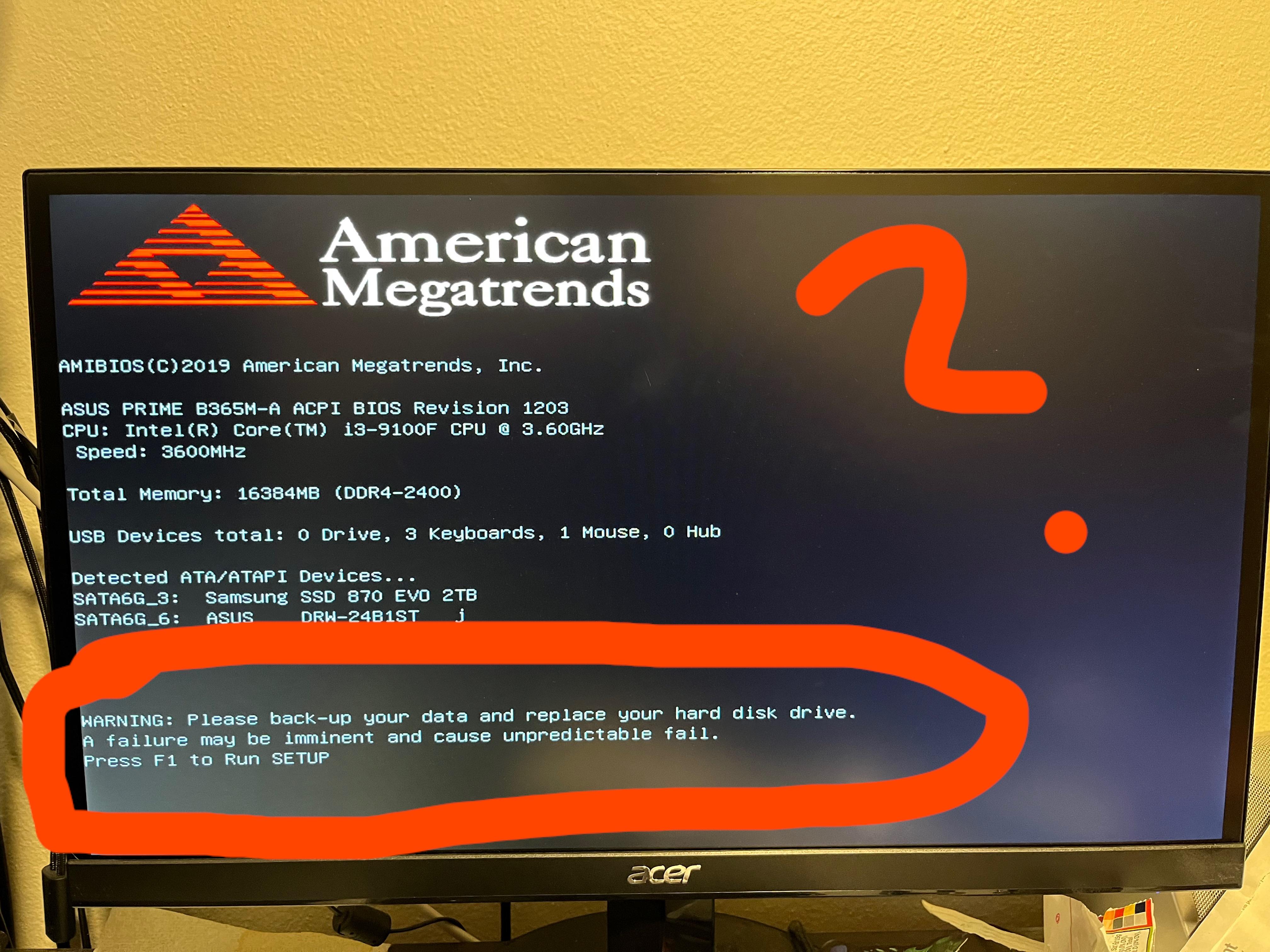
Recently added an SSD to my PC and now when I restart it I get this BIOS message. It says replace hard disk drive but I only have the 2TB SSD and the 500GB SSD from when I built the pc. What??

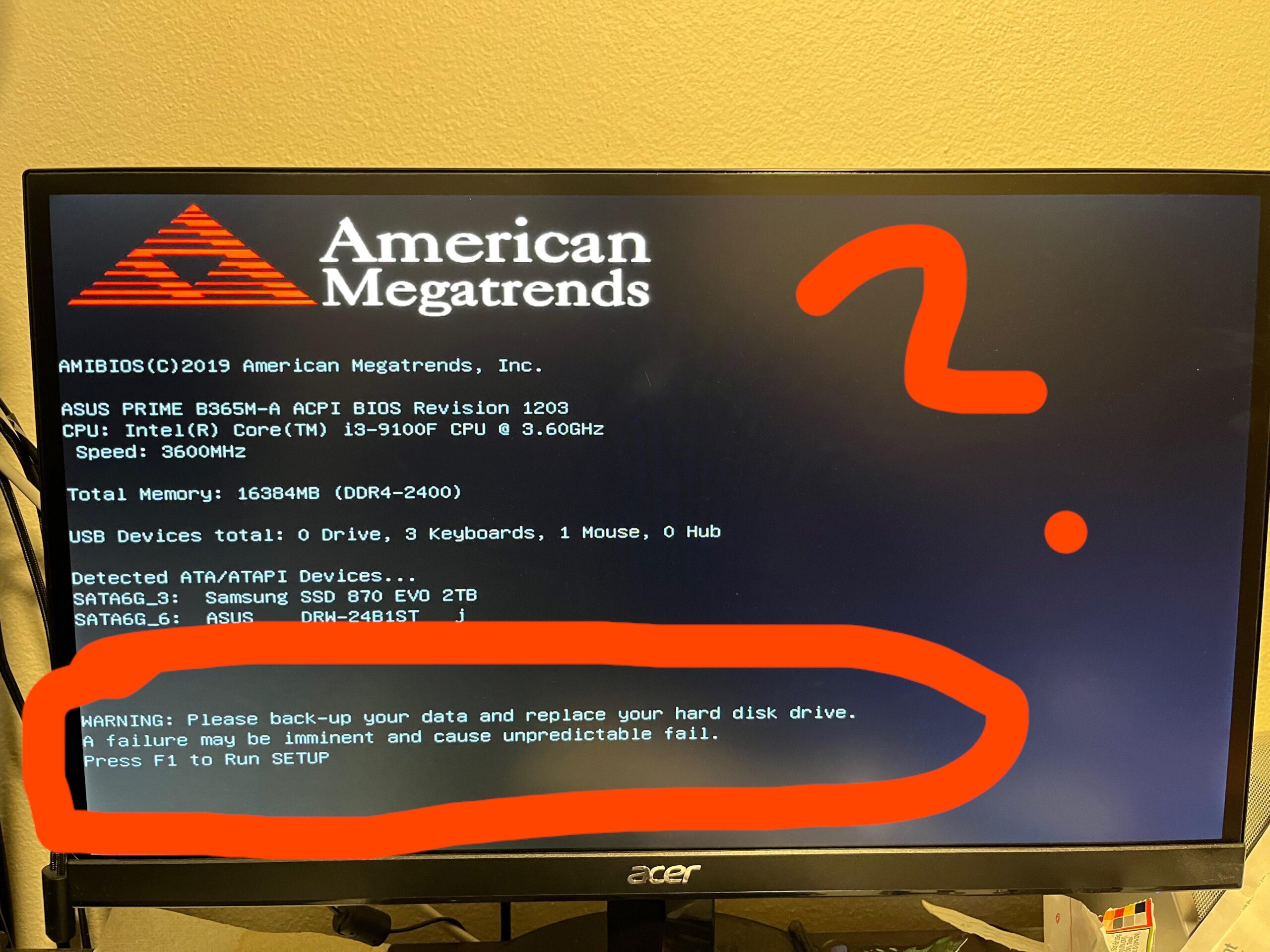
Recently added an SSD to my PC and now when I restart it I get this BIOS message. It says replace hard disk drive but I only have the 2TB SSD and the 500GB SSD from when I built the pc. What??
13 Comments
Check the SMART data of both. One of them is obviously circling the drain.
You can use tools like crystal disk info to see the self test values of the drives (SMART). Your BIOS uses the same function.
Post screenshots of that tool if you are unsure.
And make backups…
Whats weird about it? It tells you exactly what is happening. Check SMART, backup data and replace drive
It’s your Samsung
[https://forums.guru3d.com/threads/got-6-samsung-870-evo-100-failure-rate.448063/](https://forums.guru3d.com/threads/got-6-samsung-870-evo-100-failure-rate.448063/)
Disconnect one of the drives to distinguish which drive is triggering this warning.
Go to bios then select the SSD to start with. Also make sure windows is installed on it
Did you possibly move or disturb the power or sata cable going to your drive while installing the new one? A poor cable connection may cause drive issues.
Computers know shit……. heed the warning
This is why I launch [Crystal Disk Info](https://crystalmark.info/en/download/), once every week.
I’d just do a fresh windows install on your new 2TB. And transfer over whatever is in your 500gb
back-up your data and replace your hard disk drive a failure may be imminent and cause unpredictable failure
With a message that simple and clear I assume you try to push open doors that say pull.
Back when i had this message it meant that my SSD died that carried my OS.